
The 10 Best AI Video Translation Tools in 2026
.webp)
Video translation tools got better fast in 2025 and 2026. Speech recognition stopped choking on accents. Voice cloning learned what tone sounds like instead of just spitting out words. Lip-sync crossed the line from "cool demo" to something you'd actually put in front of an audience.
If you need to translate a video and want it to land like a native speaker — not like someone reading off cue cards — here's the list. AI Video Translator is the one I reach for first for quick subtitle-and-dub jobs. Free, no sign-up, 30+ languages. Nine more worth knowing about below.
Table of Contents
- What Is an AI Video Translation Tool
- Our Picks: The 10 Best Tools, Ranked
- How to Use an AI Video Translation Tool: A Step-by-Step Guide
- Comparison Table: Top 10 AI Video Translation Tools
- Final Thoughts: Which AI Video Translation Tool Is Right for You
- FAQ on AI Video Translation
Three things happen behind the scenes when you run a video through an AI video translation tool. Speech recognition turns the talking into text. A translation model flips that text into your target language. Then a text-to-speech engine reads it back in the new language, and if the tool does lip-sync, it reshapes the speaker's mouth to match the new audio.
That last part matters more than people realize. It's where "video translation" stops meaning one thing and starts meaning three very different things:
| Output type | What changes | What stays the same |
|---|---|---|
| Subtitles | On-screen text only | Original voice and footage |
| Voiceover dubbing | Full audio track, new voice | Footage untouched, mouth doesn't match |
| Lip-sync dubbing | Audio and mouth movements | Only the language |
Rule of thumb: subtitles are fine for internal content, courses, or long-form stuff where people read along anyway. Lip-sync dubbing is what you want for ads, brand videos, or anything customer-facing. A mouth that moves out of sync with the audio is one of the fastest ways to make a video look cheap. 🎬
Our Picks: The 10 Best Tools, Ranked
1. AI Video Translator (Best Free, No-Sign-Up Option)
Type: Browser-based Operating System: Any system with a modern web browser Best For: Creators who want translated subtitles or a dubbed voice track in minutes, without creating an account
AI Video Translator is the one I keep coming back to, and not just because it's free. No account, no card, no download. You drop in an MP4, MOV, WebM, OGG, FLV, MPEG, or MPG file (up to 3 minutes), pick from 30+ languages, and get back translated subtitles — or a dubbed voice track with your choice of AI voice.
✅ Pros: Free, no sign-up, 30+ languages, subtitles and voice dubbing in one tool. ❌ Cons: It's free and open to everyone, so processing slows down when traffic spikes — the output is fine once your turn comes. 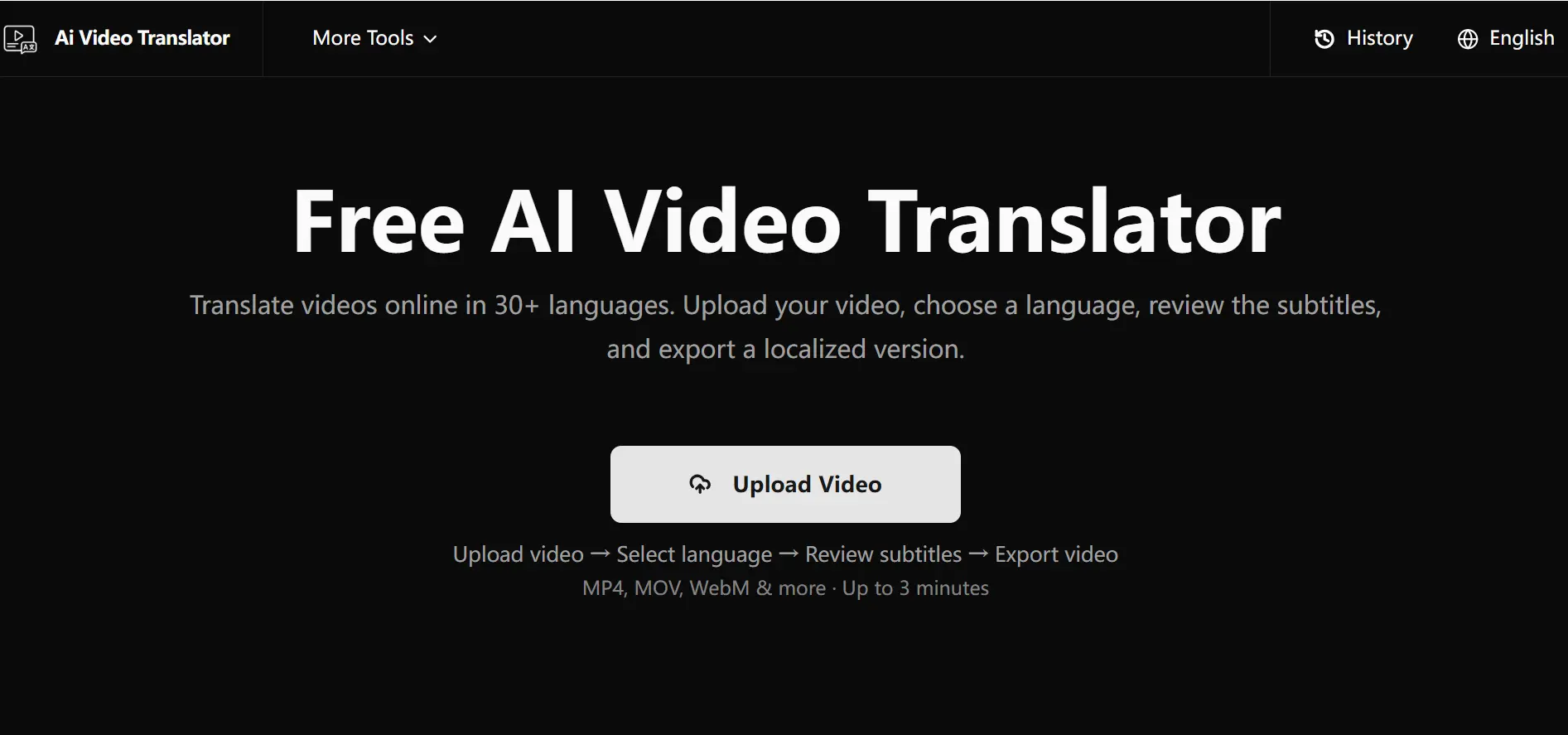
2. Synthesia (Best for Enterprise Video Localization)
Type: Cloud platform (avatar video + AI Dubbing)
Operating System: Any system with a modern web browser
Best For: Companies localizing training, onboarding, or explainer video across many markets at once
Synthesia got known for avatar video creation first. Its AI Dubbing feature extends that: upload footage, and it re-dubs with lip-sync. Avatar narration covers 160+ languages; AI Dubbing of your own uploaded footage currently covers a narrower set (roughly 80+, and expanding — check the current list, since Synthesia has been actively widening this). The free plan gives about 10 watermarked minutes a month. Paid plans start at $29/month for Starter (roughly $18–22/month billed annually, depending on current promotions), scaling to $89/month for Creator, with custom Enterprise pricing adding SSO and SCORM export.
✅ Pros: Avatar and lip-sync quality is strong. SOC 2 Type II, ISO 27001, ISO 42001, and GDPR compliance — the deepest compliance stack in this category. LMS/SCORM export. Custom avatar option for brand spokespeople.
❌ Cons: Credit/minute-based pricing adds up fast at volume. Free tier has watermarks and a hard 10-minute cap. 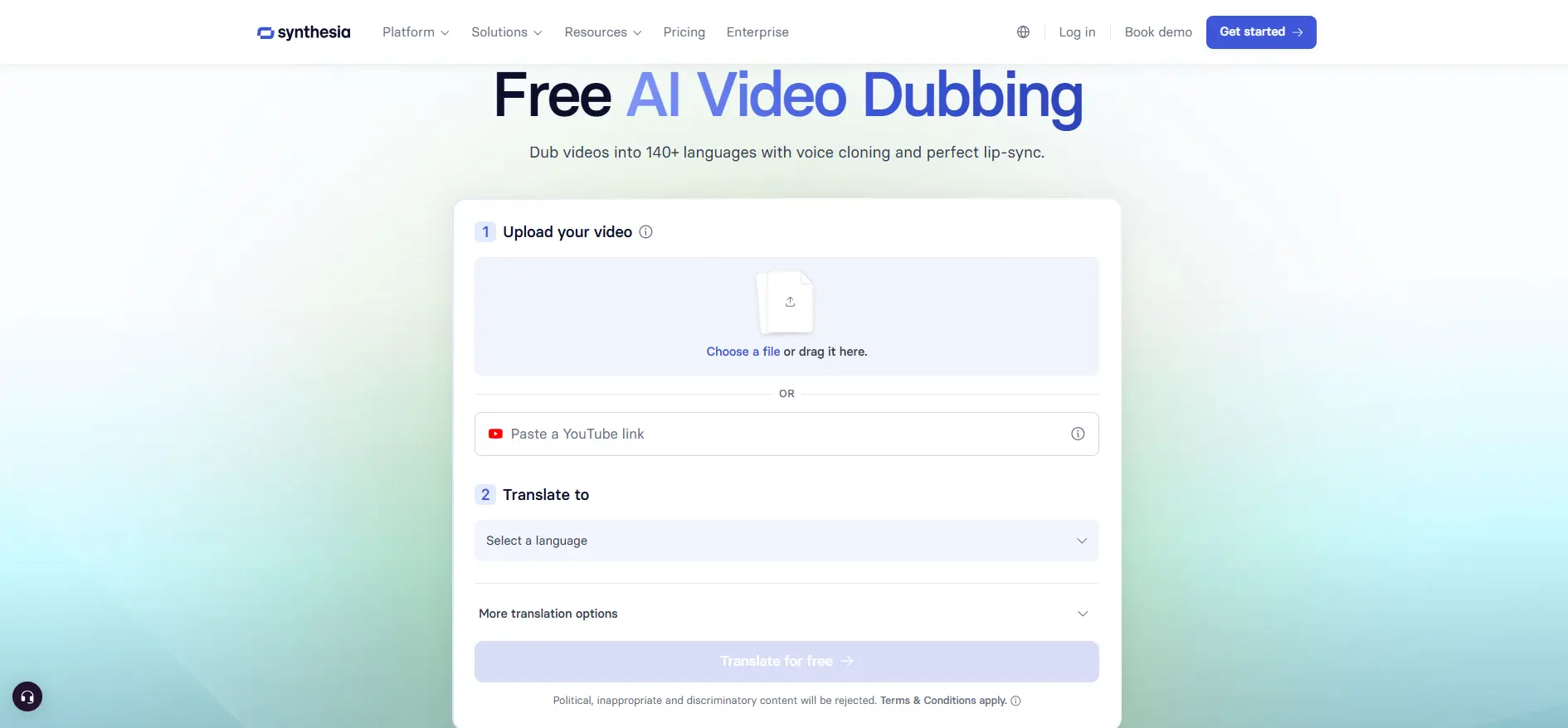
3. HeyGen (Broadest Language Coverage)
Type: Cloud platform (avatar video + Video Translator)
Operating System: Any system with a modern web browser
Best For: Creators and teams who need the widest possible language reach
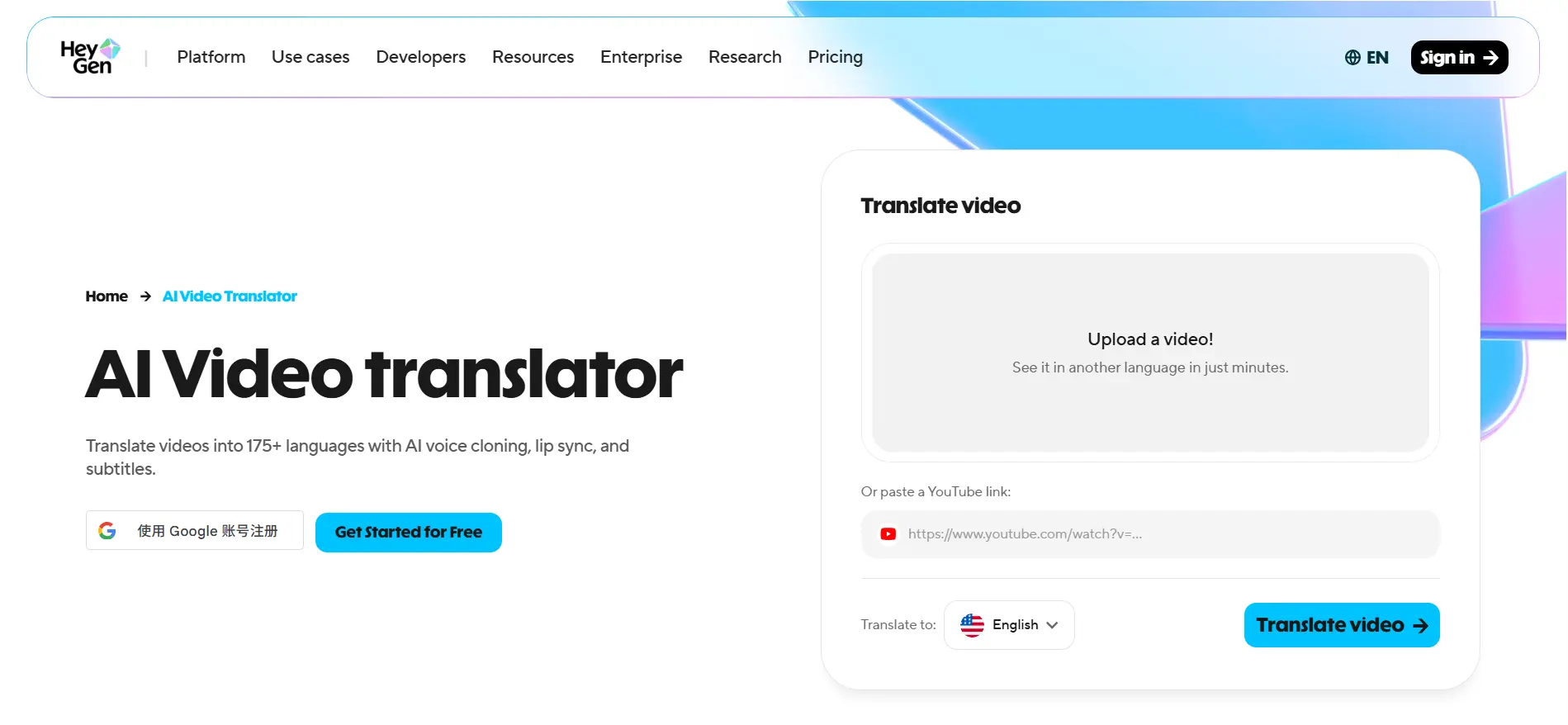
175+ languages and dialects for HeyGen's Video Translator — nothing else on this list comes close to that number. AI captions, voice cloning, and lip-sync translation all in one flow. The free plan gives 3 videos a month (720p, 1-minute cap, watermarked, with limited trial access to lip-sync translation). Paid plans start at $29/month for Creator (about $24/month billed annually), with Pro at $49/month and Business at $149/month plus $20/seat. One thing worth flagging: HeyGen's "unlimited videos" framing on paid plans is usage-capped in practice — everything draws from a monthly credit pool, and lip-sync translation runs around 5–10 credits per minute, so a $29/month plan buys roughly 20–40 minutes of translated, lip-synced video, not unlimited output.
✅ Pros: Most languages of any tool here. Free tier works without a card. Lip-sync looks good on straight-on shots.
❌ Cons: Credit system is confusing at first, and "unlimited" claims don't hold up once you account for credits. Dialect and overlapping-speaker accuracy is hit or miss.
4. ElevenLabs (Best for Voice-Only Dubbing Precision)
Type: Cloud platform (audio-first)
Operating System: Any system with a modern web browser
Best For: Podcasters and creators who care more about voice quality than lip-sync
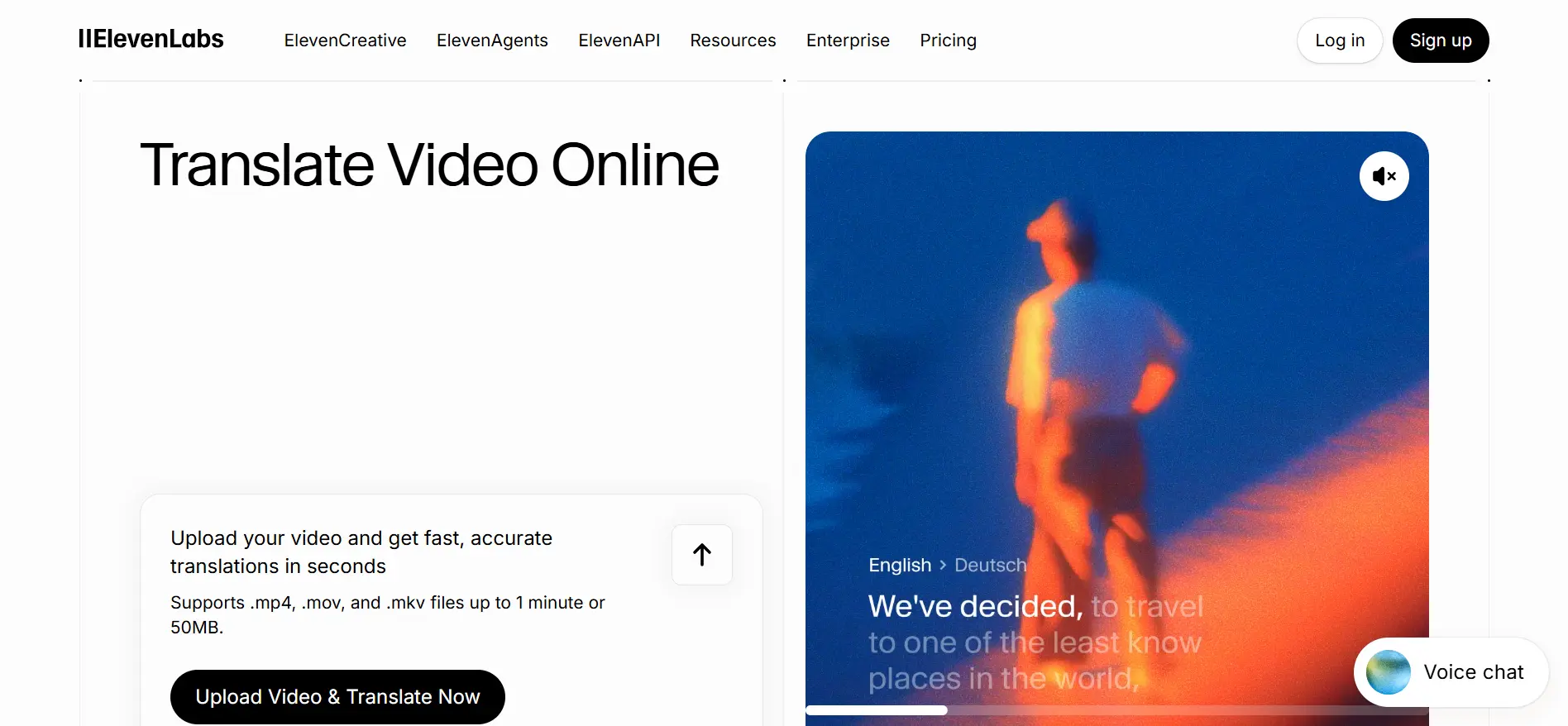
ElevenLabs does voice synthesis better than almost anyone. Its Dubbing tool takes that into video territory: translate and re-voice speech into roughly 90+ languages while preserving the original speaker's tone, pacing, and emotional intent. Plans start at $5/month (Starter) and $22/month (Creator), with Pro at $99/month. Note: ElevenLabs' core strength is audio quality and voice cloning, not visual lip-sync — worth double-checking any lip-sync claims against their current feature page before relying on it.
✅ Pros: Industry-leading voice cloning and emotion preservation. Deep editing control via Dubbing Studio.
❌ Cons: Billing is per language, so one video translated into three languages burns roughly triple the usage. Visual lip-sync isn't the tool's focus.
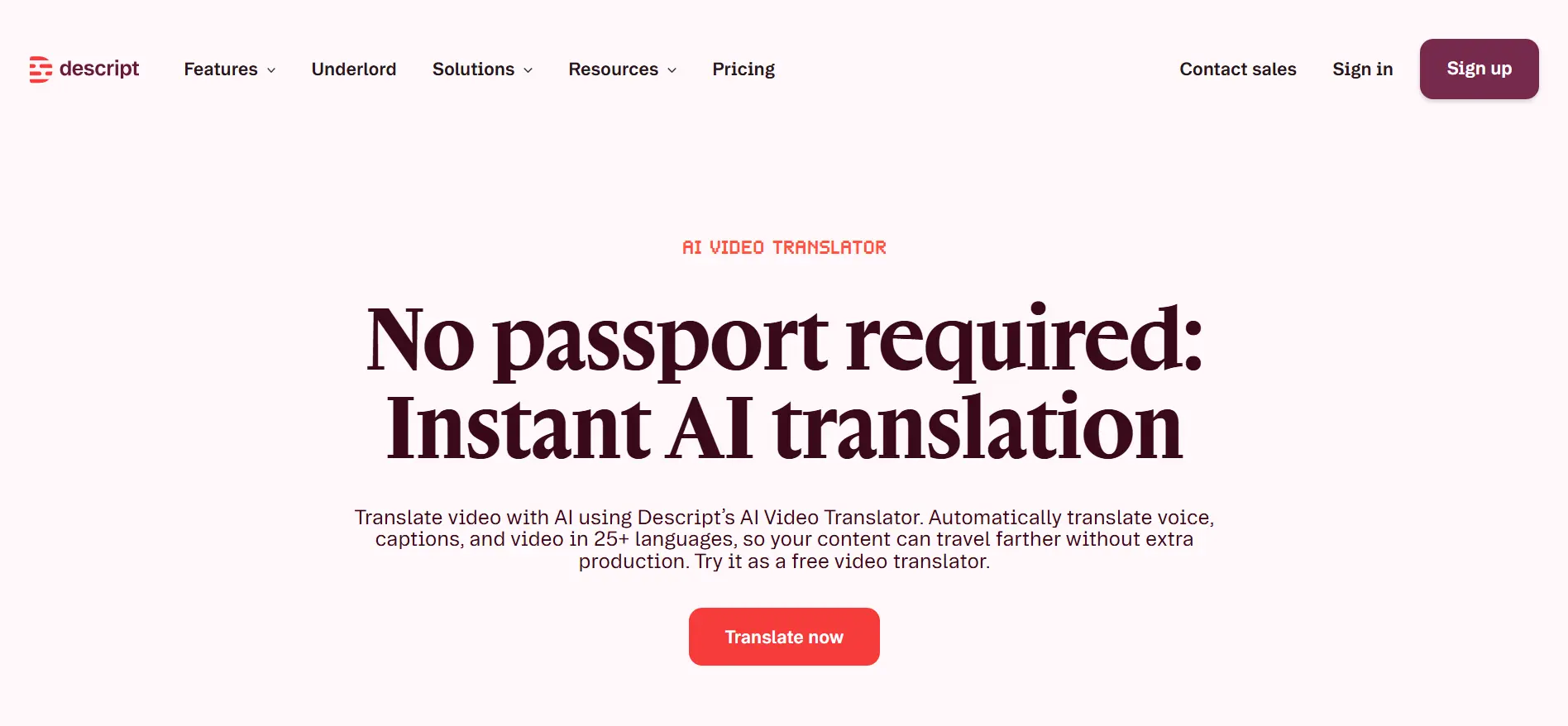
5. Descript (Best Transcript-First Editing Workflow)
Type: Browser + desktop app
Operating System: Windows, macOS, browser
Best For: Editors who prefer editing video by editing text
Descript already lets you edit video by editing the transcript. Translation is a natural extension: it transcribes your upload, translates the script into 30+ languages, then generates a dubbed voice track, trying to match speaker gender and tone (with manual override if it picks wrong). Bulk export handles multiple languages in one pass. Pricing is credit-based and tied into Descript's broader editing plans — worth checking their current plan page for exact translation-credit costs, since it's bundled with the editor rather than sold as a standalone translation price.
✅ Pros: Great if you already use Descript for editing. Auto-matches speaker gender and tone. Bulk multi-language export.
❌ Cons: Best value is for existing Descript users. Credit costs are harder to predict than flat per-minute pricing.
6. HappyScribe (Most Accurate Subtitle Translation)
Type: Browser-based
Operating System: Any system with a modern web browser
Best For: Media and education teams that need subtitle accuracy over dubbing polish
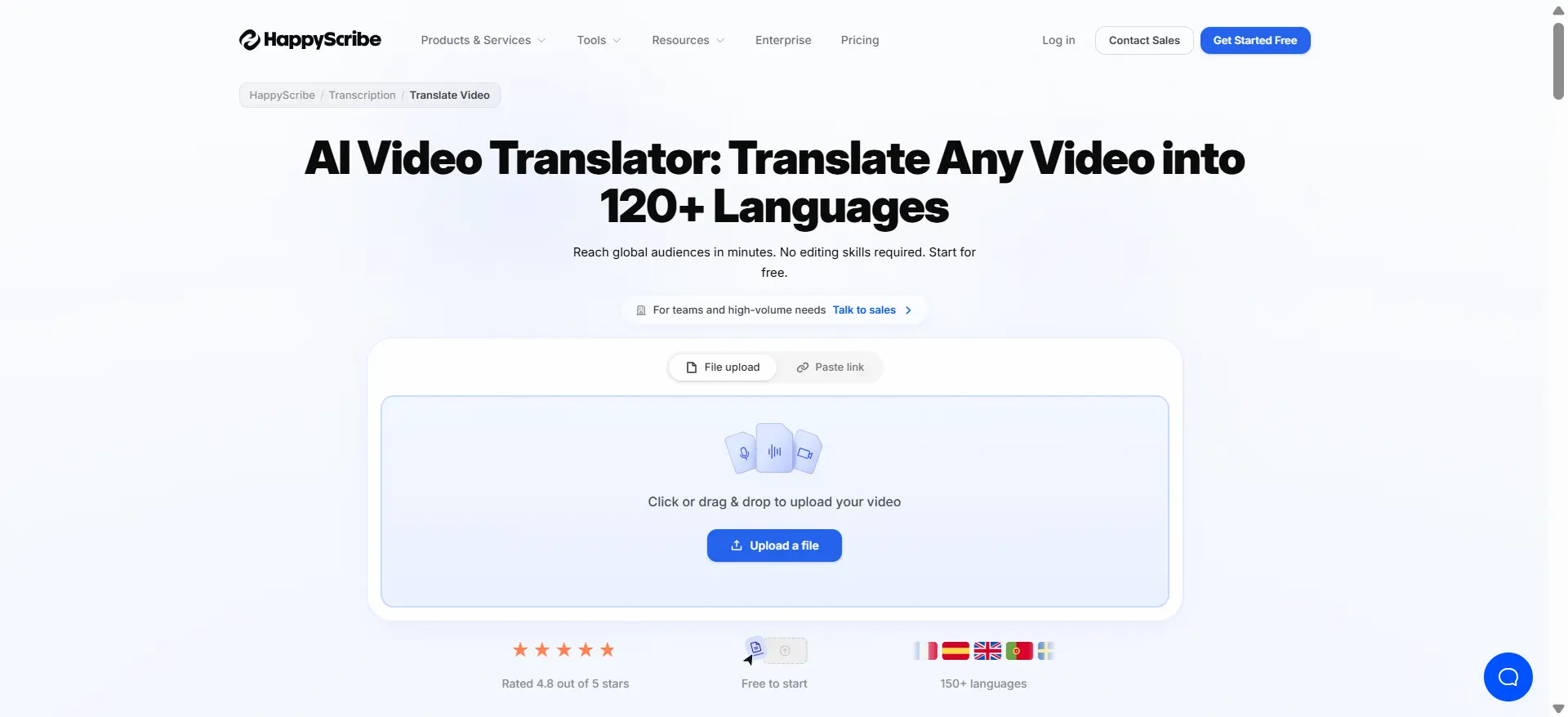
If you care about caption accuracy more than avatar polish, HappyScribe is the one to look at. It handles transcription and subtitling across 150+ languages, with translation available across a narrower set (around 60+ languages) — worth confirming your specific language pair is covered before committing. AI accuracy runs 85–95% on typical audio, with an optional human-review pass (from $2.00/minute) pushing that closer to 99% for content where mistakes aren't acceptable.
Free trial covers 10 minutes of AI transcription, no card required. Paid plans start around $17/month for roughly 120 AI minutes, scaling up through mid tiers to a Business plan around $89/month for higher volume.
✅ Pros: Subtitle accuracy is the strong suit. Human-review option for critical content. Clean export formats for broadcast and LMS.
❌ Cons: Dubbing and lip-sync are afterthoughts here — no enterprise compliance certifications (SOC 2/HIPAA) listed as of now, which matters for regulated industries.
7. CAMB.AI (Best for Live, Real-Time Dubbing)
Type: Cloud platform (batch dubbing + live/real-time dubbing)
Operating System: Any system with a modern web browser
Best For: Live broadcasts, webinars, and events that can't wait for a render queue
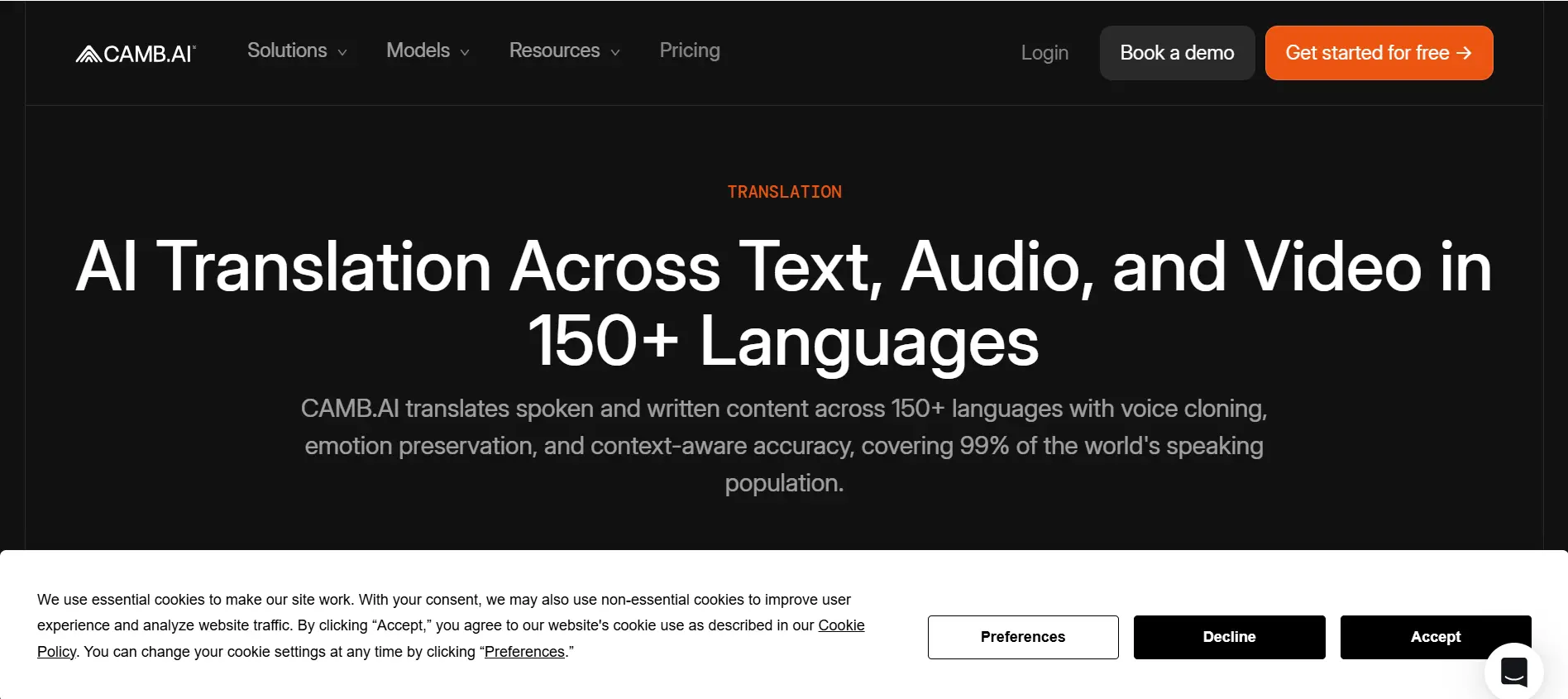
This one's different. Most other tools here work in batches — upload, wait, download. CAMB.AI's MARS and BOLI models also do real-time dubbing, and it's powered live multilingual commentary for broadcasts including NASCAR, Ligue 1, and the Australian Open. 140+ languages, with voice cloning from just 2–3 seconds of reference audio.
CAMB.AI does publish self-serve pricing: a Lite plan around $14.99/month (a handful of included dubbing minutes) and an Advanced plan around $150/month (more included minutes), with custom Enterprise pricing for broadcast-scale volume. Check their current pricing page for exact minute allowances, since these tiers get adjusted.
✅ Pros: Real live dubbing, not just fast batch processing. 140+ languages. Voice cloning from almost no reference audio. Proven at broadcast scale.
❌ Cons: Entry plans include limited minutes; heavy broadcast use still means an Enterprise conversation.
8. Vozo (Best Budget Lip-Sync Option)
Type: Cloud platform
Operating System: Web, plus iOS/Android apps
Best For: Solo creators who want lip-sync dubbing without enterprise pricing
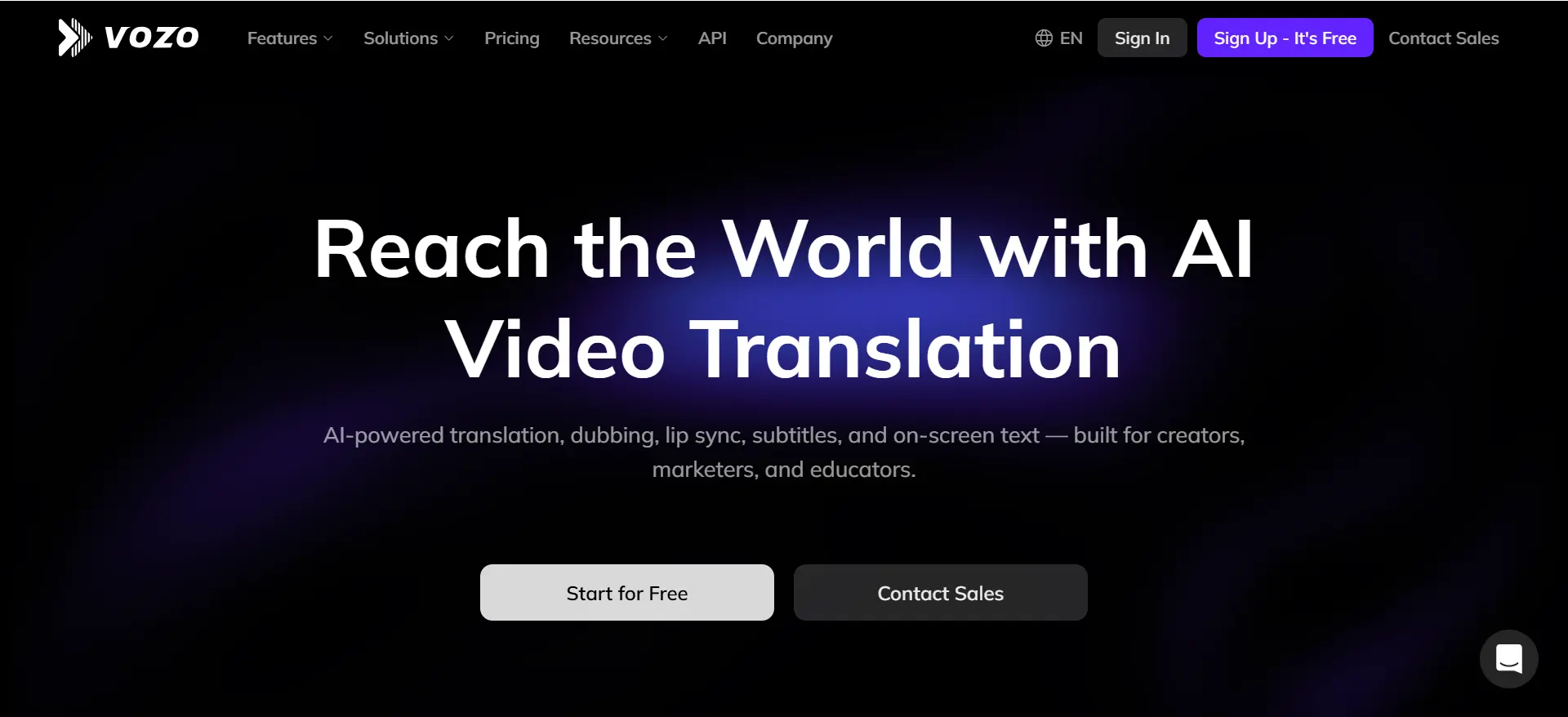
Vozo is what you reach for when Synthesia feels like overkill but you still want lip-sync. Translation, dubbing, lip-sync, and on-screen text translation across 160+ languages, using its own LipREAL, VoiceREAL, and VoiceNATIVE models. The free plan is fairly limited (around 20 AI points, roughly 6 minutes of dubbing, watermarked). Paid plans start at $29/month for Creator (about $23/month billed annually), scaling up for higher-volume tiers.
✅ Pros: Lots of languages for the price. Lip-sync included from the entry paid plan. On-screen text translation rebuilds overlays in the target language. ❌ Cons: Free tier is too limited for real use. Lip-sync quality varies by language pair — test on your own footage before committing.
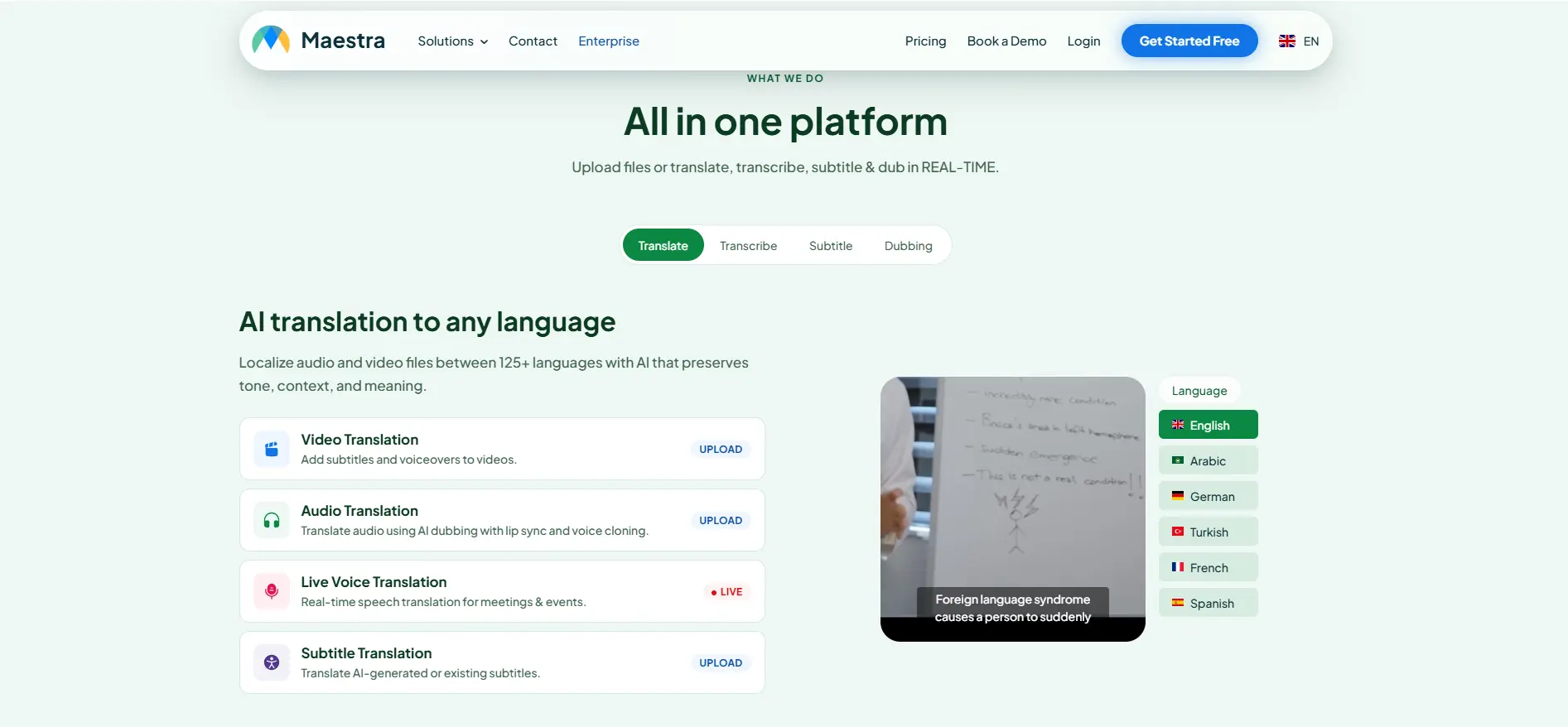
9. Maestra AI (Best for Combined Subtitles + Dubbing Workflow)
Type: Browser-based
Operating System: Any system with a modern web browser
Best For: Teams that want transcription, subtitles, and dubbing in one editor
Maestra AI integrates transcription, subtitle translation, and AI dubbing with voice cloning in a single workspace, supporting 125+ languages for transcription and subtitles — voice cloning specifically is available in a smaller subset, around 30 of those languages. Pricing is modular rather than one flat number: pay-as-you-go starts around $12 per 60 credits, and subscriptions start around $23/month for the entry transcription tier, with dubbing and other modules priced separately. A free trial is available. Budget by feature, not by a single headline price.
✅ Pros: Comprehensive workspace for transcription, subtitles, and dubbing. Live transcription option.
❌ Cons: Pricing is split across modules, which makes total monthly cost harder to estimate upfront. Voice cloning isn't available in all 125+ languages.
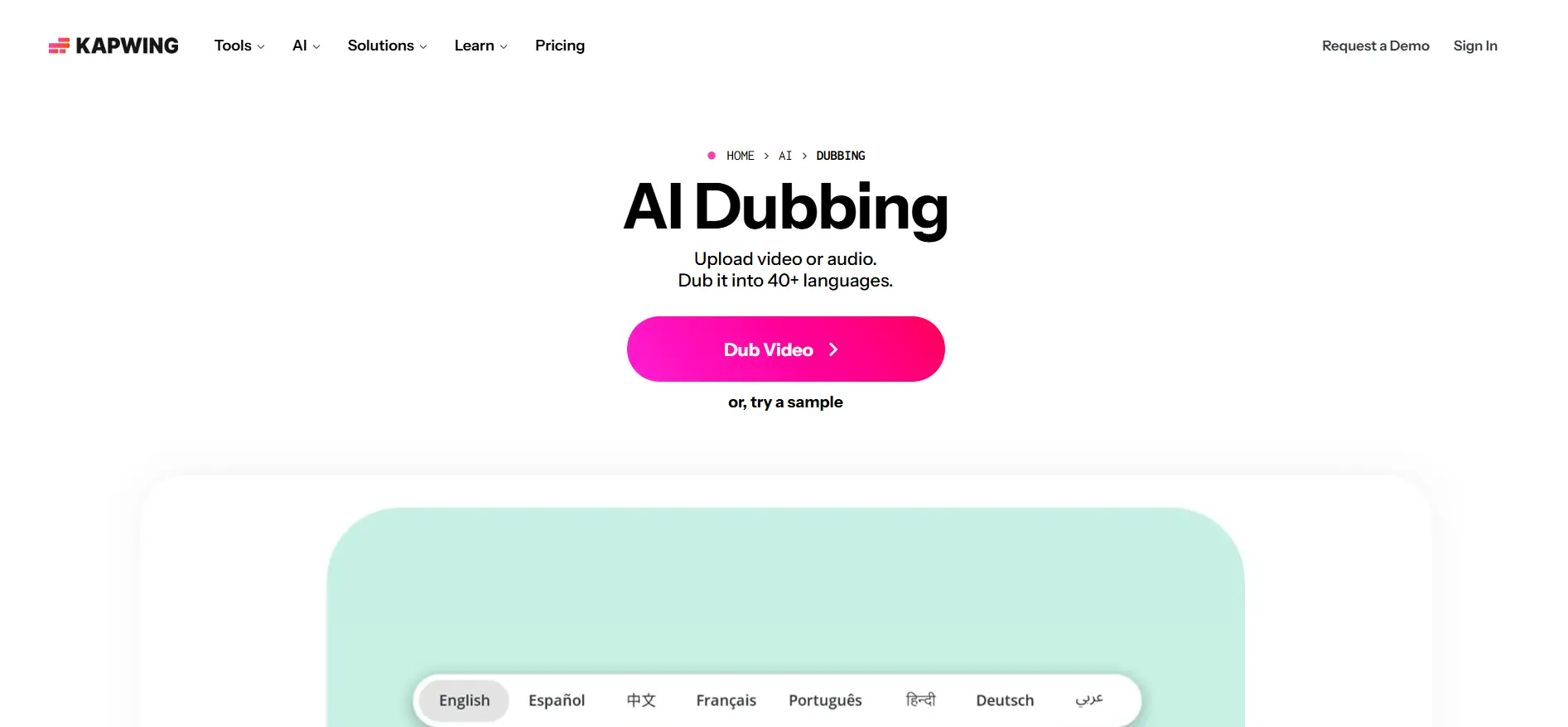
10. Kapwing (Best All-in-One Editor With Dubbing Built In)
Type: Browser-based AI-native video editor
Operating System: Any system with a modern web browser
Best For: Social teams who want to edit, subtitle, and dub in one workflow
Kapwing is a full video editor with AI dubbing layered in. Auto-subtitles and translation cover 100+ languages; AI dubbing specifically covers a narrower 40+ languages, with lip-sync available as part of the dubbing workflow on paid plans. Pricing: Pro at $24/month (about $16/month billed annually) includes roughly 50 minutes of dubbing a month; Business runs $50/user/month. Credits are shared across all AI features (subtitles, dubbing, etc.) rather than allocated separately, and unused credits don't roll over.
✅ Pros: Seamless end-to-end workflow (edit, dub, subtitle) in one editor.
❌ Cons: Shared credit pool means heavy dubbing use eats into subtitle/editing credits too. Lip-sync quality and availability vary by plan.
How to Use an AI Video Translation Tool: A Step-by-Step Guide
I'll use AI Video Translator as the example here because it's the simplest to walk through. No install, no sales call, no account.
Step 1: Upload Your Source Video
Drag your file in. MP4, MOV, WebM, OGG, FLV, MPEG, or MPG, up to 3 minutes. The browser handles it. No plugin, no sign-up.
Step 2: Choose Your Target Language and Output
Pick the output language. AI Video Translator gives you back translated subtitles — editable, then exportable as TXT or SRT, or as a dubbed voice track with your choice of AI voice. Other tools on this list go further and add lip-sync, which is noted in each entry above.
Step 3: Review and Export
Wait for processing. Preview the result. Fix subtitle text if something's off. Export. That's it.
Comparison Table: Top 10 AI Video Translation Tools
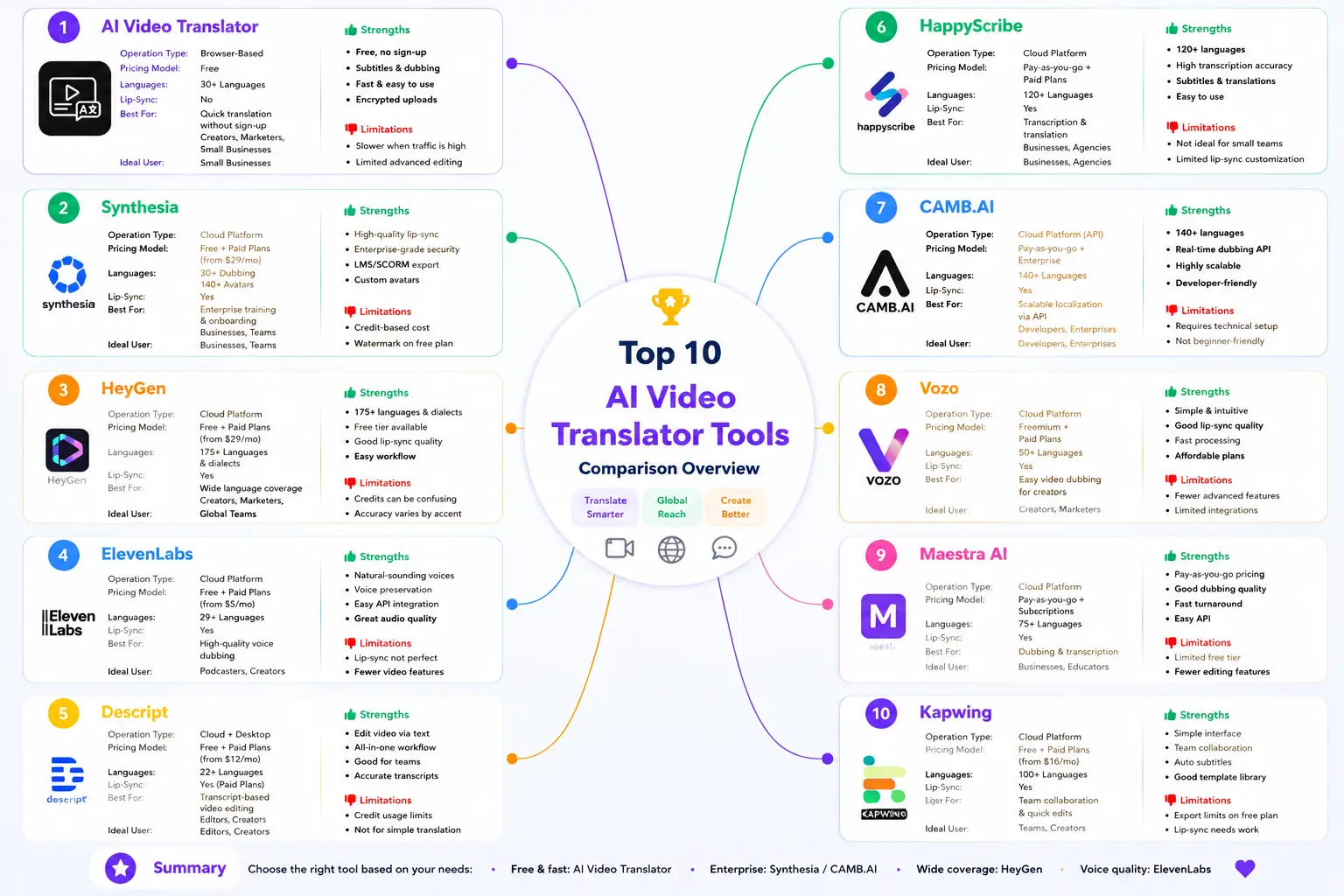
| Tool | Languages | Free Plan | Starting Paid Price | Best For |
|---|---|---|---|---|
| AI Video Translator | 30+ | Free, no sign-up | Free | Fast, free subtitles + dubbing |
| Synthesia | 160+ (avatar) / ~80+ (dubbing) | 10 min/mo, watermarked | $29/mo | Enterprise localization |
| HeyGen | 175+ | 3 videos/mo, watermarked | $29/mo | Widest language reach |
| ElevenLabs | ~90+ | Limited free tier | $5/mo | Precision voice dubbing |
| Descript | 30+ | Limited credits | Bundled with editor plans | Transcript-first editing |
| HappyScribe | 150+ (60+ for translation) | 10-min free trial | $17/mo | Accurate subtitles |
| CAMB.AI | 140+ | Trial available | $14.99/mo | Real-time / live events |
| Vozo | 160+ | Limited free tier | $29/mo | Budget lip-sync |
| Maestra AI | 125+ | Free trial | $23/mo (module-based) | Subtitles + dubbing combo |
| Kapwing | 100+ (40+ for dubbing) | Free tier | $24/mo | Editing + dubbing combo |
Pricing verified against public sources as of July 2026 — these platforms adjust pricing and plan structures often, so confirm current numbers on each provider's own pricing page before making a decision.
If you want the short version: free and instant, AI Video Translator. Enterprise compliance, Synthesia. Most languages, HeyGen. Voice quality over lip-sync, ElevenLabs. Live events, CAMB.AI. 🧭
Final Thoughts: Which AI Video Translation Tool Is Right for You
I've spent a lot of time with these tools. Here's what I'd actually tell a friend:
Start with the free one. AI Video Translator handles subtitle translation and dubbing in 30+ languages with no sign-up. If it does what you need, you're done — no reason to spend money until you hit a wall, like needing lip-sync or a language outside its 30+ list.
Synthesia makes sense once you're a company localizing training or marketing video at volume. The enterprise features and compliance certs cost money, but they pay for themselves once you're doing this across many markets.
HeyGen's 175+ languages are unmatched if reach is your priority — just budget for the credit system rather than the sticker price.
ElevenLabs is the pick if you care about how the voice sounds more than how the mouth looks. Its dubbing quality is in a different league for audio.
And CAMB.AI is the only option here if you're translating something happening live.
One last thing: don't just read pricing pages. Every platform looks similar until you upload your own footage. The real differences show up in how each one handles your speaker's voice, pacing, and accent. Upload something. Listen to it. Then decide. 🎯
FAQ on AI Video Translation
How do I translate a video online? Upload your file to AI Video Translator. Pick a language. Export subtitles or a dubbed version. No install, no sign-up.
Is there a free video translator? Yes. AI Video Translator — free, 30+ languages, subtitles and dubbing both included, no sign-up.
How can I translate a YouTube video to English? Download the video file, upload it to AI Video Translator, and set English as the output. The tool takes direct file uploads, not pasted links.
How do I translate a video from Spanish to English (or any other language pair)? Upload the clip and pick your target language — the tool detects the source language automatically.
Is there a free alternative to Synthesia? If you just need subtitle translation or basic dubbing without avatars or enterprise compliance features, AI Video Translator covers that for free. Synthesia makes more sense once you need avatars, SCORM export, or SOC 2/GDPR compliance.
Is there a free alternative to HeyGen? For straightforward subtitle translation, yes — AI Video Translator handles that without HeyGen's credit system. HeyGen still wins if you need 175+ languages or avatar-based lip-sync dubbing.
Is there a free alternative to Descript? If all you need is translation rather than a full transcript-based editing workflow, AI Video Translator is the faster, free route. Descript makes more sense if you're already editing video there.
Synthesia or HeyGen — which is better? Depends on your priority: Synthesia has the deeper enterprise compliance stack, HeyGen has more languages. Neither is built for a quick, free translation job — that's where a lighter tool like AI Video Translator fits in for simpler tasks.