
5 Best English to Hindi Voice Translator Tools in 2026

A search for an English to Hindi voice translator can mean three very different jobs: helping with a conversation in real time, translating a recorded English file, or creating Hindi audio for a video. The brand name matters less than what you plan to do with the result.
Below are five practical options for 2026, compared across live speech, file upload, video support, Hindi voice output, transcript review, and export. 🎧 At the end there's a three-step example: English audio in, Hindi audio out.
Table of Contents
- English to Hindi Voice Translation Types
- 5 Best English to Hindi Voice Translator Tools at a Glance
- How We Selected These English to Hindi Voice Translators
- 5 Best English to Hindi Voice Translator Tools Reviewed
- How to Translate English Audio to Hindi in 3 Steps
- What to Check Before Publishing Hindi Voice Translation
- English to Hindi Voice Translator FAQ
- Final Thoughts
English to Hindi Voice Translation Types
Before comparing products, sort the job into one of three buckets. It only takes a minute, and it helps rule out tools built for a different workflow.

Live Voice Translation
Live translation is for speech happening right now, such as travel conversations, interviews, classroom discussions, and face-to-face meetings. Speed is the whole point. A live English to Hindi voice translator listens through the microphone and returns the Hindi translation with as little delay as possible.
Recorded Audio Translation
If you already have an MP3, podcast, interview, lecture, or meeting recording, you need a file-based workflow. That usually means transcription → translation → review → Hindi audio or text export, and review is where you'll actually spend your time.
Video Voice Translation and Dubbing
Video adds another layer: timing, subtitles, and often dubbing. For a YouTube video, course, product demo, or social clip, pick a tool that takes the video file or link directly. Stripping the audio out first is a step you don't need.
5 Best English to Hindi Voice Translator Tools at a Glance
| Tool | Best For | Live Voice | Audio Upload | Video Input | Hindi Audio Output | Transcript / Review | Free Access |
|---|---|---|---|---|---|---|---|
| AI Video Translator | All-in-one audio translation | No — recording supported | Yes | Yes | Yes | Side-by-side review and editing | Free to start |
| Google Translate | Live conversations | Yes | No file workflow | No file workflow | Live spoken output | On-screen live translation | Yes |
| ElevenLabs | Voice-preserving translation | No | Yes | Yes | Yes | Dubbing/localization workflow | Varies by plan |
| Maestra | Subtitles and transcript editing | Yes — separate mode | Yes | Yes | Yes | Strong transcript/subtitle workflow | Trial/free access may vary |
| VideoDubber | YouTube and video sources | No | Yes | Yes — upload or link | Yes | Editable transcript and subtitles | Limited free access |
The table makes the trade-offs plain. Google Translate is built for live speech. File-based tools are the better bet when you need to edit the translation, create or export subtitles, or keep a Hindi audio file you can reuse.
Free access and plan details may change. Check each provider's current pricing page for the latest limits. Updated September 2026.
How We Selected These English to Hindi Voice Translators
The shortlist comes down to what matters once you're past the demo. Language count alone does not tell you whether a tool can handle the full workflow.
Translation and Hindi Voice Output
For recorded content the question is simple. Does it take English speech all the way to Hindi audio you can use, or does it stop at a text transcript?
Input, Review, and Export Options
We also looked at how the content gets in and out. Audio or video upload, mic or link input, transcript review, editing, subtitles, and audio you can download.
Free Access and Practical Limits
“Free” doesn't mean the same thing everywhere. That may mean a free starting workflow, a trial, credits, or a limited number of minutes. The question that matters most: can you get far enough to judge the tool before paying?
5 Best English to Hindi Voice Translator Tools Reviewed
1. AI Video Translator — Best All-in-One for English to Hindi Audio Translation
AI Video Translator's audio translator is a strong all-in-one option when you want to upload a file, review the translation, make corrections, and export Hindi audio without moving between several tools.
You can upload common audio or video files, paste a supported link, or record. When it's done, the source transcript and the Hindi translation sit side by side. Names, numbers, and awkward wording are far easier to catch that way. For interviews, lectures, and longer recordings, timestamps and speaker labels can be switched on.
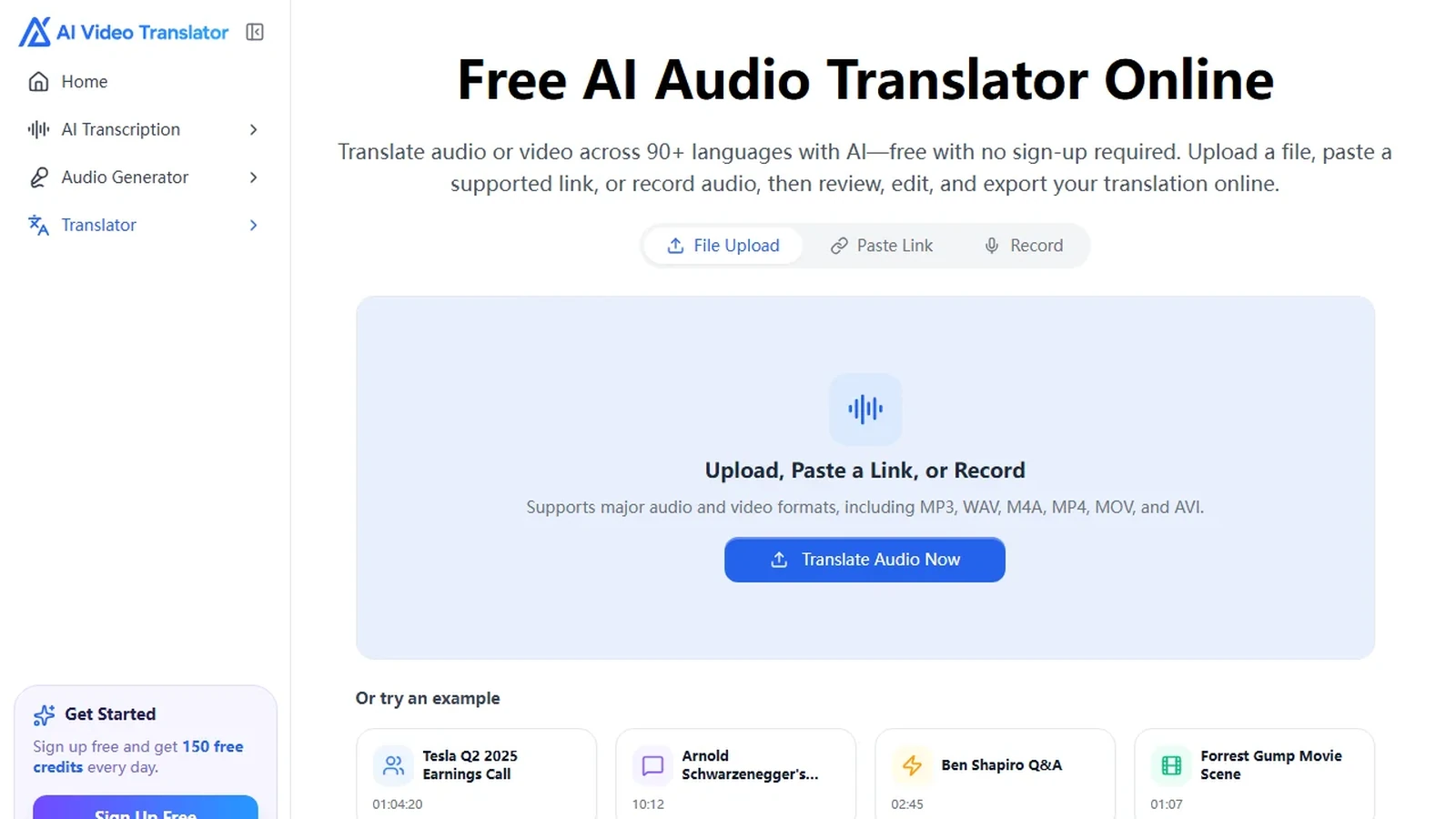
Export is straightforward. Text goes out as TXT, SRT, VTT, DOCX, or PDF. You can download the translated audio directly. You can start for free, so run a short clip through it before you commit anything long.
✅ Key features
- Upload audio or video, paste a supported link, or record
- Automatic source-language detection
- Side-by-side transcript and translation review
- Optional timestamps and speaker labels
- Direct translated-audio download
- TXT, SRT, VTT, DOCX, and PDF exports
Best for: Anyone who wants an English to Hindi voice translator for recorded content with translation, review, editing, subtitles, text exports, and Hindi audio in one workflow.
Limitations: Noisy recordings, unclear names, and mixed-language speech still deserve manual review.
2. Google Translate — Best for Live Conversations
Google Translate makes the most sense when someone is talking in front of you and you need the meaning now. It turns spoken English into Hindi and reads it back. Handy for travel, short conversations, informal meetings.

The trade-off is that Google Translate is designed primarily for live translation rather than long-form production workflows. If you need transcript editing, subtitle export, or a reusable translated audio file, a file-based translator is a better fit.
⚡ Key features
- Live speech translation
- English and Hindi support
- Spoken and on-screen output
- Familiar mobile workflow
Best for: Live conversations where immediate understanding matters more than editing and export.
Limitations: Not the right pick for podcasts, lectures, or anything where you need a reusable translated file.
3. ElevenLabs — Best for Voice-Preserving Translation
ElevenLabs is the one to look at when the Hindi should still sound like the person who recorded it. Its audio and video translation tools are built around dubbing and voice preservation. That makes it particularly useful for narration, creator content, training materials, and branded audio.

If a generic replacement voice would change how the content feels, that focus starts to matter. Trade-off: its emphasis is more on voice and dubbing than on transcript-heavy editing workflows.
🎙️ Key features
- Audio and video input
- Voice-preserving translation and dubbing
- Timing-aware output
- Downloadable translated audio
Best for: Creators and teams that care most about voice continuity and natural-sounding dubbed output.
Limitations: Advanced voice features and longer workflows can depend on the plan you use.
4. Maestra — Best for Subtitles and Transcript Editing
Maestra fits projects where Hindi audio is only one deliverable. The same workspace handles transcription, translation, subtitles, editing, and audio output — useful for courses, interviews, podcasts, webinars, and business recordings.
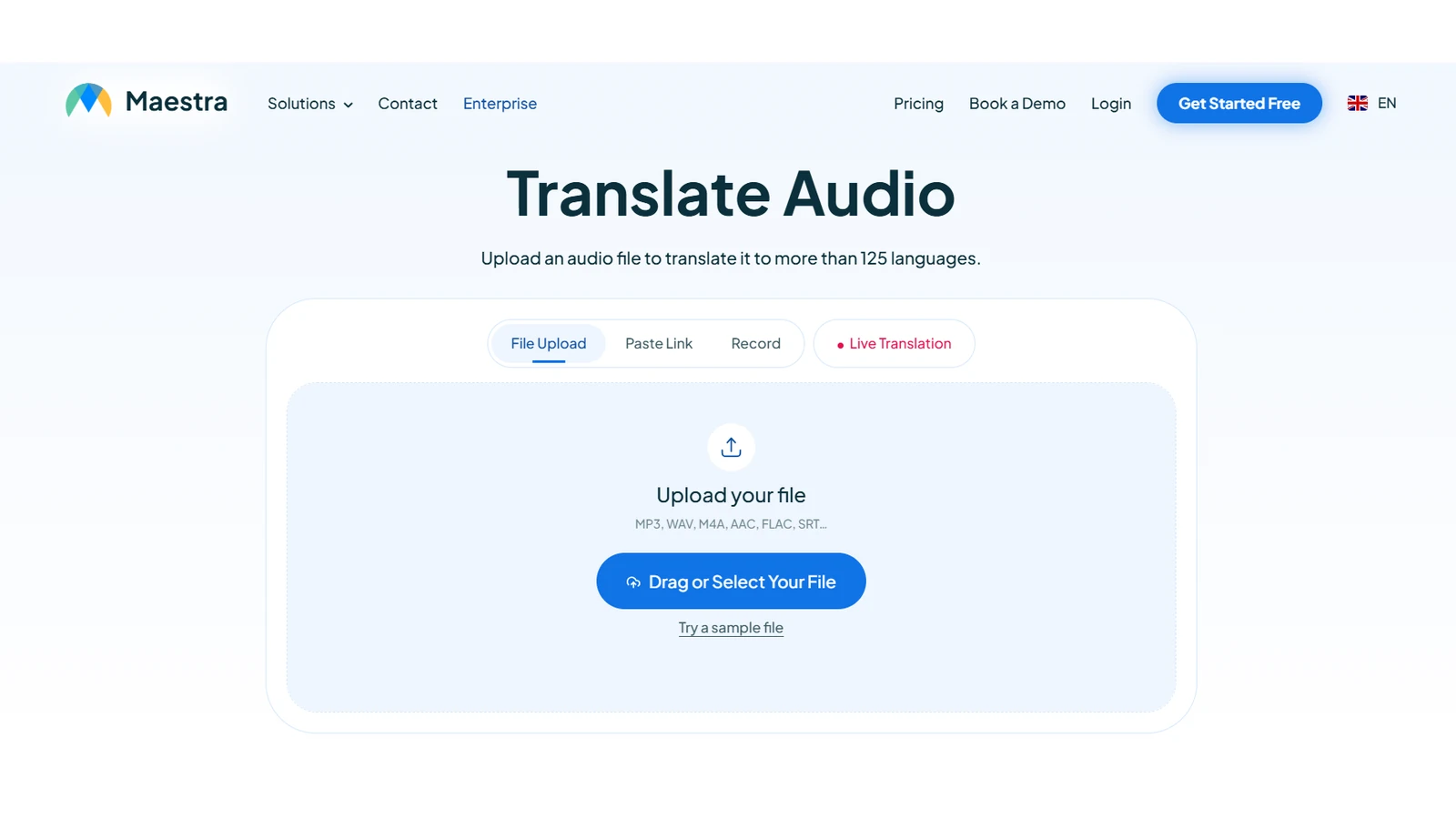
That transcript-first approach pays off when the final package needs spoken Hindi and text someone else can review or reuse.
📝 Key features
- Audio and video upload
- Transcription and translation
- Subtitle and transcript editing
- AI voice output
- Multiple export options
Best for: Projects where Hindi audio, subtitles, and editable transcripts all matter.
Limitations: The interface can feel broader than necessary if you only need to translate one short audio file.
5. VideoDubber — Best for YouTube and Video Sources
VideoDubber is aimed squarely at creators whose source is already a video. It accepts uploaded files and online video links, then produces translated audio, subtitles, or dubbed content.

For YouTube and similar sources that saves a step, since you don't have to pull the audio out first. For a single MP3, however, a dedicated audio translator may be more direct.
🌐 Key features
- Uploaded audio and video support
- Link-based video workflows
- English-to-Hindi dubbing
- Editable transcript and subtitles
- Dubbed audio output
Best for: Video-first creators and users working with YouTube or similar sources.
Limitations: For a simple MP3 translation, a dedicated audio workflow may be more direct.
How to Translate English Audio to Hindi in 3 Steps
For a recorded file, the whole thing runs in AI Video Translator's English-to-Hindi audio translation tool. Short version:

Step 1. Upload, Paste a Link, or Record English Audio
Upload a local audio or video file, paste a supported link, or record directly. Supported formats include MP3, WAV, M4A, MP4, MOV, and AVI.
Use the cleanest source you have. Background music, or a phone set down at the far end of a table, will drag down both the transcript and the translation.
Step 2. Choose Hindi and Review the Translation
The source language is detected automatically. Select Hindi, start the translation, and review the English transcript alongside the Hindi version.
This is the pass people skip. Don't. A practical English to Hindi voice translator should let you catch names, figures, brand terms, dates, and mixed English-Hindi phrases before you export. For interviews and multi-speaker recordings, timestamps and speaker labels help too.
Step 3. Export Hindi Audio, Subtitles, or Text
Once the wording looks right, download the Hindi audio. The same project also exports as SRT or VTT for subtitles, or TXT, DOCX, and PDF for editing and documentation.
💡 If files like this land on your desk often, an end-to-end AI audio translator saves the back-and-forth. Audio, subtitles, and editable text all come out of one translation.
What to Check Before Publishing Hindi Voice Translation
AI gets a Hindi draft ready fast. The common mistake is exporting the audio and never opening the transcript. A good rule is to give the full translation one final listen before publishing.

Formal and Informal Hindi
Hindi has levels of second-person formality. Aap is the respectful form. Tum is familiar. Tu is intimate — closer than you want on a client call.
For customer support, training, business communication, or anything public-facing, keep the level consistent. A sentence can be grammatically fine and still land as too casual.
Hinglish and Mixed-Language Speech
English words are common in everyday Hindi, especially in technology, business, and education. Don't assume every English term needs translating.
While you review, listen for the spots where the English word sounds more natural than the Hindi equivalent generated by the tool.
Names, Numbers, Lakh, and Crore
Names, brands, place names, figures — check them one by one. Proper nouns usually need transliteration, not literal translation.
Numbers may need localizing too. In plenty of Indian contexts lakh and crore land better than million-based phrasing. You don't have to rewrite every figure. Just make the final version sound natural to Hindi listeners.
Natural Hindi and Literal Translation
Good Hindi sounds like Hindi, not English with the words swapped one at a time. Read or listen to the whole sentence. Don't judge it word by word.
For legal, medical, technical, or other high-stakes material, use qualified human review before publishing.
English to Hindi Voice Translator FAQ
What is the best English to Hindi voice translator?
No single winner here. It depends on the job. AI Video Translator is a strong all-in-one for recorded content: input, translation, side-by-side review, text and subtitle export, Hindi audio. Google Translate fits live conversations better. ElevenLabs leans harder on keeping the speaker's voice.
How can I translate English voice to Hindi voice?
For recorded content: upload the English file to an English to Hindi voice translator, pick Hindi, review, export the Hindi audio. Live conversation? Use a real-time speech translation tool.
Can I translate an English audio file to Hindi?
Yes. File-based tools take MP3, WAV, or M4A and hand back Hindi text — and, depending on the tool, spoken Hindi audio.
Can I translate English to Hindi voice for free?
Yes. You can start for free with AI Video Translator: upload a file, paste a link, or record, choose Hindi, review, then export the translated audio or transcript.
Can Google Translate translate English voice to Hindi?
Yes. In supported live speech modes Google Translate turns spoken English into Hindi and reads it aloud. It's built for live speech, not for editing uploaded files and exporting them.
Can I translate an English video into Hindi voice?
Yes. Several tools here take video files or video links and produce Hindi audio or dubbing. Want a finished localized video? Check subtitle timing, voice options, and video export as well.
Can I download the translated Hindi audio?
Yes. AI Video Translator lets you download the translated Hindi audio directly after review, and export subtitles or text from the same project. Not every tool on this list exports audio files, so check the export options before you commit to one.
Final Thoughts
Choosing an English to Hindi voice translator gets easier once the source is clear.
Live conversation? Google Translate, straightforward. Keeping the original speaker's voice matters more? Look at ElevenLabs. Maestra suits transcript-heavy work. VideoDubber makes sense for video and link-based sources.
For recorded content — upload or link input, English-to-Hindi translation, side-by-side review, subtitle or text export, downloadable Hindi audio — AI Video Translator is a strong all-in-one workflow here.
Whatever you use, give the Hindi one last listen before it goes out. Names, numbers, formality, mixed-language phrases, noisy source audio. That's where a two-minute review saves you from obvious mistakes.