
7 Best AI Dubbing Tools in 2026
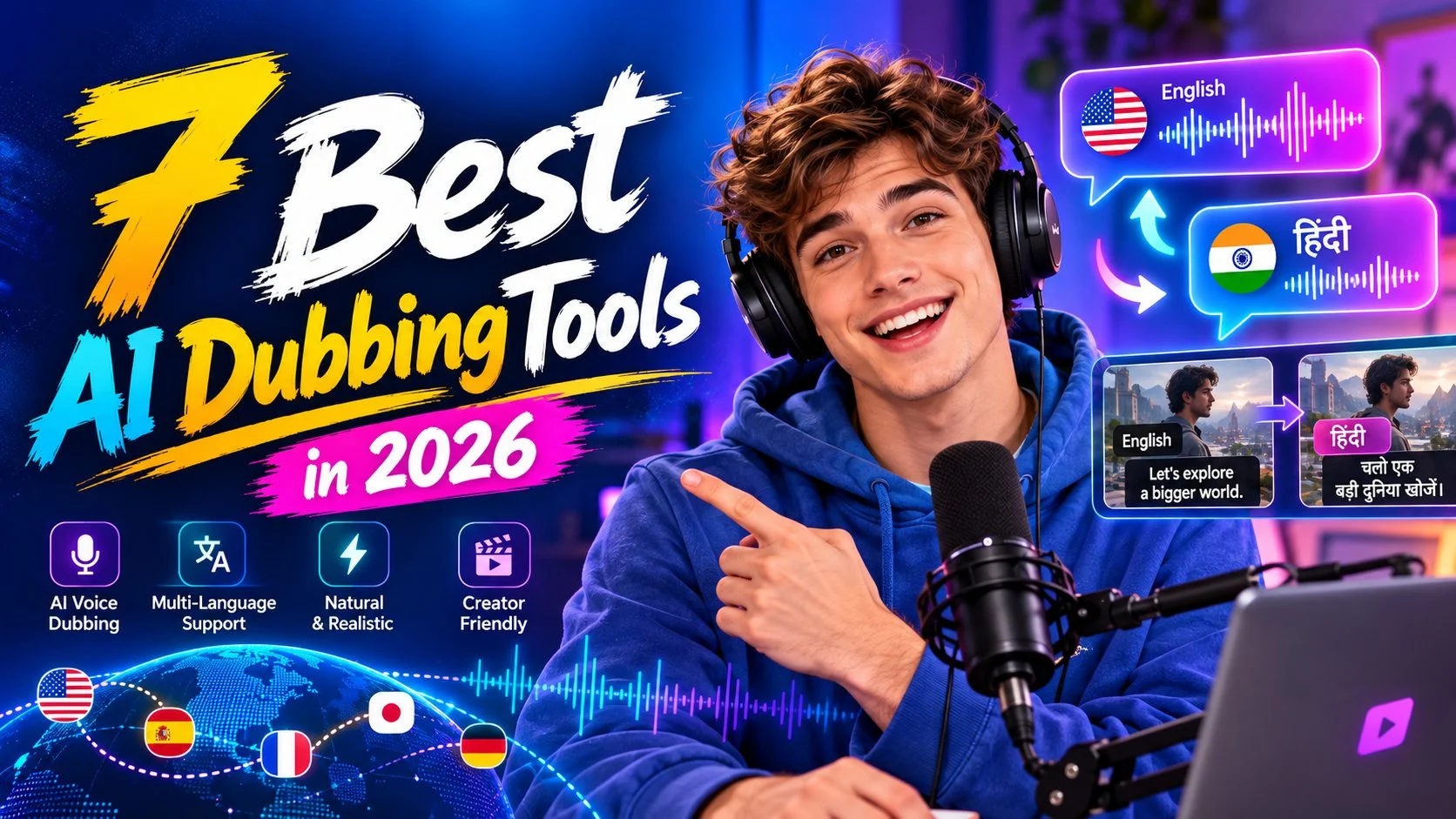
AI dubbing makes it easier to bring videos to audiences who speak other languages. Localizing YouTube content, translating a product demo, adapting a batch of training videos: you can turn all of it into multilingual versions without re-recording every voiceover from scratch.
Choosing a tool isn't always simple, though. Some go after natural-sounding voices and lip sync. Others leave you more room to edit the translation, pick a voice, and get a finished video out the door.
In this guide, we compare seven of the best AI dubbing tools in 2026 and look at what each one handles well. The thing that separates them isn't just the language count on the pricing page. It's how much control they give you before the final render.
Table of Contents
- Key Takeaways: The Best AI Dubbing Tools for Different Needs
- 7 Best AI Dubbing Tools at a Glance
- 7 Best AI Dubbing Tools Reviewed
- Which AI Dubbing Tool Should You Choose?
- How to Dub a Video with AI in 3 Steps
- Tips to Improve Your AI Video Dubbing Results
- AI Dubbing Tools FAQ
- Final Thoughts
Key Takeaways: The Best AI Dubbing Tools for Different Needs
Skimming? Start here:
- AI Video Translator: You can edit the translation line by line and audition from 300+ voices. Least risky spot for a first dub.
- HeyGen: The lip sync is the reason to look at it. On-camera speakers, mainly.
- ElevenLabs: It holds on to the way a line is said, the delivery, not only the words.
- Maestra: Dub, subtitles, and transcripts all live inside one project.
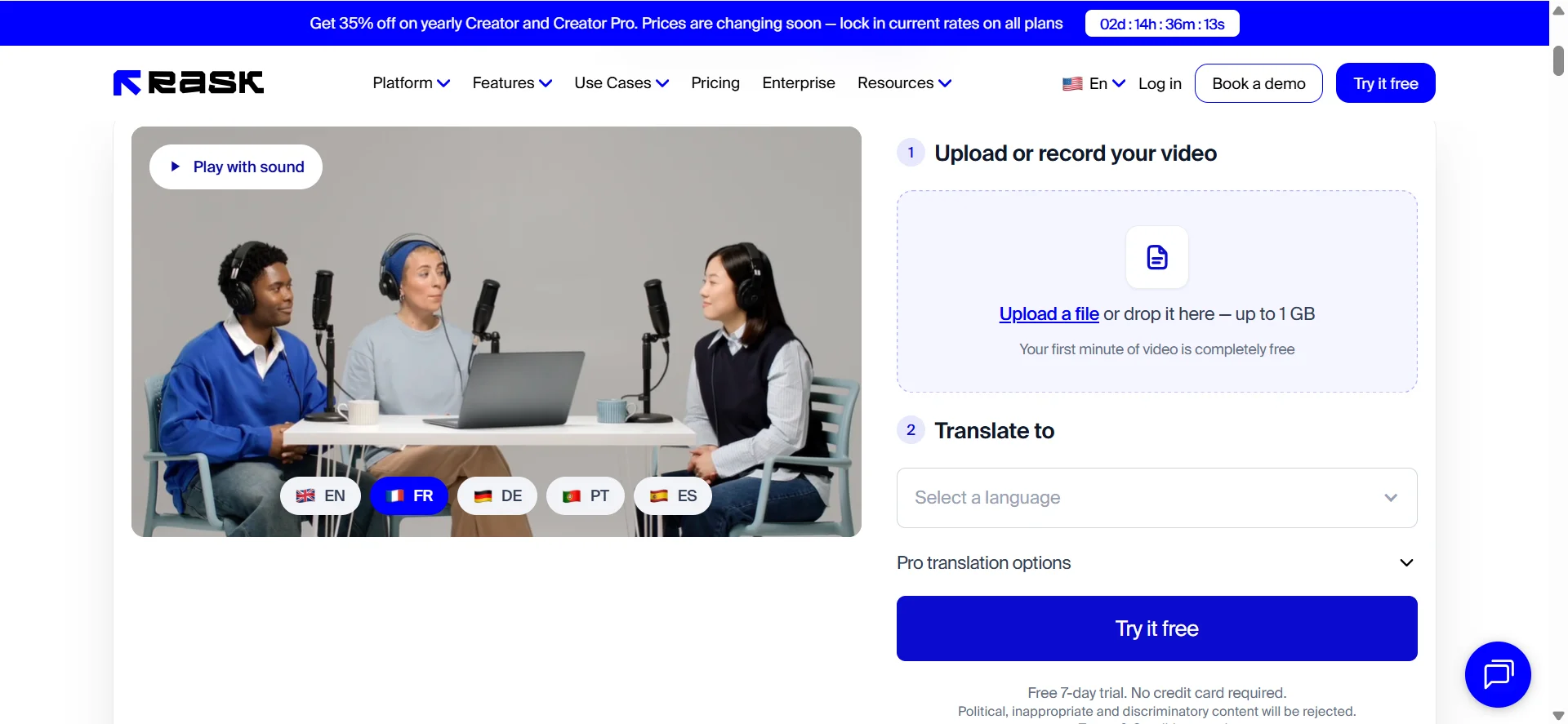
Rask AI is the one for teams running localization on an actual calendar. The AI Dubbing platform gives you three models to pick between. And Dubverse is worth a look when your audience is in India and Hindi alone won't cut it.
7 Best AI Dubbing Tools at a Glance
Here's a quick comparison of the seven tools, their main strengths, and available free options.
| Tool | Best For | Standout Features | Free Access |
|---|---|---|---|
| AI Video Translator | Translation editing and AI voice selection | 300+ searchable voices; editable translations | Free plan |
| HeyGen | Talking-head videos | Lip sync; voice preservation | Free plan |
| ElevenLabs | Expressive voice dubbing | Original voice and emotion preservation | Free plan |
| Rask AI | Team-based localization | Shared projects; multilingual workflows | Free trial |
| Maestra | Dubbing with subtitles | Transcript editing; subtitle tools | Free trial |
| AI Dubbing | Choosing between dubbing models | Model-specific editing and language options | Limited free access |
| Dubverse | Indian regional languages | Regional-language dubbing; script editing | Free trial |
7 Best AI Dubbing Tools Reviewed
1. AI Video Translator — Best for Editable Translations and 300+ Searchable AI Voices
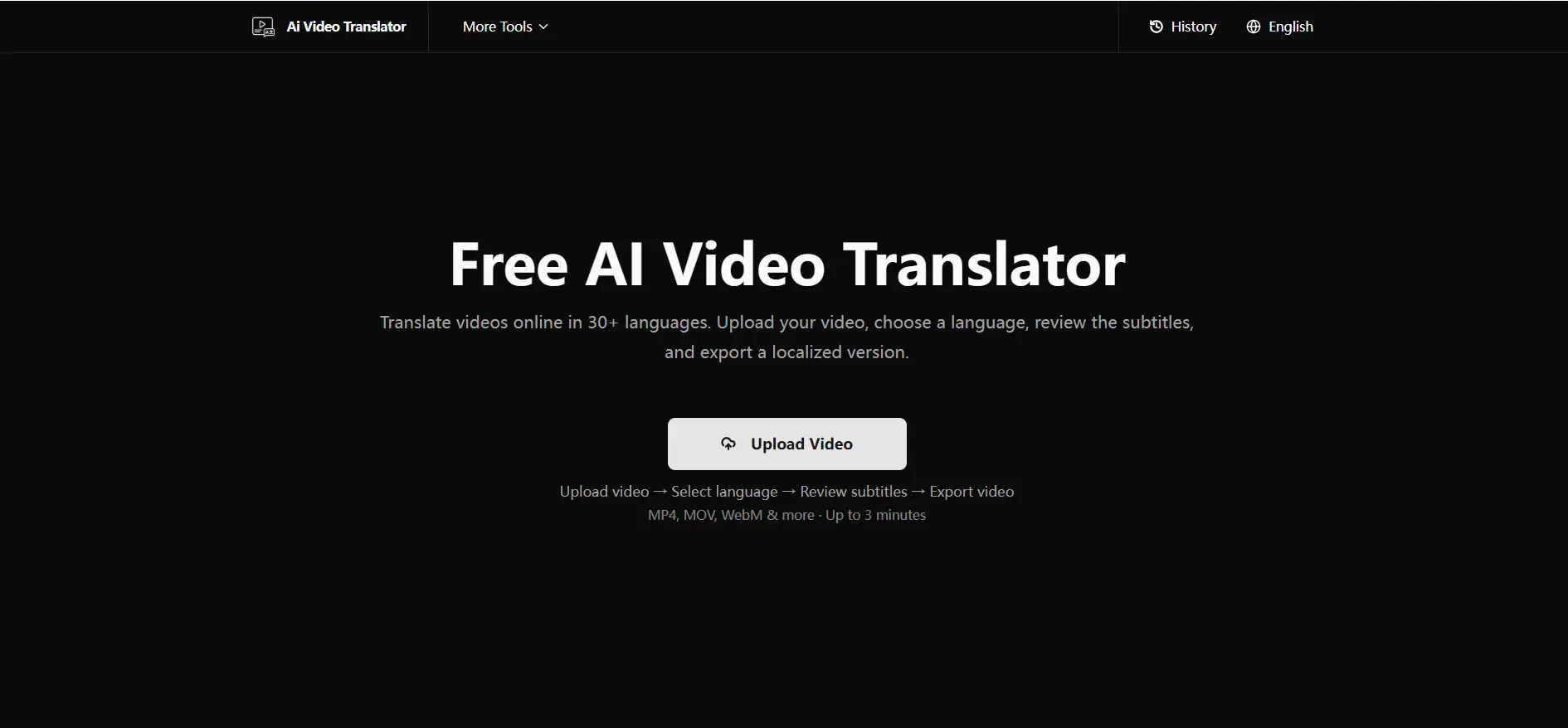
This free AI video dubbing tool runs in the browser and covers 30+ languages, but the real difference is the editor. Original text sits on one side, translation on the other, everything chopped into segments, and you can change any of them. Sounds standard. It isn't.
Product names are the usual victim. The translation pulls one apart into two words, and on most platforms that means redoing the whole job. Here you can adjust that segment and regenerate the result without rebuilding the entire workflow.
There are 300+ voices and you can narrow them down by language, gender, age, scene, that sort of thing. Thirty seconds of clicking around and you'll know if one works. Speaker detection also sorts out who's talking on multi-person audio, so you're not tagging anyone by hand.
You can export MP4, SRT, or TXT files for video publishing, subtitles, and further editing.
What Stands Out
- 300+ AI voices with search and filters
- Segment-level editing before the render
- 30+ target languages
- Speaker detection on multi-person audio
2. HeyGen — Best for Lip-Synced Talking-Head Videos
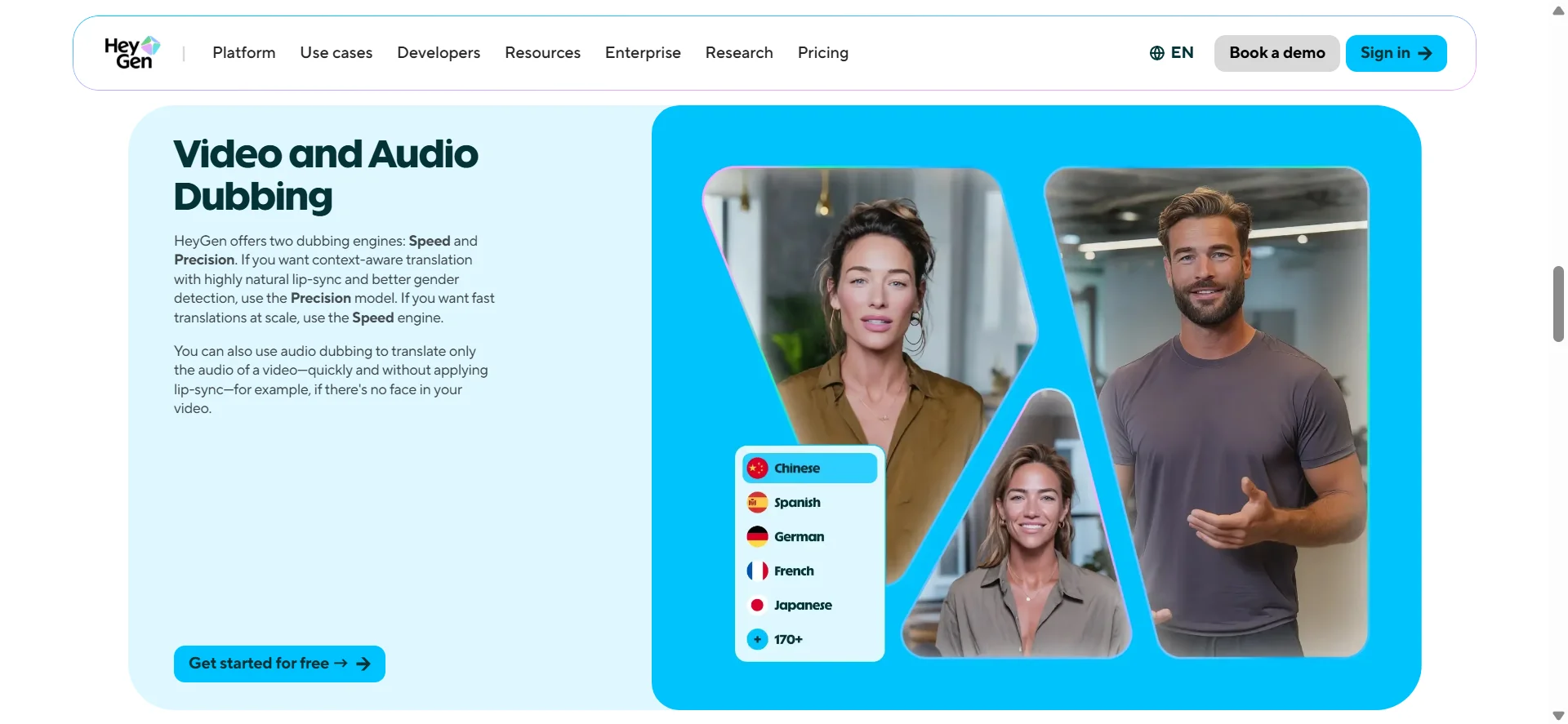
When someone is speaking directly to camera, small lip-sync issues become much easier to notice. You kind of stop seeing it after a moment, which is somehow worse, because now it's just part of the video.
What HeyGen does is map the mouth movement onto the translated audio, and it also tries to hold on to the speaker's voice identity, so the person in the dubbed cut still sounds like themselves. There's 175+ languages and dialects when you count the wider translation product, and you can touch up dialogue before you finalize anything.
Look, its lane is narrow. On-camera speakers, that's where it earns its keep. A narrated screen recording? Something simpler will get you there all the same.
What Stands Out
- Lip sync built for on-camera speakers
- Voice preservation across languages
- 175+ languages and dialects
- Dialogue editing before the final render
3. ElevenLabs — Best for Emotion-Preserving AI Dubbing
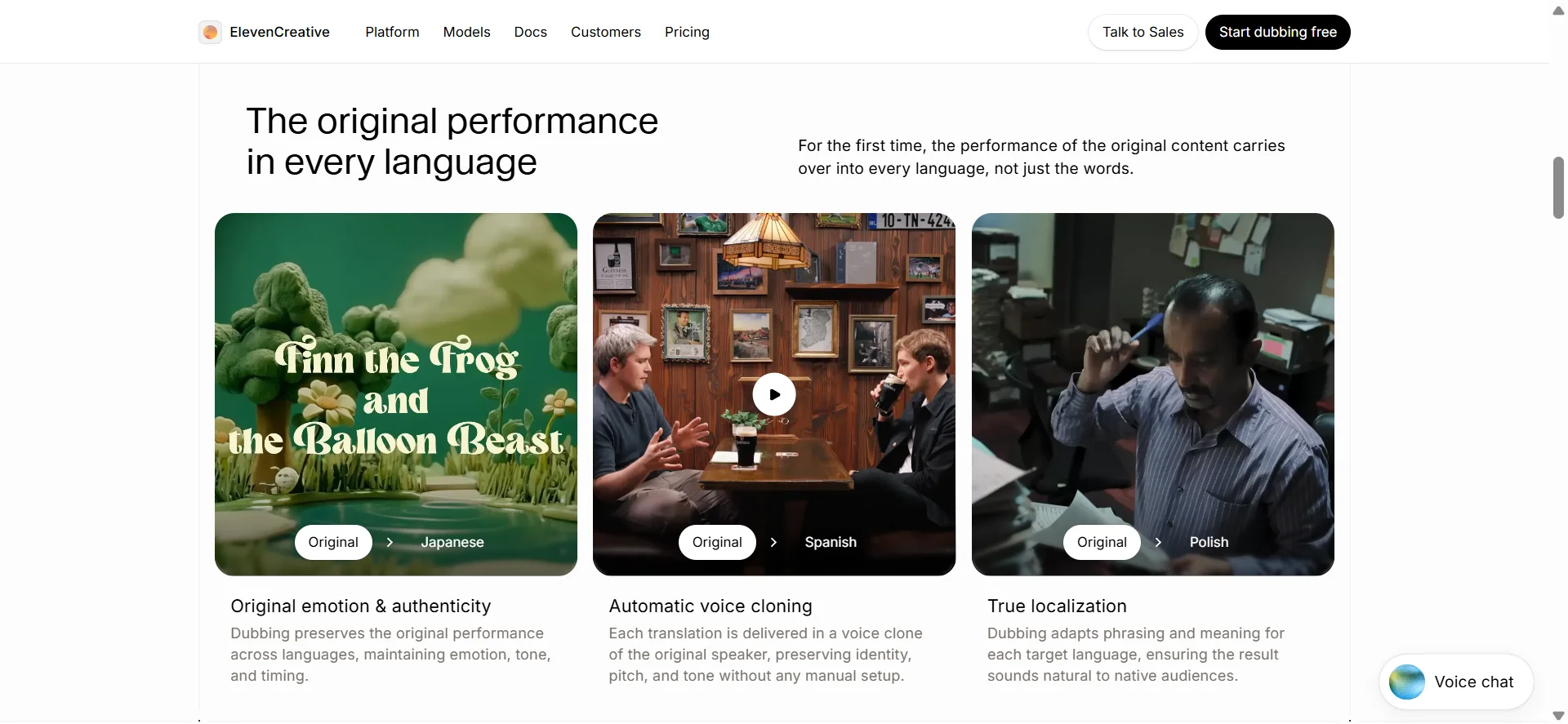
ElevenLabs started out on the audio side, and you can tell. Its Dubbing v2 model leans on the original performance as a reference, so a lot of the tone, the pacing, the way somebody delivers a line ends up carried over.
A narrator who drops his voice right before the punchline is doing it on purpose. ElevenLabs tends to keep that. Elsewhere the delivery flattens out into something upbeat and even, which is perfectly fine for an explainer and wrong for a clip that runs on delivery.
You get 90+ languages, several speakers per video, and the background audio stays right where it was.
What Stands Out
- Tone, pacing, and delivery survive translation
- 90+ languages, multiple speakers
- Background audio stays in the mix
4. Rask AI — Best for Team-Based Video Localization
How much you ship changes the math. One video a month and honestly any tool on this list is fine. Twenty a month across five markets and you need somewhere to keep the work organized.
That's the space Rask AI sits in. You get 135+ languages, translation editing, speaker detection, voice cloning in the languages that support it. Teamspaces is where a team keeps its projects, there's a translation dictionary feature so terminology doesn't drift from one episode to the next, and voice presets mean the same person still sounds like the same person in market number four.
The whole interface assumes you're coming back next week. If you are, that assumption works in your favor.
What Stands Out
- 135+ languages
- Teamspaces for shared localization work
- Translation dictionaries and reusable voice presets
- Speaker detection, voice cloning where supported
5. Maestra — Best for Dubbing with Subtitles and Editable Transcripts
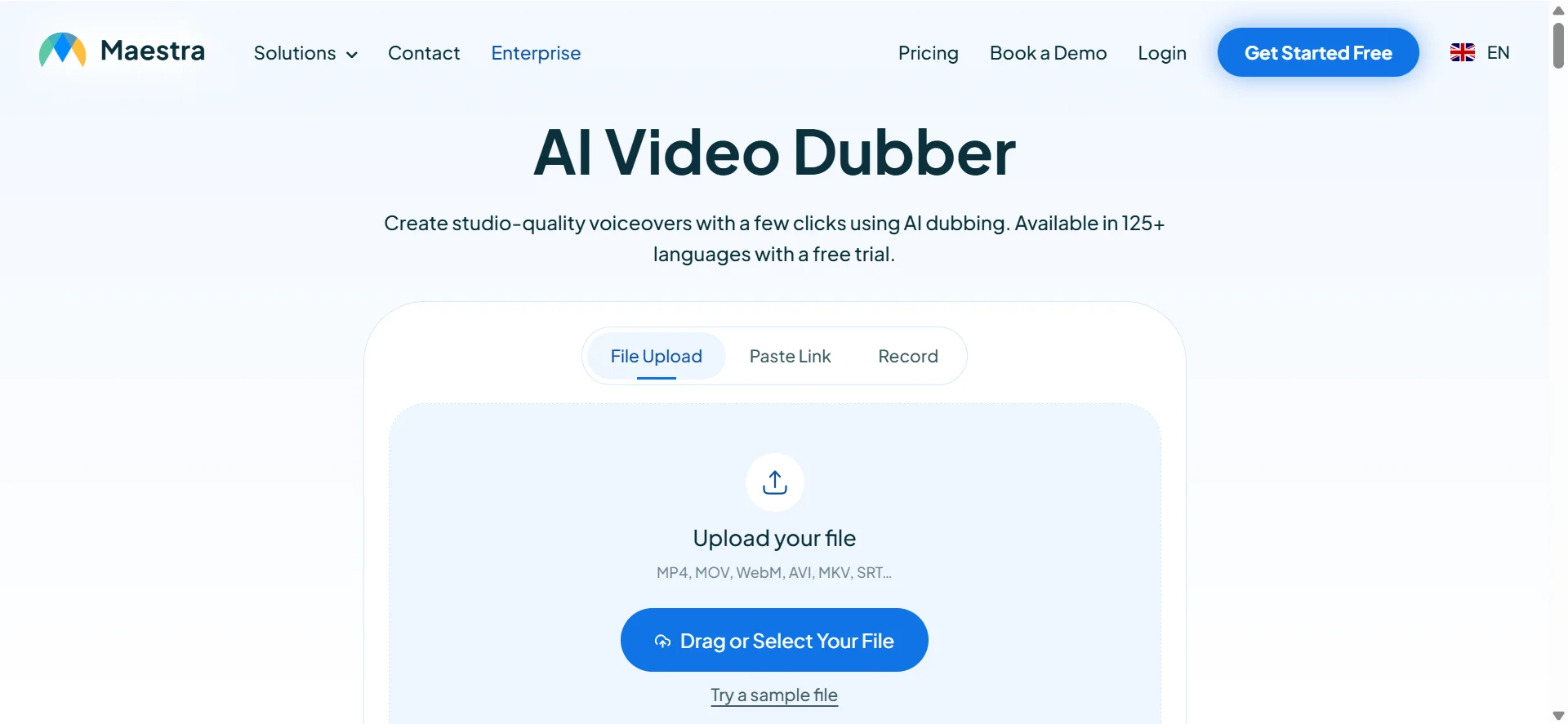
Maestra does 125+ languages and parks the whole job in one browser workspace. Dubbing, transcription, subtitles, translation editing, all of it in the same tab.
Where it pays off is when the text version matters as much as the audio does. Courses, usually, since a good chunk of viewers watch these things muted. If a voice track is genuinely all you need, you'll be clicking past a lot you don't use. People stick with it for the export list anyway: video, audio, subtitles, transcripts, all out of one project.
What Stands Out
- Dubbing, transcription, subtitles, all in one place
- 125+ languages
- Editable scripts and subtitle timing
- Exports: video, audio, subtitles, transcripts
6. AI Dubbing — Best for Multiple AI Dubbing Models
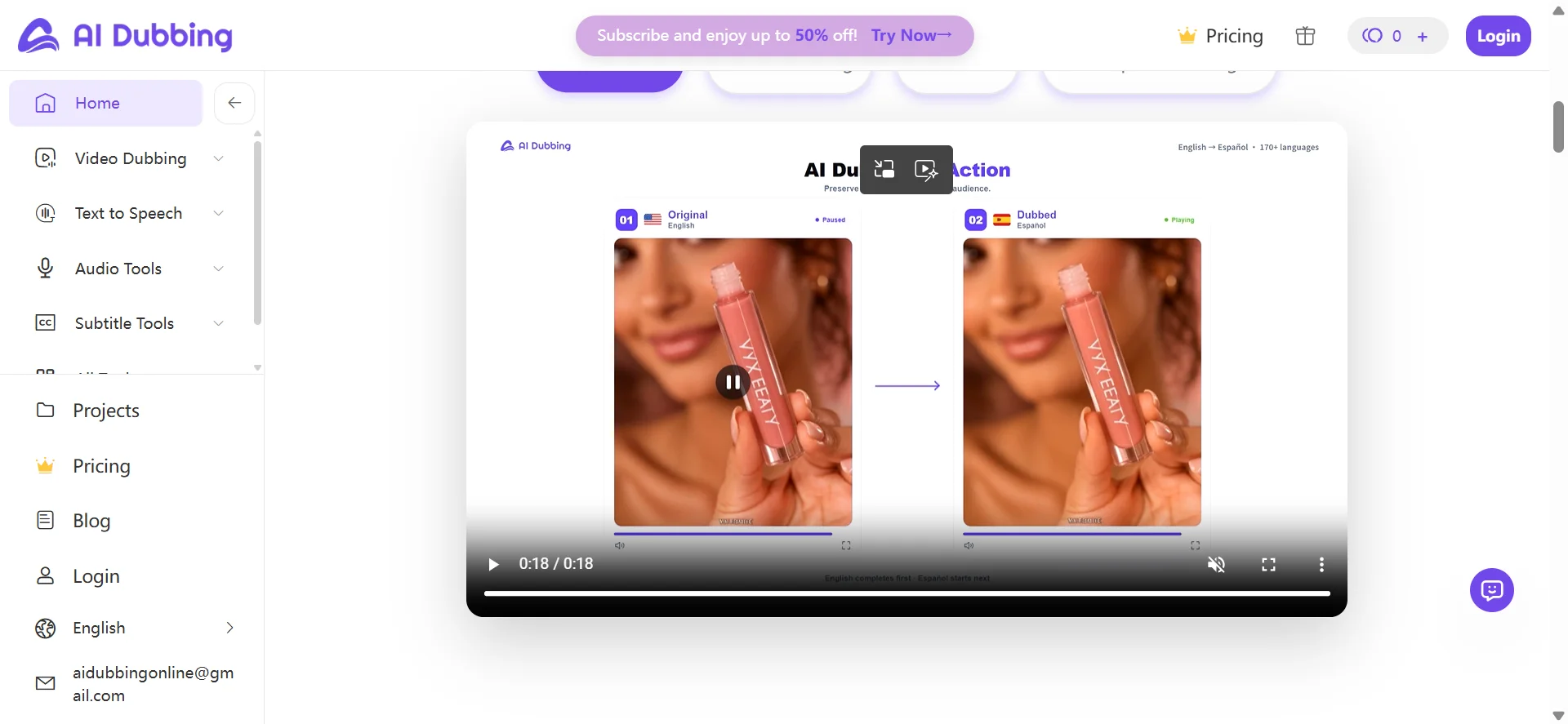
Three models, one workflow. Dubbing 1.0 stops at 11 languages and hands you the most editing control, while 2.0 and 3.0 stretch out to 170+ languages if you're on the right plan.
So the choice is real, but it also means deciding something before you've seen any output. The gap between models widens on longer, wordier videos and narrows on short clips. It comes into its own when a video needs tight control over wording, or when you're heading into languages most tools don't bother with.
What Stands Out
- Choose between three AI dubbing models.
- Use Dubbing 1.0 for more detailed editing control.
- Access broader language coverage through Dubbing 2.0 and 3.0.
- Explore voice preservation and lip-sync features in supported models.
- Process videos through an online dubbing workflow.
7. Dubverse — Best for Indian Regional-Language Dubbing
Hindi? Everyone has Hindi by now. Bengali, Tamil, Telugu, Marathi, Gujarati, not so much, and Dubverse has those plus the international languages. That regional coverage is honestly the whole reason it made the list.
The flow is translate, fix up the script, pick a voice, render with subtitles. Education channels and regional marketing will get the most out of it.
What Stands Out
- Indian regional languages plus international options
- Dialogue editing before the render
- Multilingual voice library
- Video and subtitles from one run
Which AI Dubbing Tool Should You Choose?
You Want More Control Over Translations and AI Voices
Terminology is usually where a dub falls apart. Get a product name wrong and no voice quality rescues it.
I'd start with AI Video Translator. Go segment by segment, audition a few voices from the 300+ library, then commit. With a ten-minute tutorial full of product-specific words, that editing layer is carrying the whole thing.
Your Video Features an On-Camera Speaker
People watch mouths. When sync drifts, the video feels dubbed, and viewers can't always say why.
HeyGen handles that specific case. Presenter-led content, try it first.
Voice Expression Matters Most
ElevenLabs. If the performance is the reason the video works, test it first.
You're Managing Multiple Languages or Projects
Then workflow beats output polish. Rask AI gives a team somewhere to work, Maestra keeps captions in the same project, Dubverse covers regional Indian languages. Pick based on whichever bottleneck is actually hurting you right now.
How to Dub a Video with AI in 3 Steps
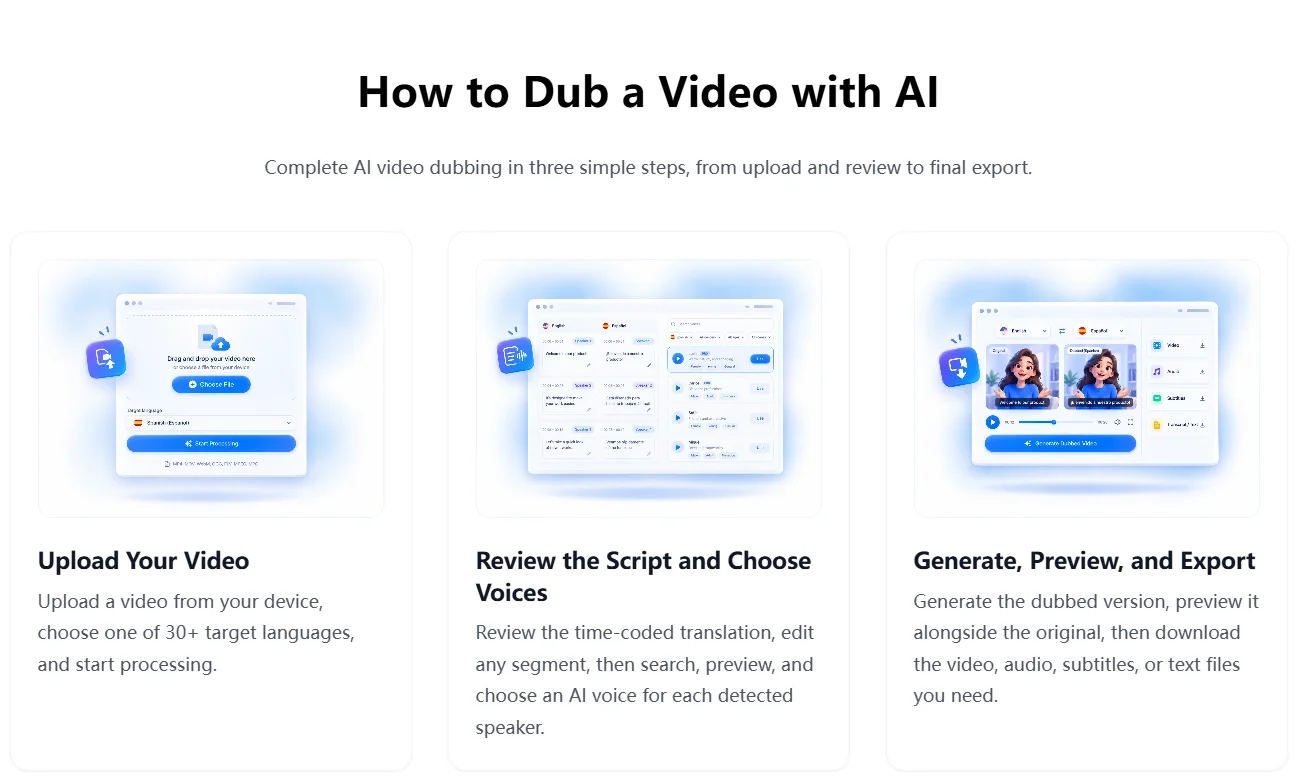
Every tool here handles the details a bit differently, but the flow is basically the same: upload, fix the script, choose a voice, render. Here's how to dub a video with AI in AI Video Translator, step by step.
Step 1. Upload Your Video and Choose a Language
Open AI Video Translator and upload the file. MP4, MOV, WebM all go through fine, so it doesn't matter what your camera or editor spat out.
Pick a target from the 30+ languages it offers. Spanish, Hindi, Arabic, French, all in there. Kick off the translation and give it a minute to bring back the transcript and the translated text.
Step 2. Edit the Translation and Choose from 300+ AI Voices
Its editor puts two columns in front of you, going segment by segment. Fix the terminology, smooth out anything that reads weird, make sure the names made it through.
I do this bit with headphones on, reading the script out loud. Feels a little silly. Still catches stuff silent reading never does. Five minutes here is the difference between a dub and a machine reading a page at you.
After that, the voice library. 300+ voices, searchable, filterable by language, gender, age, scene, whatever. Preview a few. A tutorial wants something steady and clear; a launch clip can handle more energy.
Step 3. Generate, Preview, and Export Your Dubbed Video
Render it and then actually watch the thing, start to finish. Not a scrub through the middle. Listen for pronunciation, for pacing, for whether the voice holds up when the speaker changes.
If something's off, go back to that one segment or swap the voice and regenerate in AI Video Translator. Once it's right, export the dubbed video. You also get the SRT and TXT files, for subtitles and for reusing the script somewhere else.
Tips to Improve Your AI Video Dubbing Results
Start with Clear, High-Quality Source Audio
Everything downstream depends on transcription, and transcription just can't untangle two people talking over each other. Music sitting under the dialogue, people overlapping, volume jumping around between sentences. It all turns into errors, and the errors travel straight into the translation.
Recording something new? Quiet room, decent mic. Working with older footage, listen to the source first and make sure you can actually understand the dialogue. Thirty seconds of listening here saves you a full regeneration later.
Check Names, Terminology, and Translation Context
Machine translation hands back sentences that read clean and mean the wrong thing. Brand names, abbreviations, technical terms, that's where it happens.
The word cloud is the classic one. Tutorial about cloud computing, translation goes weather-related, and now everyone watching is confused. Read the script before you generate anything.
Choose Voices That Match Your Audience
The most realistic-sounding voice isn't automatically the right pick. Software tutorial? You want steady and clear. A launch video can take more energy.
Compare two or three with previews, and listen on laptop speakers too, not only headphones. Plenty of voices sound great in a preview and go thin on a cheap speaker.
Review the Final Video Before Publishing
Watch it end to end, full speed, no skipping. Pronunciation, timing, how the transitions between speakers land, subtitle sync if you're using them.
One pass from a native speaker will catch phrasing no grammar check would ever flag. Small problems stay invisible until you watch the whole thing through.
AI Dubbing Tools FAQ
What is the best AI dubbing tool for videos in 2026?
The best AI dubbing tool depends on your workflow. AI Video Translator is a practical choice for creators who want editable translations, 300+ AI voices, and an efficient way to create multilingual videos.
Can I dub videos with AI for free?
Yes. Some AI dubbing tools offer free plans or trials. Available features, supported video length, and usage limits vary depending on the platform.
How does AI dubbing work?
AI dubbing typically uses speech recognition to transcribe dialogue, machine translation to create a target-language script, and AI voice generation to produce the new audio track. Depending on the platform, users can also edit translations, choose voices, and export subtitles or dubbed videos.
Can I edit translations before generating AI dubbing?
Yes. AI Video Translator allows users to review and edit translated segments before generating the dubbed video, helping improve accuracy for names, terminology, and specific content requirements.
Can I choose different AI voices for my video?
Yes. AI Video Translator provides 300+ AI voices with search, filtering, and preview options, helping users select a voice that matches their content style and audience.
Can I export dubbed videos and subtitles separately?
Yes. AI Video Translator supports exporting dubbed videos in MP4 format, along with SRT subtitle files and TXT transcripts for further editing and publishing.
Final Thoughts
AI dubbing makes it easier to adapt videos for audiences who speak different languages. Whether you're creating tutorials, marketing content, or social media videos, the right tool should fit your translation, voice selection, and publishing needs.
For creators who want to refine translations, explore 300+ searchable AI voices, and export multilingual videos in one workflow, AI Video Translator offers a practical place to start.