
5 Best Video Translation Services for Spanish to English 2026
You filmed a solid Spanish-language video. The footage is good. The message lands. The only problem is most of your audience reads English, not Spanish.
A few years ago that meant hiring a translator, booking a studio, and waiting a week. That part is over. A video translation service can turn a Spanish clip into English subtitles or a dubbed MP4 in about the time it takes to finish your coffee. It won't be perfect every time. But it gets you close enough to fix the rough lines and publish the same day.
This guide covers the best video translation services for Spanish to English, written for people who would rather not overthink the tooling. If you just need subtitles or a quick dub, AI Video Translator is free and doesn't make you sign up.
- What are video translation services and why they matter
- 5 best video translation services for Spanish to English
- How to translate a Spanish video to English step by step
- How to choose the right video translation service
- Tips to get better Spanish to English video translation
- FAQ about video translation services
- Final thoughts
What are video translation services and why they matter
Strip it down and a video translation service does one job. It takes what is spoken in one language and moves it into another. What you get back is usually subtitles, a transcript, or a fully dubbed video.
The reason this matters goes past convenience. Spanish is spoken by more than 500 million people. English by over 1.5 billion. When a Spanish video stays in Spanish, it misses most of that second group. Translating it is how a local creator reaches a global one, how a small brand sounds like a bigger one, and how a useful idea stops dying at a language border.
The draw is speed and reach. Upload a Spanish video, wait a few minutes, and you have a draft you can edit and ship. Whether you are a creator whose English subscribers haven't seen that Spanish interview, a marketing team localizing a demo, or a reporter filing footage on deadline, the workflow is the same.
5 best video translation services for Spanish to English
Not every tool handles Spanish to English well, and only one on this list is fully free without asking for an email first. The table below compares five services you will see recommended most often. AI Video Translator stands out if your goal is speed plus zero cost. The others are useful in specific cases, but most require a subscription, trial, or upload to another platform.
| Service | Best for | Free tier | Output formats | Sign-up required |
|---|---|---|---|---|
| AI Video Translator | Quick Spanish-to-English dubbing and subtitles | Yes | MP4, SRT, TXT | No |
| YouTube Auto-Translate | Existing YouTube videos | Free with upload | Embedded captions | Yes |
| VEED | Editing-heavy projects | Limited | MP4, SRT, VTT | Yes |
| Happy Scribe | Transcription-first workflows | Trial | SRT, TXT, VTT | Yes |
| Rev.com | Professional human review | No | MP4, SRT, TXT | Yes |
If you want to translate a Spanish video to English without jumping through hoops, AI Video Translator is the easiest free pick. It runs in the browser, skips the account step, and takes MP4, MOV, WebM, OGG, FLV, MPEG, and MPG files up to 3 minutes long. Over 30 target languages are there, which is more than most of us will ever use.
You can translate your video to English here and see the result without paying.
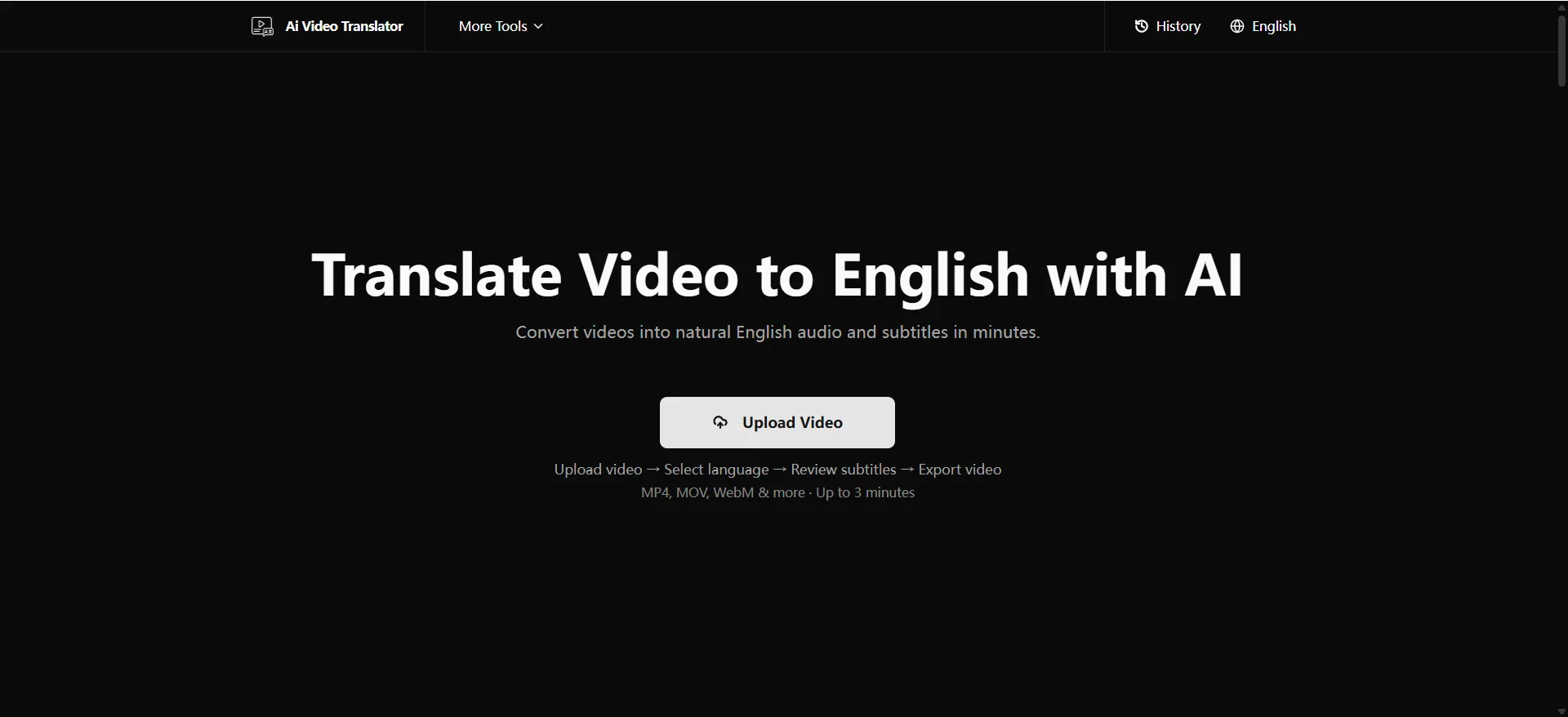
What makes it the strongest free option:
- ✅ Free and sign-up free. Open it, upload, done. That is the whole barrier to entry.
- 📁 Wide format support. MP4, MOV, WebM, OGG, FLV, MPEG, and MPG, up to 3 minutes per clip.
- 🌍 30-plus languages. English is one option among many if you ever go the other direction.
- 🎤 12 AI voices. Handy when subtitles aren't enough and you want a dubbed track.
- 📦 Flexible export. Grab it as MP4, SRT, or TXT depending on where the video lands.
It won't replace a human on legal or medical content. For social clips, product demos, and internal videos, it gets you to a publishable draft fast. The step-by-step for using it is right below.
How to translate a Spanish video to English step by step
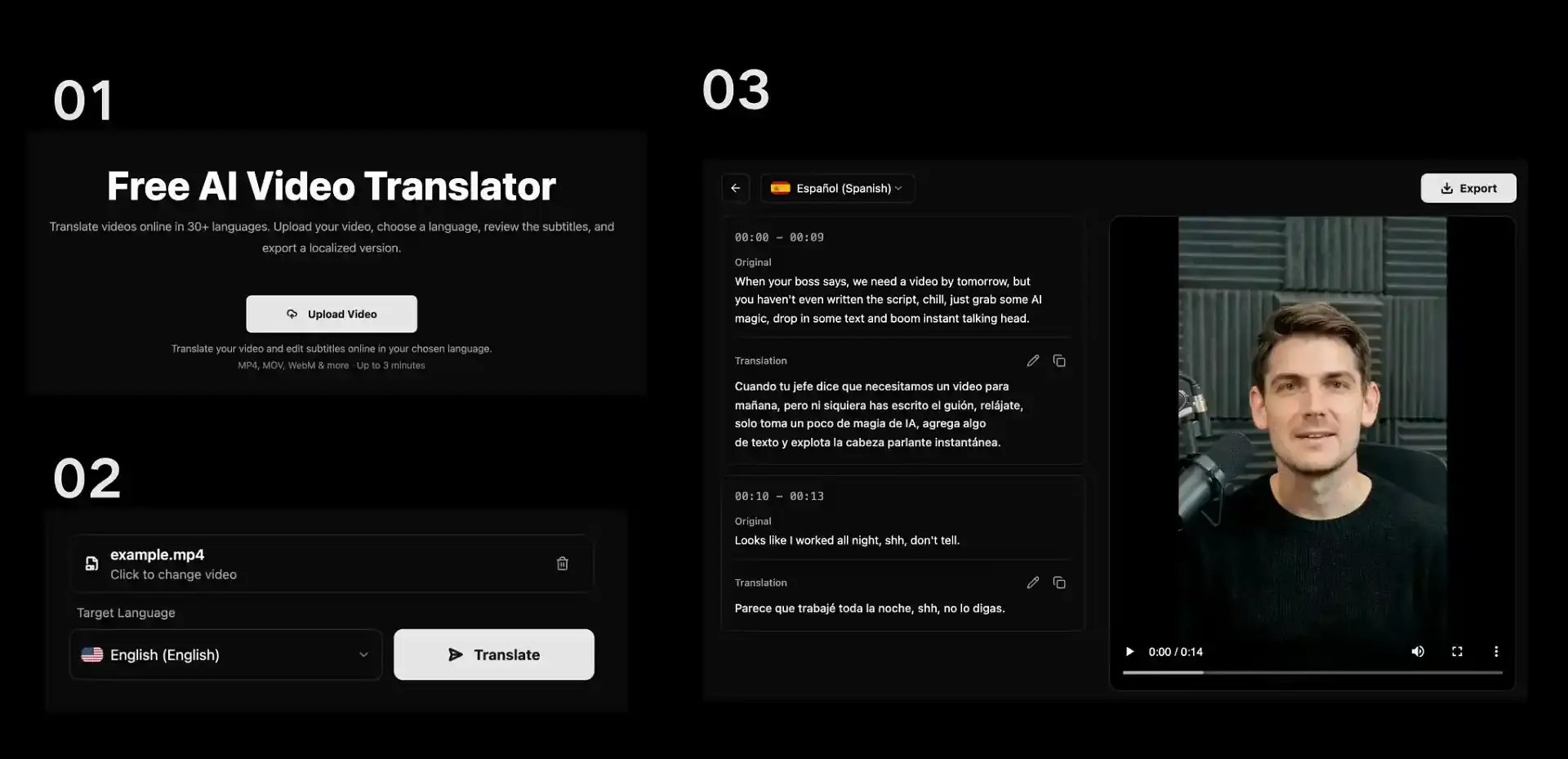
Video translation sounds technical. It really isn't. The whole thing happens in one editor with AI Video Translator, where you transcribe, translate, review, and dub your video. Here is the actual flow.
Step 1: Upload your video
Open the tool and pick your file. It takes MP4, MOV, WebM, OGG, FLV, MPEG, and MPG up to 3 minutes. Drag it into the window or browse for it. There is no account to create first, which matters when you just want a one-off translation.
Step 2: Choose your target language and translate
Once the file lands, the tool auto-detects the source language from the audio. You only pick the language you want it translated into. Choose English, then click Translate Video. The file uploads and gets prepared for subtitle translation in the same editor. No separate tools to bounce between.
Step 3: Review and refine
Open the subtitle editor to compare the original speech with the translated text side by side. Each subtitle segment stays tied to its moment in the video, so you can scrub to the exact line you are checking. Specialized terms, brand names, and proper nouns sometimes benefit from a quick manual pass to land right. The edits happen inline, so you are not bouncing between apps.
Step 4: Export and share
When the subtitles look clean, export your final files. Pull a plain SRT for YouTube and social, grab a TXT transcript for quotes, or generate a dubbed MP4 with an AI voice of your choice. The reviewed subtitle segments feed straight into AI-dubbed video generation, so the dub stays consistent with what you just edited.
How to choose the right video translation service
Every tool's marketing page reads the same. Skip the buzzwords and judge on three things that actually change your week.
Match the tool to your content and output
Decide what you need before you pick. Subtitles only? A dubbed MP4? Both? Short social clips and training videos behave differently. If you mainly post to YouTube, a tool that exports clean SRT saves a step. If you ship demos to your site, you want the dubbed MP4.
Check accuracy and AI capability
Wrong transcript means wrong translation. Test the tool on audio with a bit of background noise or a regional accent before you trust it on something public. Look for editable subtitles too. AI nails most lines, not all, and you want to fix the rest inside the tool.
Weigh usability, speed, and extras
A tool that forces an account just to test it is friction you don't need for a one-off job. Free, no sign-up, browser-based tools win on speed for short clips. Paid tiers win when you need longer files, team features, or a human review layer.
For most Spanish-to-English short video work, a free browser tool covers it. Move up only when volume or sensitivity forces the issue.
Tips to get better Spanish to English video translation
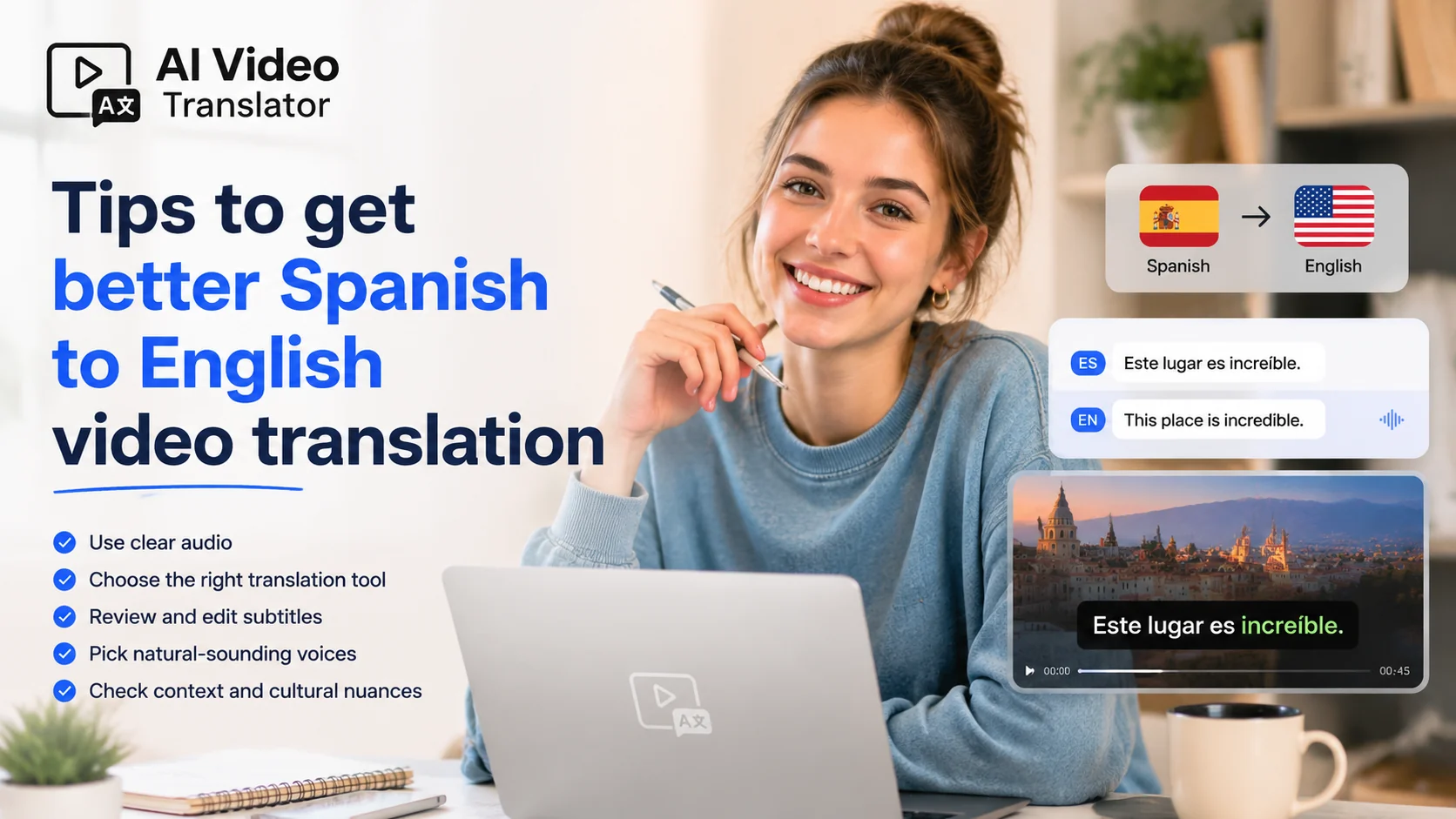
The tool matters less than what you feed it. A few habits lift the result more than switching apps ever will.💡
Start with a clean source video
Good audio is half the battle. Record in a quiet room, keep one main speaker, and avoid loud music under the voice. The cleaner the Spanish, the cleaner the English.
Trim long videos into segments
The free tool caps clips at 3 minutes. Instead of fighting the limit, cut a long webinar into 3-minute parts and translate each. You stitch the SRT files after. The translation stays accurate because each chunk is short and focused.⚖️
Give context for tricky terms
Brand names, slang, and industry jargon trip up any engine. After you get the draft, scan for those words and fix them. A two-minute review beats a wrong product name in front of your audience.
Mind subtitle sync and style
Subtitles should land with the speech, not drift a beat behind. Editable SRT lets you nudge timing. If the video carries your brand, keep caption fonts and colors consistent with your other content. Small things like that make a translation look native instead of bolted on.
One more: dubbing keeps the speaker's presence, subtitles keep it authentic. Pick based on where the video lives, not on which sounds fancier.
FAQ about video translation services
How do I translate a video from Spanish to English?
Upload the clip to a browser-based translator, pick Spanish as the source and English as the target, review the generated subtitles, then export. With a free tool like AI Video Translator this takes a few minutes for clips under 3 minutes. The exact query how to translate a video from spanish to english pulls about 260 searches a month, so you are in good company asking it.
Is there a free way to translate a Spanish video to English?
Yes. AI Video Translator is free and needs no sign-up. It handles MP4, MOV, WebM, OGG, FLV, MPEG, and MPG up to 3 minutes and exports MP4, SRT, or TXT. For occasional short clips this covers most needs without a paid plan.
Can I translate Spanish videos to English with AI dubbing?
Yes. AI Video Translator offers 12 AI voices for a dubbed MP4, on top of the subtitle track. Pick a voice close to your speaker's tone, then export the video. This is the how to translate a video to english family of searches, which runs around 320 searches a month at the head level.
Can Google Translate or YouTube handle Spanish video translation?
Google Translate handles text and short audio, not a full video file end to end. YouTube auto-translates captions on videos already hosted there, and quality varies. For a clip you control, a dedicated video translator gives cleaner subtitles and a dub you can actually export.
Final thoughts
Picking the best video translation services for Spanish to English comes down to matching the tool to the job. Quick free work on short videos? A browser AI tool handles it. Long or sensitive content? A paid or hybrid route makes sense.
The point is to stop letting Spanish footage sit unused. Upload one clip, check the subtitles, and see how close the AI gets. Most of the time it's closer than you'd guess.
Try the free AI Video Translator and translate your first Spanish video to English today. No sign-up, no watermark, no credit card. 🚀