
Translate Video to English Online for Free with AI
Translate video to English for free with AI dubbing and synchronized English subtitles. Upload a video file, review time-coded English results, and export a dubbed MP4, SRT subtitles, or translated text with no sign-up required.
Why Translate Video to English with AI?
Translate a video into English with AI, review the original and translated segments side by side, and export subtitles, text, or audio results from one online workflow.
One Upload, Seamless English Workflow
- Upload a supported video file and move from speech recognition to English translation, subtitles, and AI dubbing in one connected workflow.
High-Accuracy Speech Recognition
- AI recognizes spoken content and organizes the original transcript into clear, time-coded segments, giving the translation process a reliable starting point.
Natural AI-Powered English Translation
- Translate spoken content into natural English while keeping the meaning, context, names, and key details of the original video clear.
Natural English AI Dubbing
- Generate an English AI voice track and preserve the original speaker’s vocal characteristics when voice cloning is available for the selected workflow. Only use voices you own or have permission to use.
Editable English Subtitles and Transcripts
- Review the original transcript and English translation side by side. Edit individual segments, correct wording, and refine subtitles before exporting.
Export Video, Subtitles, or Translated Text
- Choose the output you need from the export menu. Download an English video or audio result when available, or export subtitles and translated text in formats such as SRT, TXT, XLSX, or DOCX.
Adapt Video Content for English Audiences
Create English subtitles, translated text, or AI voice results from your videos for viewers, learners, customers, and teams.

Content Creators and Publishers
Translate interviews, tutorials, reviews, and short-form videos into English. Review and refine the translated text or subtitles before publishing to make your content easier for more viewers to follow.
Translate Video to English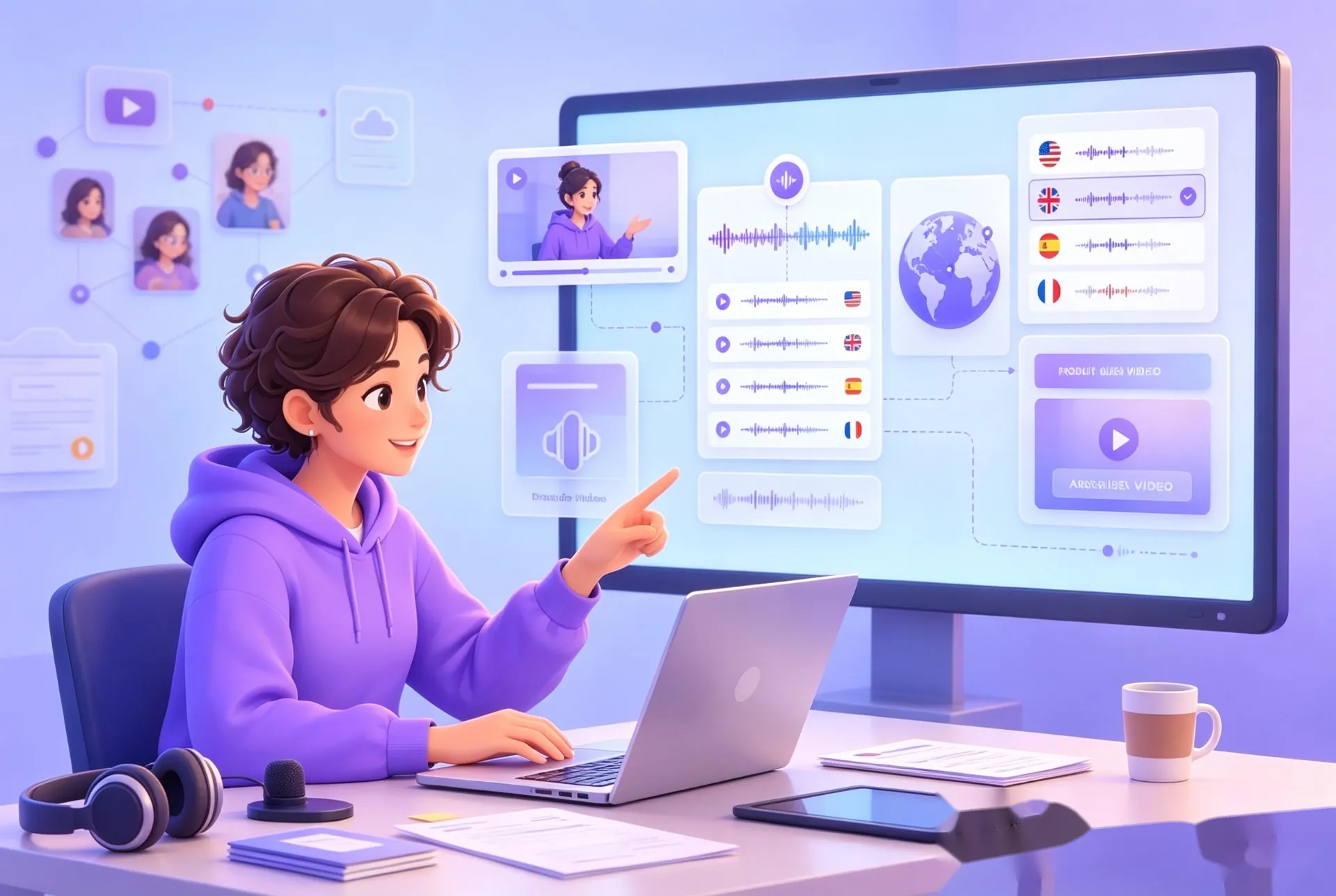
Online Courses and Training
Adapt lectures, demonstrations, and onboarding videos for English-speaking learners and distributed teams. Edit the translated text or subtitles so the original lesson remains clear and easy to follow.
Translate Video to English
Businesses and Marketing Teams
Create English versions of product demos, customer stories, presentations, and campaign videos. Compare the original and translated segments to keep key terms and brand messages consistent.
Translate Video to EnglishHow to Translate Video to English in 3 Steps
Upload your video, select English, review the time-coded result, and choose an export format.
Step 1: Upload a Video File
Upload a common video file, such as an MP4 or MOV, to begin the translation.
Step 2: Select English and Generate
Choose English as the target language and generate the translated text, subtitles, and available AI-dubbed result.
Step 3: Review and Export
Review and edit the time-coded English segments, then choose MP4, SRT, TXT, XLSX, or DOCX from the export menu.
How People Translate Videos Into English

Daniel K
Content Producer
"I used to spend hours translating interview footage line by line. Now I can translate video to English, review the time-coded segments, and prepare accurate English subtitles much faster."



Ready to Translate Your Video to English?
Upload a video file to translate video to English with editable subtitles, AI dubbing, and voice cloning. Review each time-coded segment and export a dubbed MP4, subtitle file, or translated document.
Translate Video to English FAQs
Find answers about English subtitles, AI dubbing, supported formats, editing, exports, processing time, and privacy.
Translate Your Video into Clear English Now
Upload a video file and create a clear English version with AI translation. Review the transcript and subtitles, refine the translated segments, and export the result in the format that fits your workflow.