
Free Video Subtitle Translator for Any Language
Translate your video subtitles into 90+ languages—sign up free and use daily credits to translate at no cost. Upload a video MP4, MOV, or WebM, edit each line, then export as TXT, SRT or a dubbed video with AI voices.
Translate Video Subtitles With a Fast, Convenient AI Agent Workflow
Free with daily credits
Sign up for free, then claim your daily credits each day. Those credits cover your translations and AI dubbing, so regular use stays free—no credit card needed to start.
Free AI dubbing
Need more than text? Switch to the Media tab, pick an AI voice, and download a dubbed video file. Most free subtitle tools can't do this at all.
90+ languages
From English↔Spanish to long-tail pairs the small tools skip. Many competitors stop at 15–30 languages; we go further.
Save SRT or TXT
Export as TXT, SRT, XLSX, or DOCX. XLSX is rare among subtitle translators: it drops your translated lines into a spreadsheet your editor can filter, review, or reuse as a translation memory.
Speaker identification
When you upload a video, we automatically label different speakers in the transcript, so you always know who said what.
Context-aware AI
Translates each line in context, not word-by-word like pasting into a general translator (which breaks timecodes).
Why Translate Subtitles Online
Video subtitle translation used to mean pasting lines into a machine translator one by one, then fixing every broken timecode by hand. Today an online video subtitle translator does the work in minutes—keeping your timestamps intact and your formatting clean. Whether you're localizing YouTube captions, preparing course videos for international students, or dubbing a short film, the right tool should be free to use, fast, and accurate across the languages your audience actually speaks. That's what we built: a translator that takes your video and returns translated subtitles the way creators actually work.
Who Uses Our Video Subtitle Translator
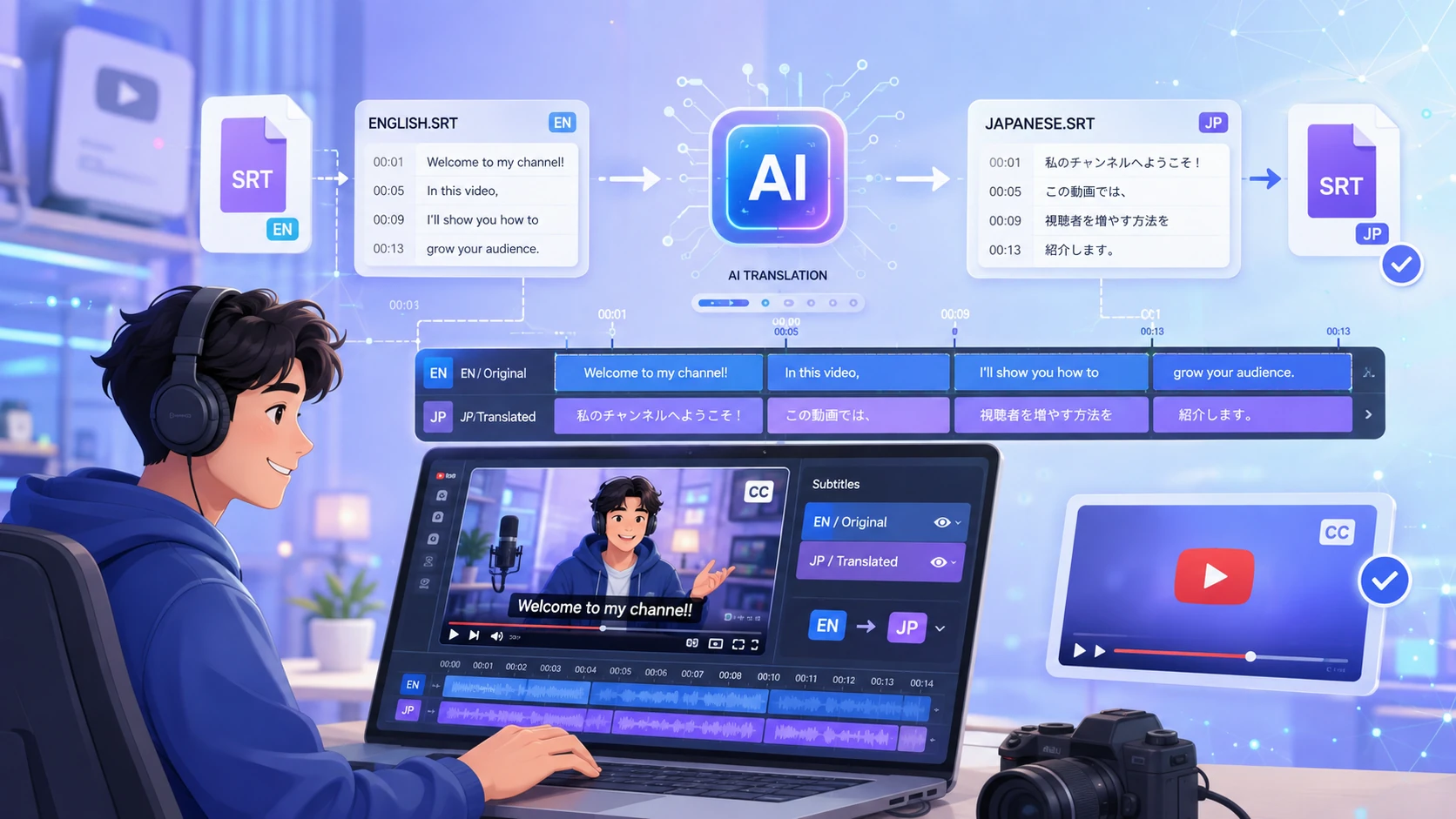
YouTube creators
Localize your video subtitles into Spanish, German, or Japanese without re-syncing a single timecode. Or export a dubbed version to reach listeners in another language.
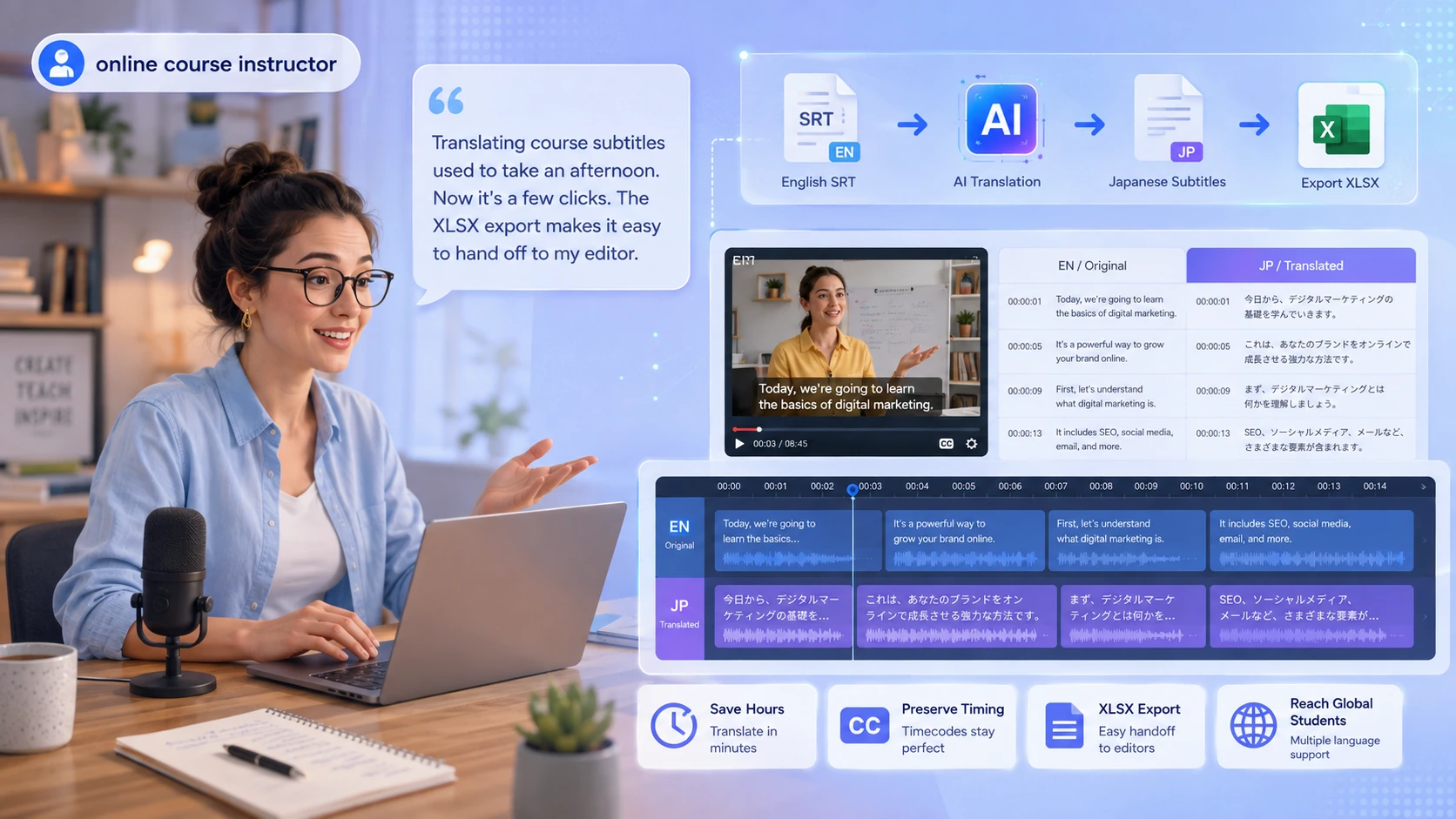
Educators & course builders
Translate your lecture subtitles for international students; the AI summary turns a 60-minute class into skimmable takeaways.
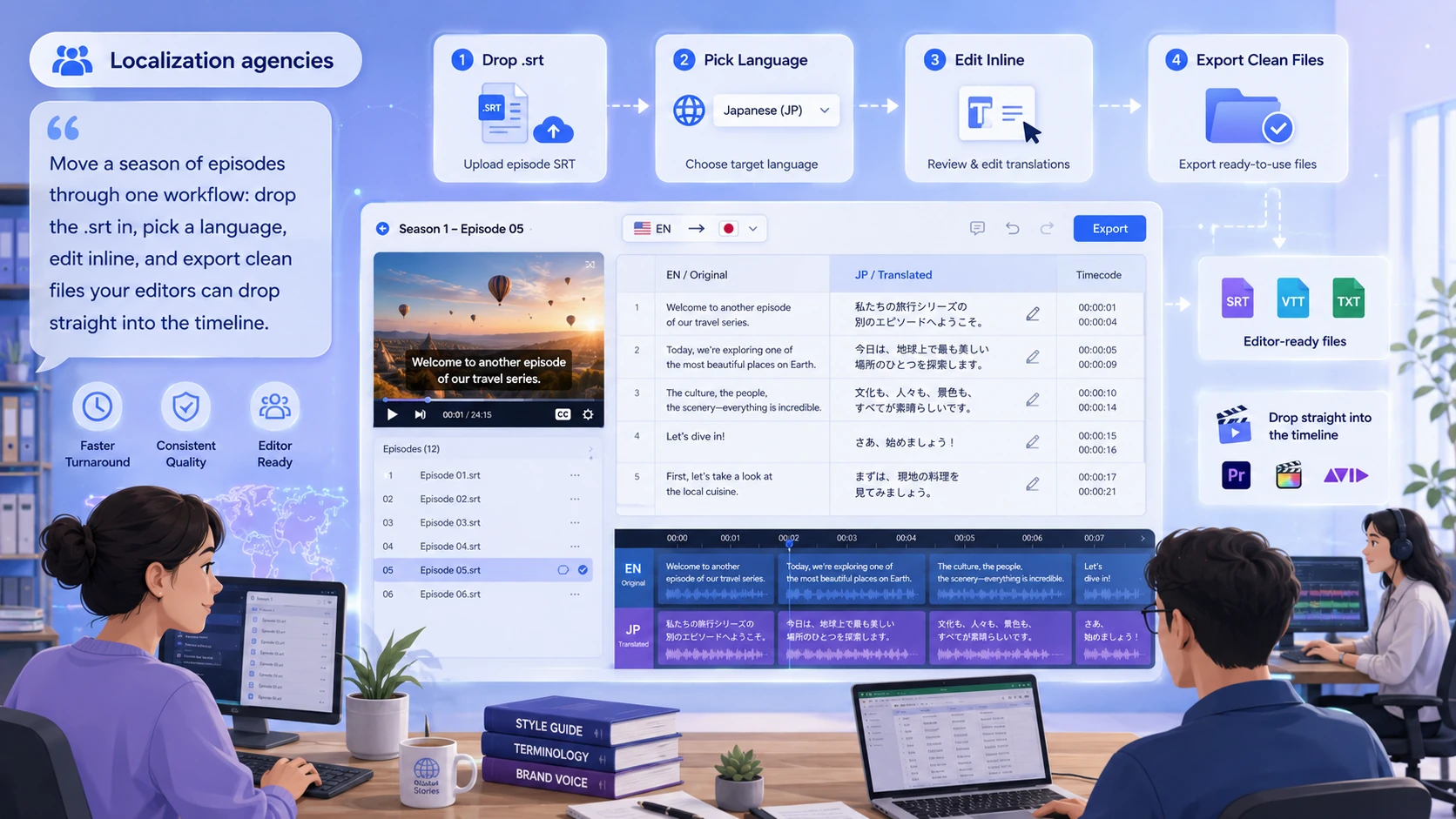
Localization agencies
Move a season of episodes through one workflow: drop the video in, pick a language, edit inline, and export clean files your editors can drop straight into the timeline.

Fans of international stars
Can't follow your favorite artist's livestream, vlog, or interview in a foreign language? Upload the recording and get a transcript in minutes—then translate it into your language, or export a dubbed video to actually hear it.
How to Translate Video Subtitles in 3 Steps
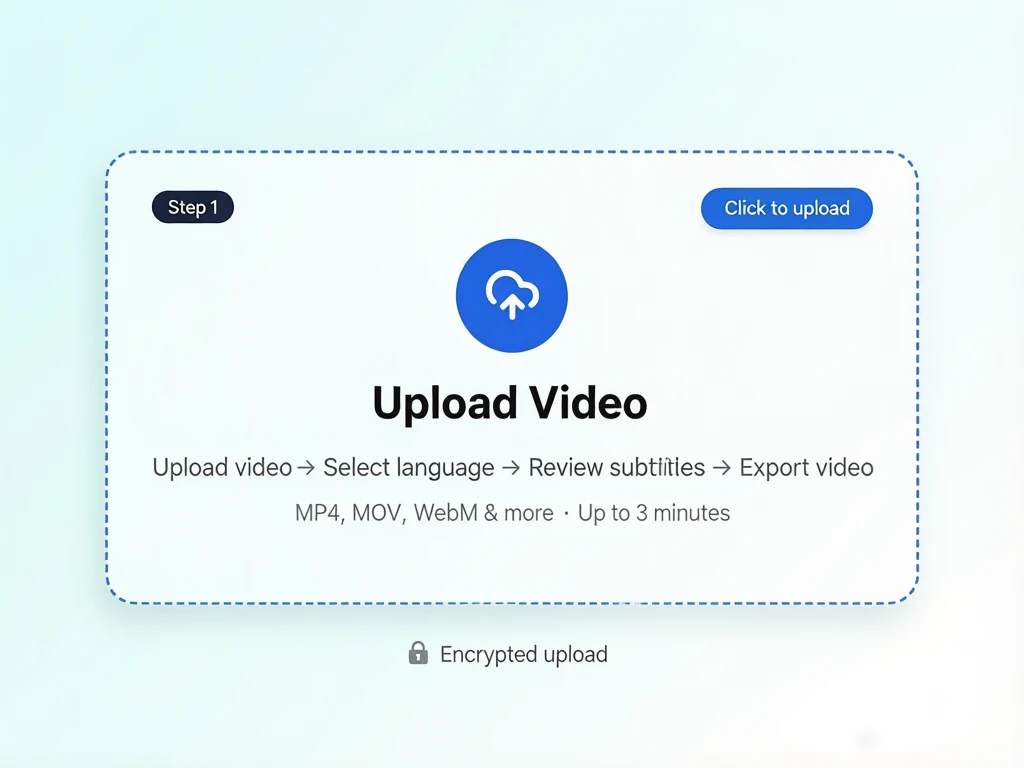
Upload your video.
Drop in an MP4, MOV, or WebM video—upload a video and we'll generate its subtitles for you. Your file is encrypted the moment you upload it.
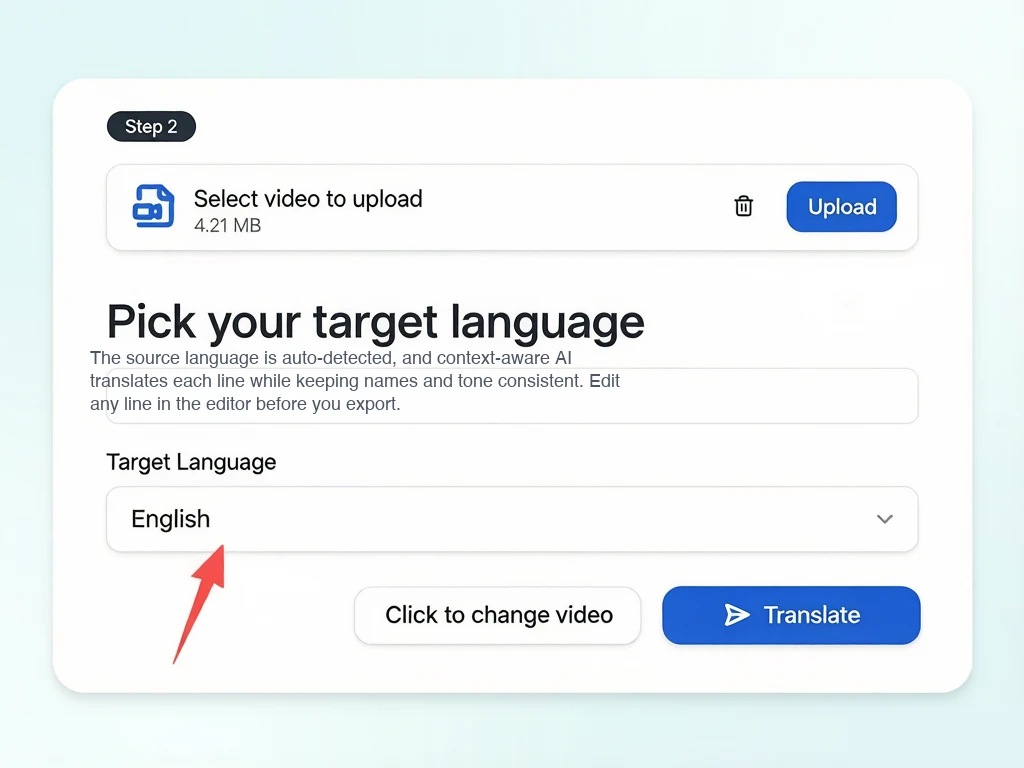
Pick your target language
The source language is auto-detected, and context-aware AI translates each line while keeping names and tone consistent. Edit any line in the editor before you export.
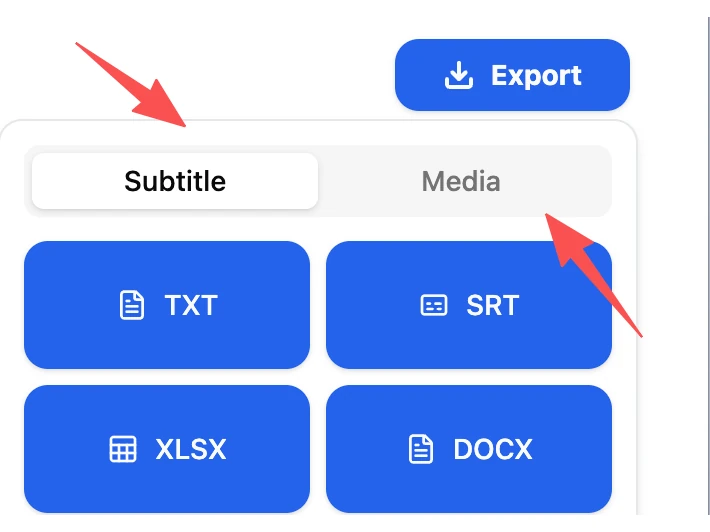
Preview & export.
Review and edit each translated line, then download your subtitles as TXT, SRT, XLSX, or DOCX. Want more than text? Switch to the Media tab, pick an AI voice, and download a dubbed video with the translated audio.
What Users Say About AI Video Translator’s Video Subtitle Translator

Sarah Kim
YouTube creator
"I dropped my English video in, picked Japanese, and had a second caption track in minutes. Timecodes untouched. Free, no sign-up, no queue—done."



Frequently Asked Questions
Translate your video subtitle files in minutes.
Drop in a video, pick a language, edit inline, and download.