
Free AI Video Localization for Global Audiences
Translate, dub, and subtitle videos for free with AI. Turn one upload into multilingual content while preserving timing, tone, and speaker identity.
Everything You Need for Video Localization
Handle transcription, translation, multilingual subtitles, AI voice selection, review, and export in one connected workflow.
Free Online Access With No Sign-Up
Start localizing videos for free in your browser without creating an account. Available usage and output options follow the current product workflow.
Automatic Speech Transcription
Automatically convert spoken dialogue into time-coded source text, creating a clear starting point for translation, subtitles, and localized audio.
Multilingual Video Translation
Translate dialogue into selected target languages while keeping the translated segments aligned with the original video timing.
Multilingual Subtitles
Generate translated subtitles that follow the timing of the original speech. Review the subtitle text and export it in the available subtitle formats.
AI Voice Selection for Localized Audio
Choose from the available AI voices when creating localized audio. Different voice styles help you prepare audio versions for different languages and audiences.
Side-by-Side Review and Editing
Compare the original transcript with the translated text in each time-coded segment. Edit wording, correct translation details, and review the result before exporting.
Flexible Subtitle and Media Export
Use the export menu to select the output you need. Available options include TXT, SRT, XLSX, and DOCX subtitle or text files, together with available media outputs.
What Is Video Localization?
Video localization adapts a video for a specific language, region, and audience. It can include transcription, translation, subtitles, voiceovers, dubbing and adjustments to timing or cultural context. Translation changes the words in a video. Localization goes further by adapting the spoken delivery, subtitles, audio, timing, and presentation so the content feels natural to the target audience.
Reach More Audiences With Localized Video
Video localization turns one source video into content that global viewers can understand, hear, and follow in their preferred language.

Expand Global Content Reach
Create localized versions for new countries and language markets without rebuilding every video from scratch.
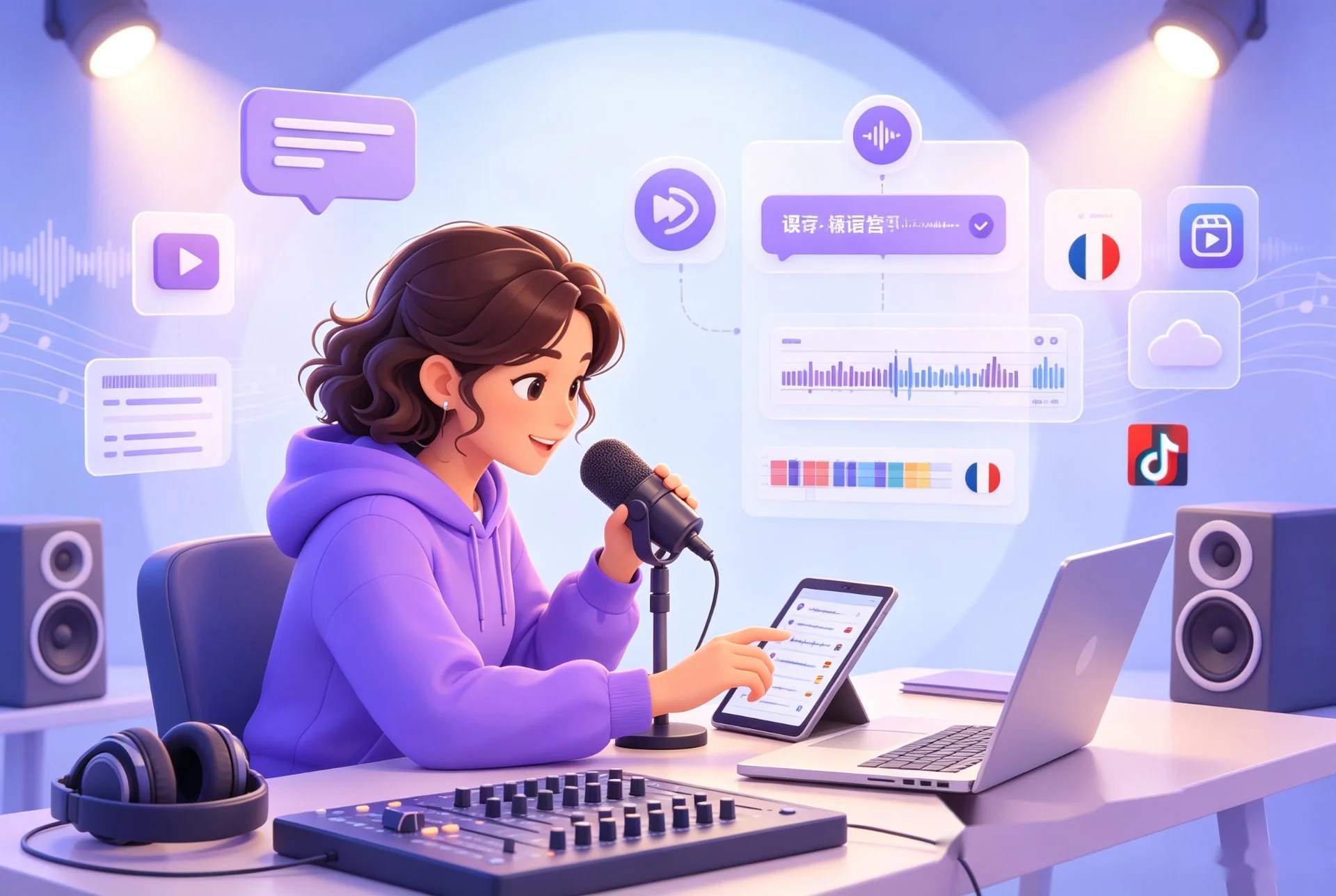
Repurpose Podcasts and Shows
Translate dialogue, generate multilingual subtitles, and create localized voiceovers for episodes, interviews, and creator content.

Improve Learning and Training Access
Adapt courses, webinars, onboarding videos, and internal training for international students and distributed teams.
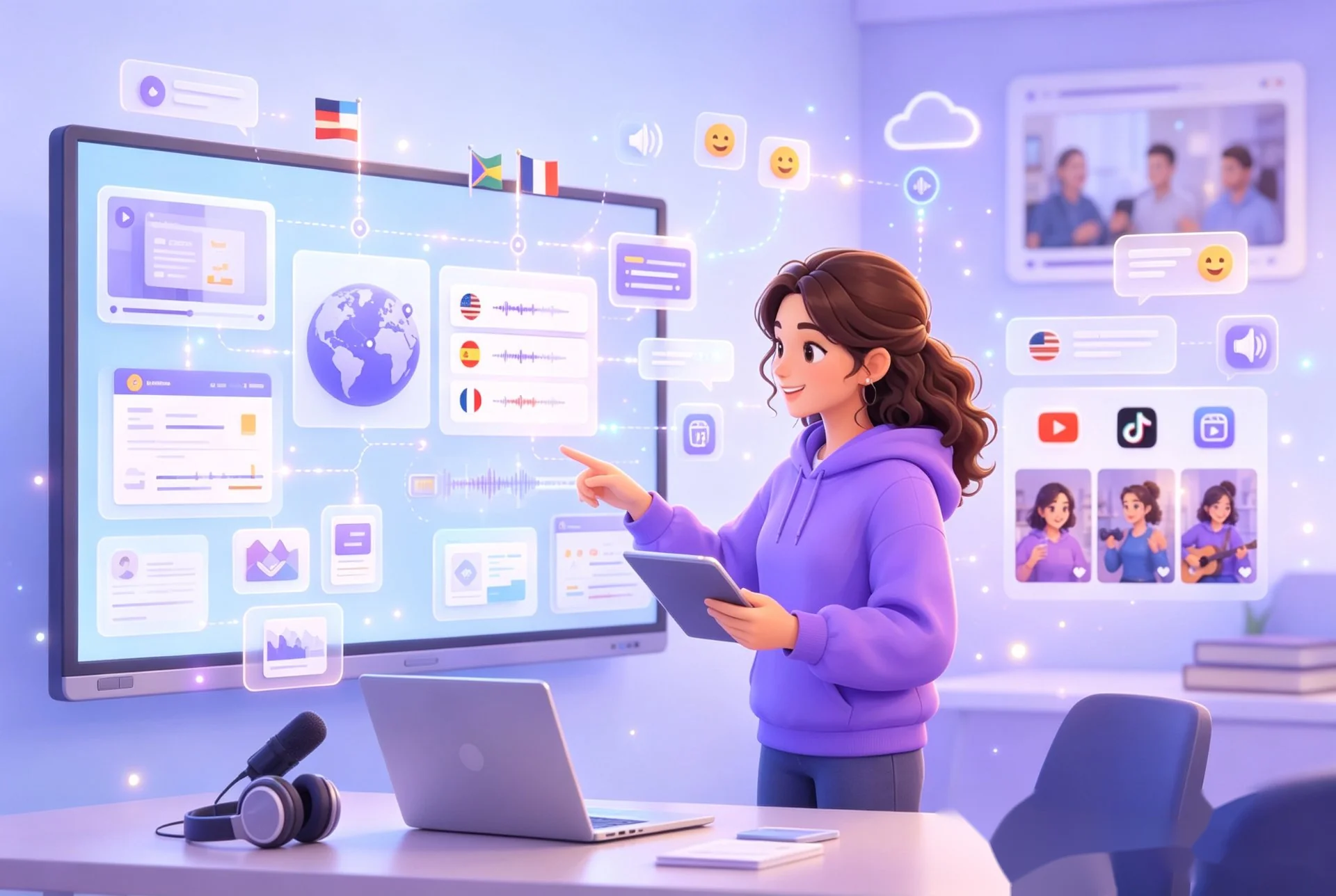
Support Global Business Communication
Localize product demos, presentations, campaigns, and team updates while keeping the original message and tone consistent.
How to Localize a Video in 3 Steps
Upload your video, choose the target language and available voice options, review the translated segments, and export the result you need.
Step 1: Upload Your Video
Upload a supported video file to begin transcription and prepare the spoken content for translation.
Step 2: Select a Language and Voice
Choose the target language and select an available AI voice when a localized media output is required.
Step 3: Review and Export
Review the original and translated text in each time-coded segment, make any necessary edits, and use the export menu to choose the available subtitle, text, or media output.
How Teams Localize Video Content

Podcast Producers
"We used to manage transcription, translation, and subtitle preparation in separate tools. Now we can review the translated segments in one place and prepare English or multilingual versions more efficiently."



Localize Your Video for a Global Audience
Use video localization to translate, dub, subtitle, review, and prepare your content for more languages in one workflow. Start online for free with no sign-up required.
Video Localization FAQs
Get answers about translation, subtitles, AI dubbing, supported formats, processing time, editing, and security.
Start Localizing Videos for Free
Upload your video and create translated text, multilingual subtitles, and localized AI audio in one workflow. Review the results online and export your selected output with no sign-up required.