The free English transcription tool gave my channel a searchable transcript in one upload—no sign-up, no download. Exactly what I needed for show notes.

Marcus Reed
YouTube Creator

Upload an MP3, WAV, or MP4 file and get an accurate English transcript in minutes—then translate it into 90+ languages. This free Transcribe English speech to text tool needs no sign-up.
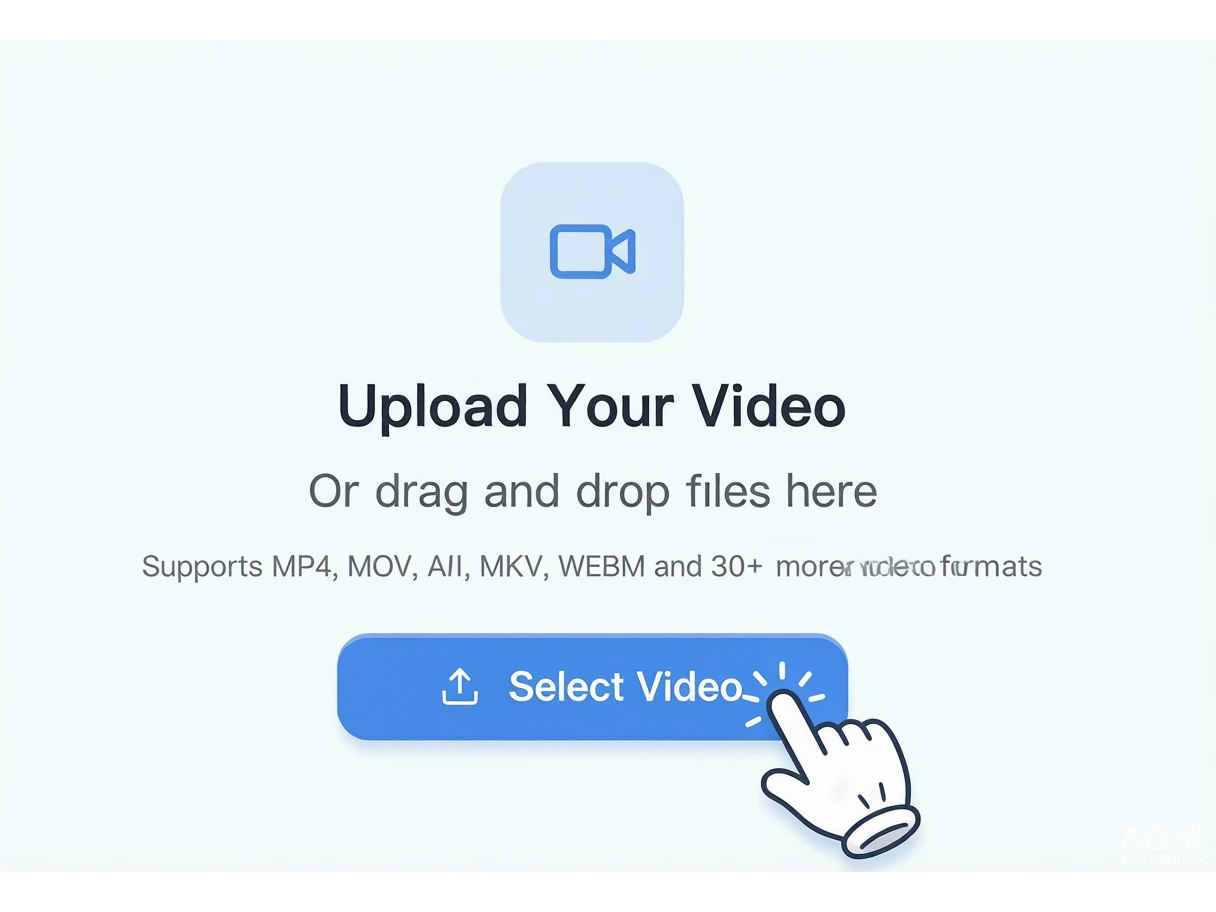
Drag and drop an MP3, WAV, or MP4 file into the box above, or click to browse. Our free English transcription tool also accepts 30+ audio and video formats, so you can start transcribing English audio in seconds.
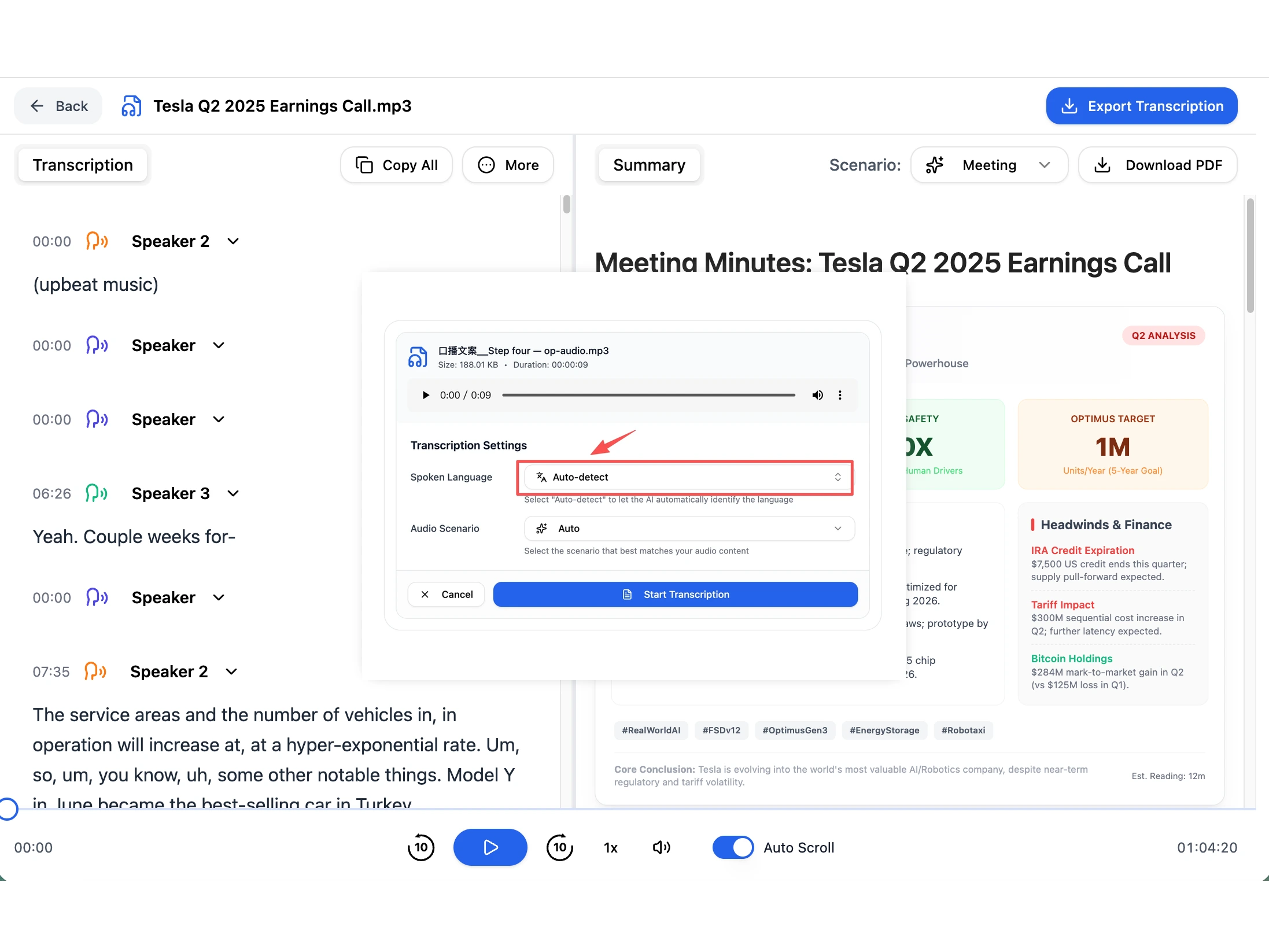
Pick English (or let the tool auto-detect the language), then press Transcribe. The AI processes your audio on our secure servers and turns your English speech into clean, editable text.
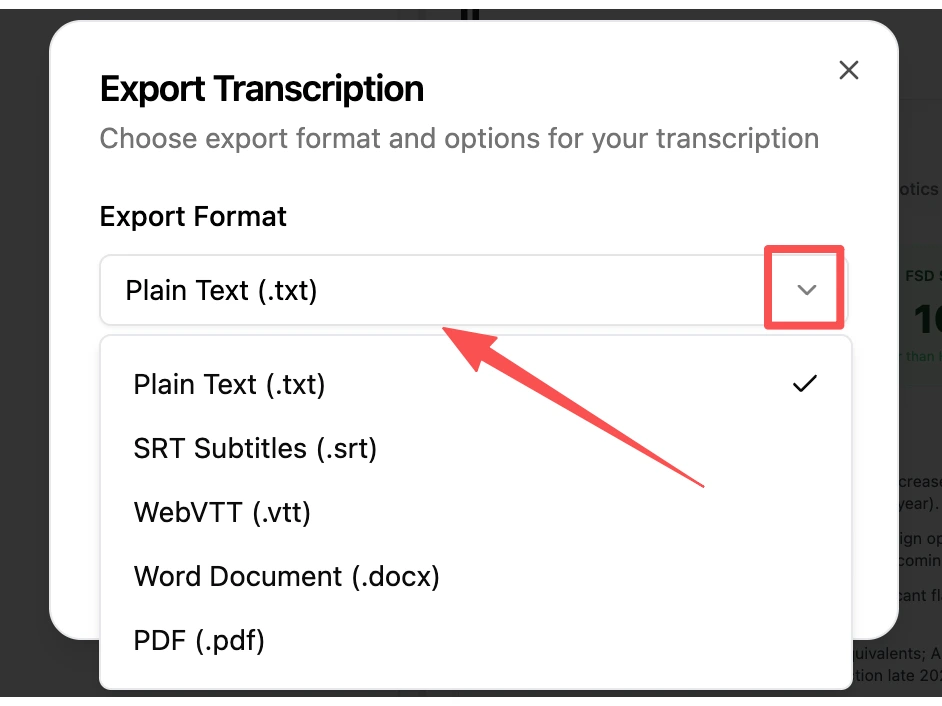
Get your transcript as as Word (DOCX), PDF, or SRT file. Copy it, edit it, or download it straight from your browser—no account needed to transcribe English audio.
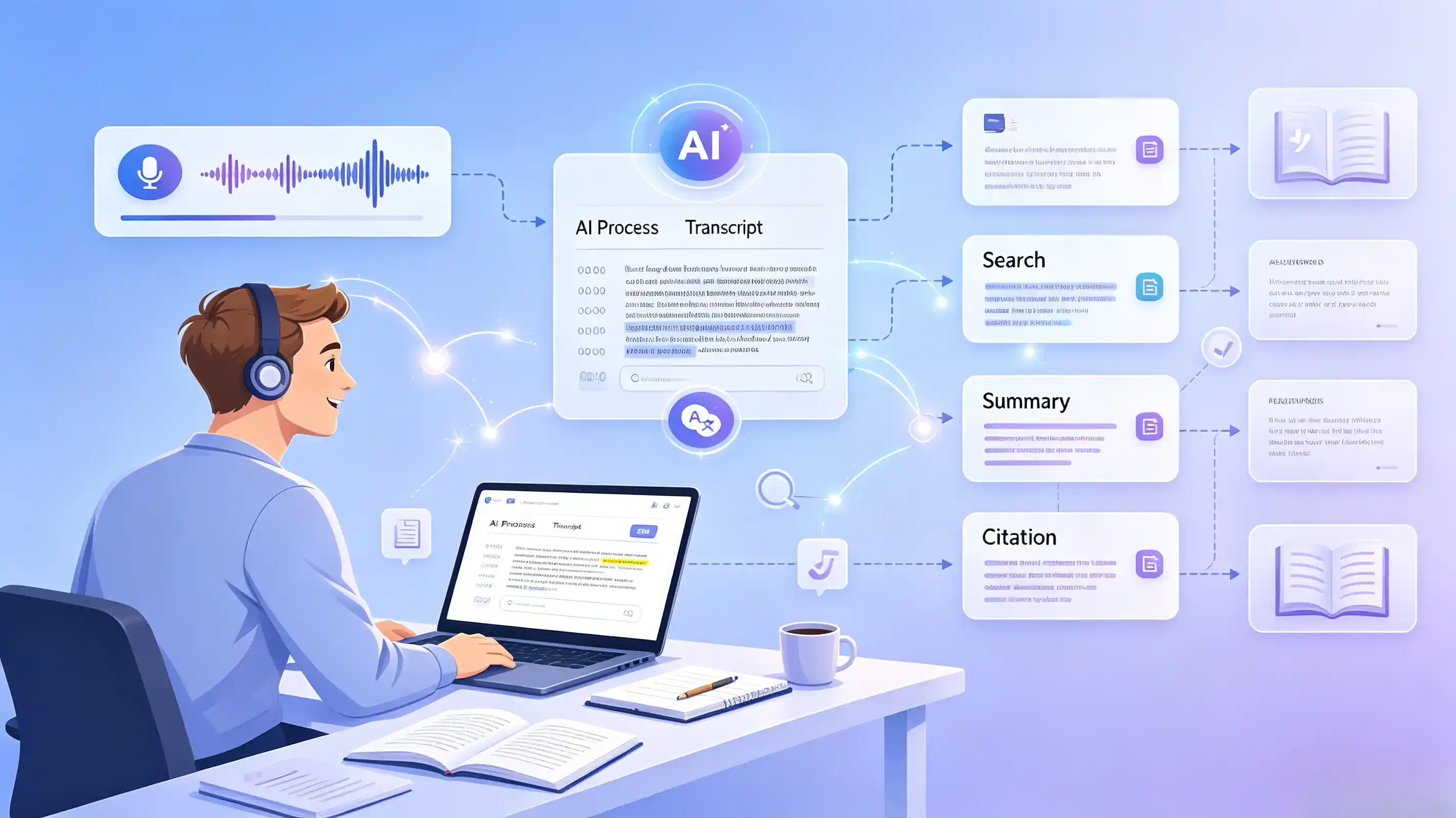
Turn English lectures, interviews, and listening practice into searchable text for study notes and citations. A fast way to transcribe English audio without manual typing—many students pick this free English transcription tool over paid editors.
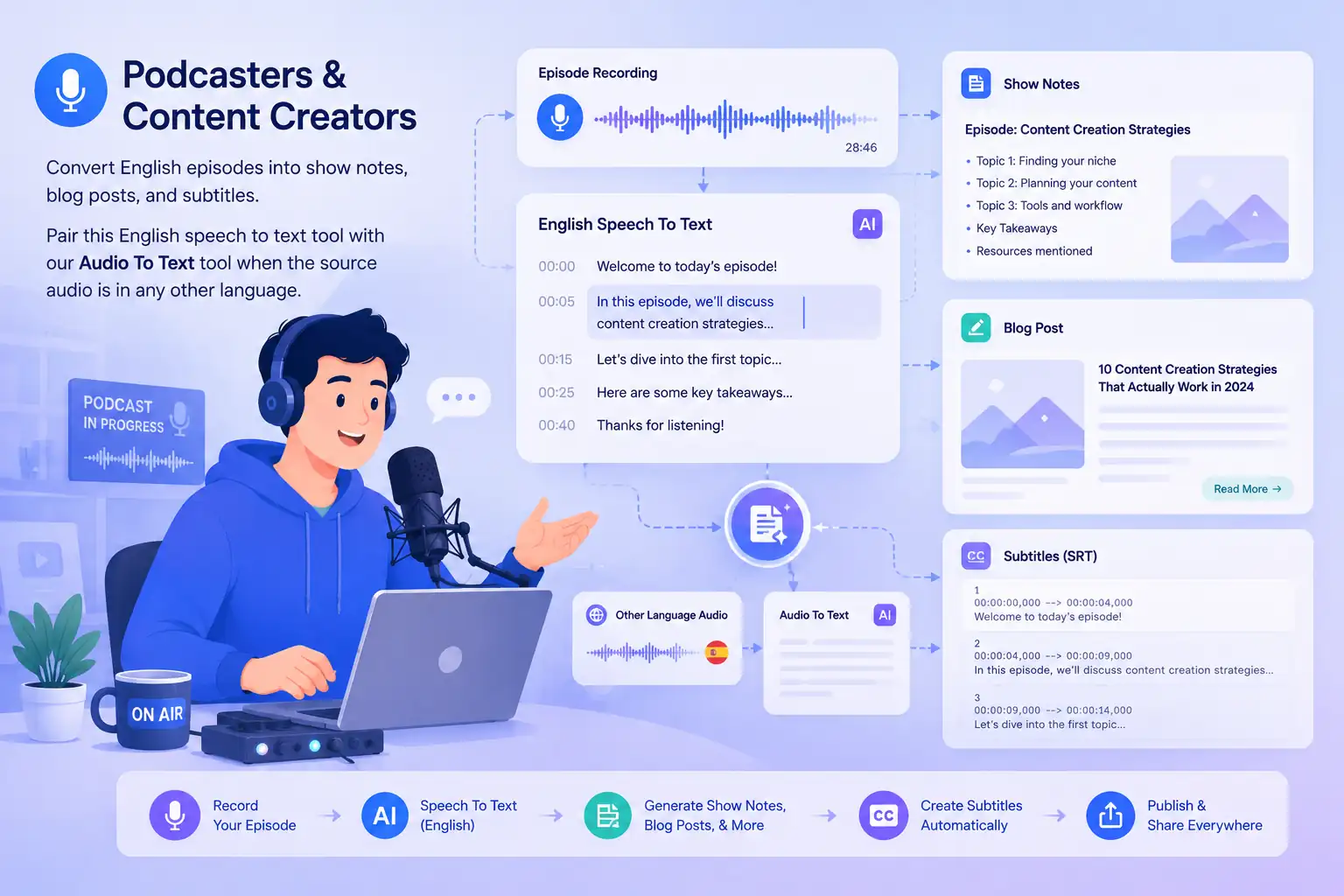
Convert English episodes into show notes, blog posts, and subtitles. Pair this English speech to text tool with our Audio To Text tool when the source audio is in any other language.
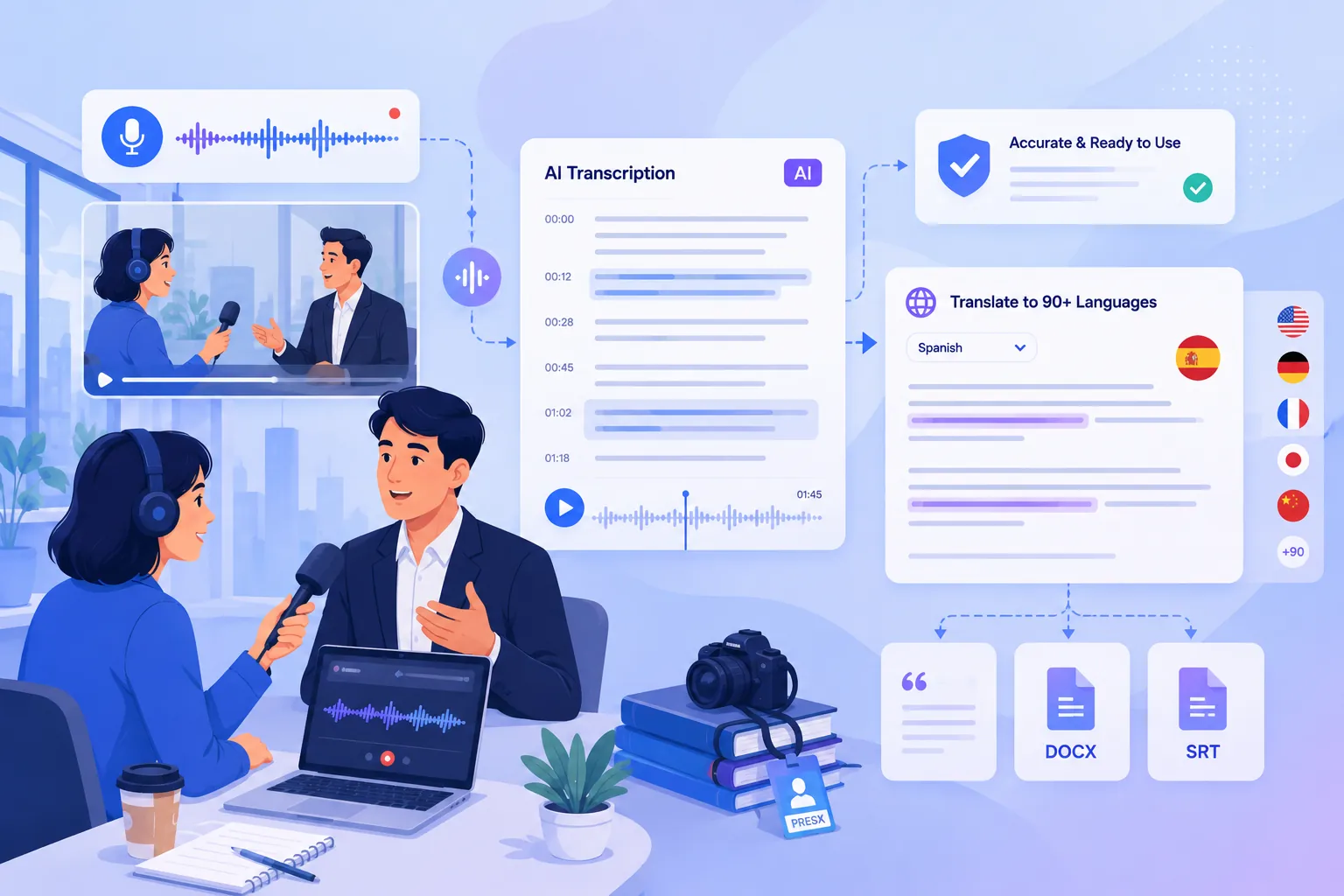
Get accurate English transcripts of interviews and meetings for quoting and fact-checking. You can also translate your transcript into 90+ languages when you need a quick draft of the same recording.
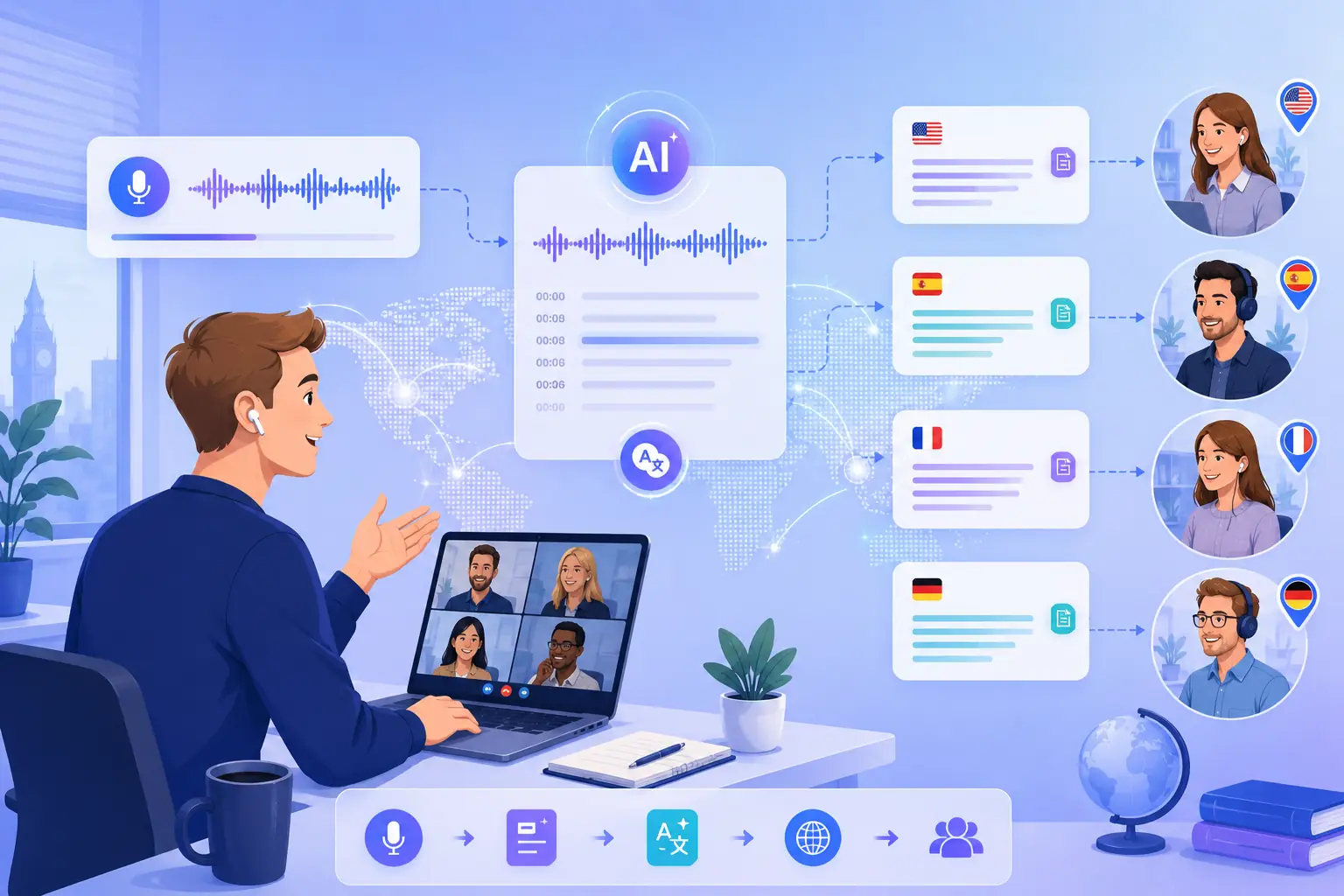
Turn English meetings into text in 90+ languages for distributed teams. Transcribe English audio with this English speech to text tool, then translate the transcript so everyone works from the same version.
This free English transcription tool needs no account, no email, and no credit card. Open the page, upload a file, and transcribe. No trial wall, no registration gate—just a completely free tool ready to use.
Our AI delivers up to 99% accurate English transcripts on clear audio, with speaker identification that labels who said what. A 1-hour audio file is processed in about 2 minutes—reliable and fast enough for interviews, lectures, and meetings.
Transcribe English audio and translate it into 90+ languages from one tool. One upload covers both your English transcript and translations for your whole team—handy for multilingual projects and global audiences.
Works in any browser on Windows, Mac, Linux, iOS, or Android. Nothing to install. Your audio is encrypted on upload and processed securely on our servers, so you can transcribe from anywhere.
Upload 30+ audio and video formats, then download your transcript as a TXT, SRT, WebVTT, DOCX, or PDF. The tool handles the files your recordings already use—no format conversion needed before you start.
The tool tags different speakers in your English audio automatically, so your transcript reads like a conversation instead of one long block of text. Built for interviews and meetings.
The free English transcription tool gave my channel a searchable transcript in one upload—no sign-up, no download. Exactly what I needed for show notes.
Marcus Reed
YouTube Creator
Speaker labels saved me hours on interview transcripts. Up to 99% accurate on clear English audio—better than I expected from a free tool.

Lina Sato
Research Assistant
Free, no account, works in my browser. I transcribe English episodes here, then translate clips with the video translator. All in the same afternoon.

Diego Fernández
Podcast Editor
One English recording turned into 90+ language transcripts in minutes—no sign-up, no install. The free transcription tool cut our localization turnaround in half.

David Miller
Localization Manager
Turn any English audio into accurate text—free and with no sign-up. This free English transcription tool works in your browser. Transcribe English in three steps. No download, no account.