Free AI Audio to Text Converter
Upload your audio and let AI turn speech into clean text in minutes, with optional translation and speaker identification for clearer transcripts.
Click or drag audio file here
Support MP3, WAV, AAC, M4A and other formats
Who is the AI Audio to Text Converter suitable for?
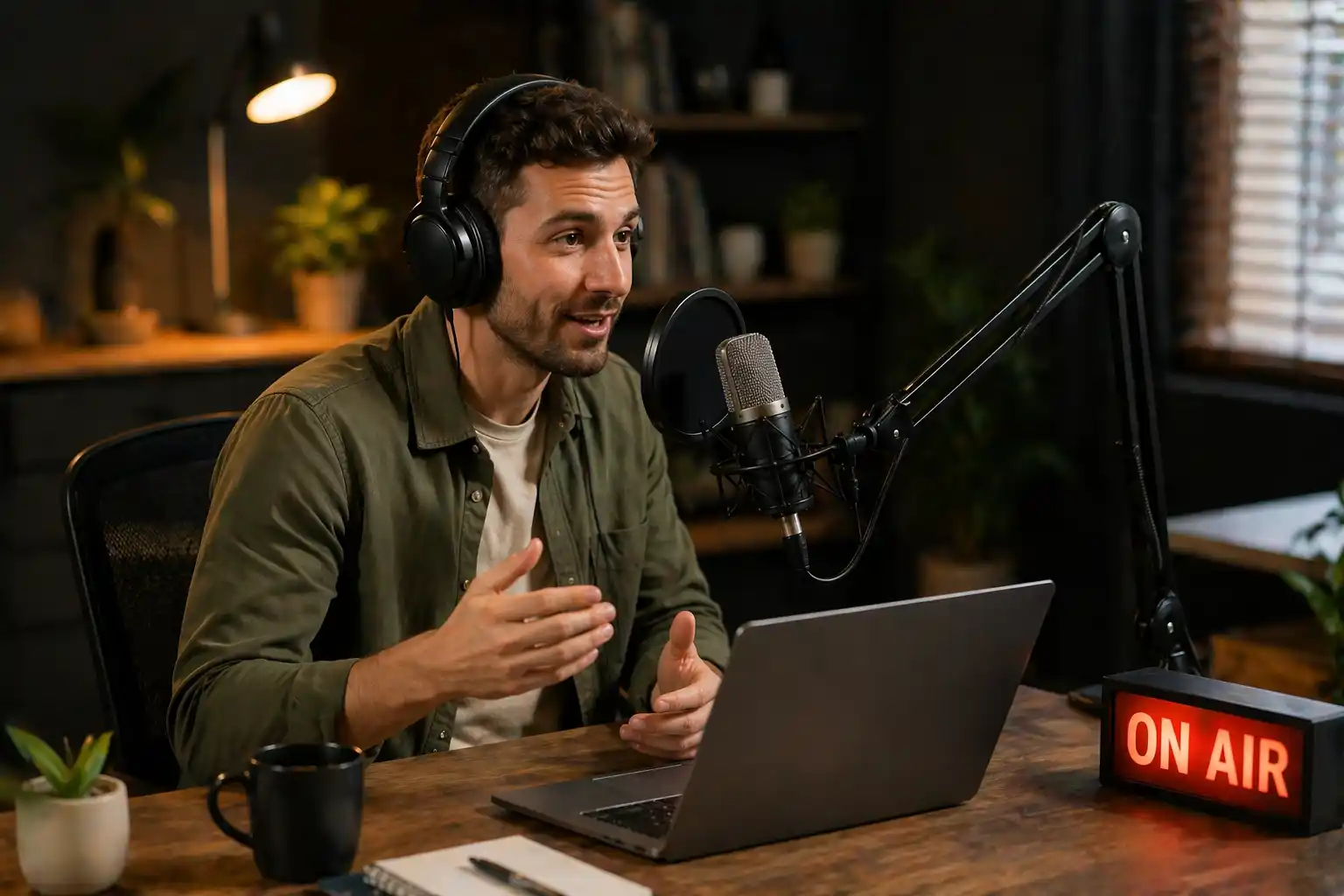
Podcasters & Creators
Turn episodes, interviews, and recorded voice content into text for repurposing, SEO, notes, and content planning.

Educators & Trainers
Convert lectures, lessons, and training audio into searchable transcripts that are easier to distribute and review.

Teams & Businesses
Transcribe meetings, research calls, and voice memos into usable text for documentation, collaboration, and follow-up.
Why Choose AI Audio to Text Converter Online
From upload to export, every step is tuned for clean transcripts, readable structure, and faster review.
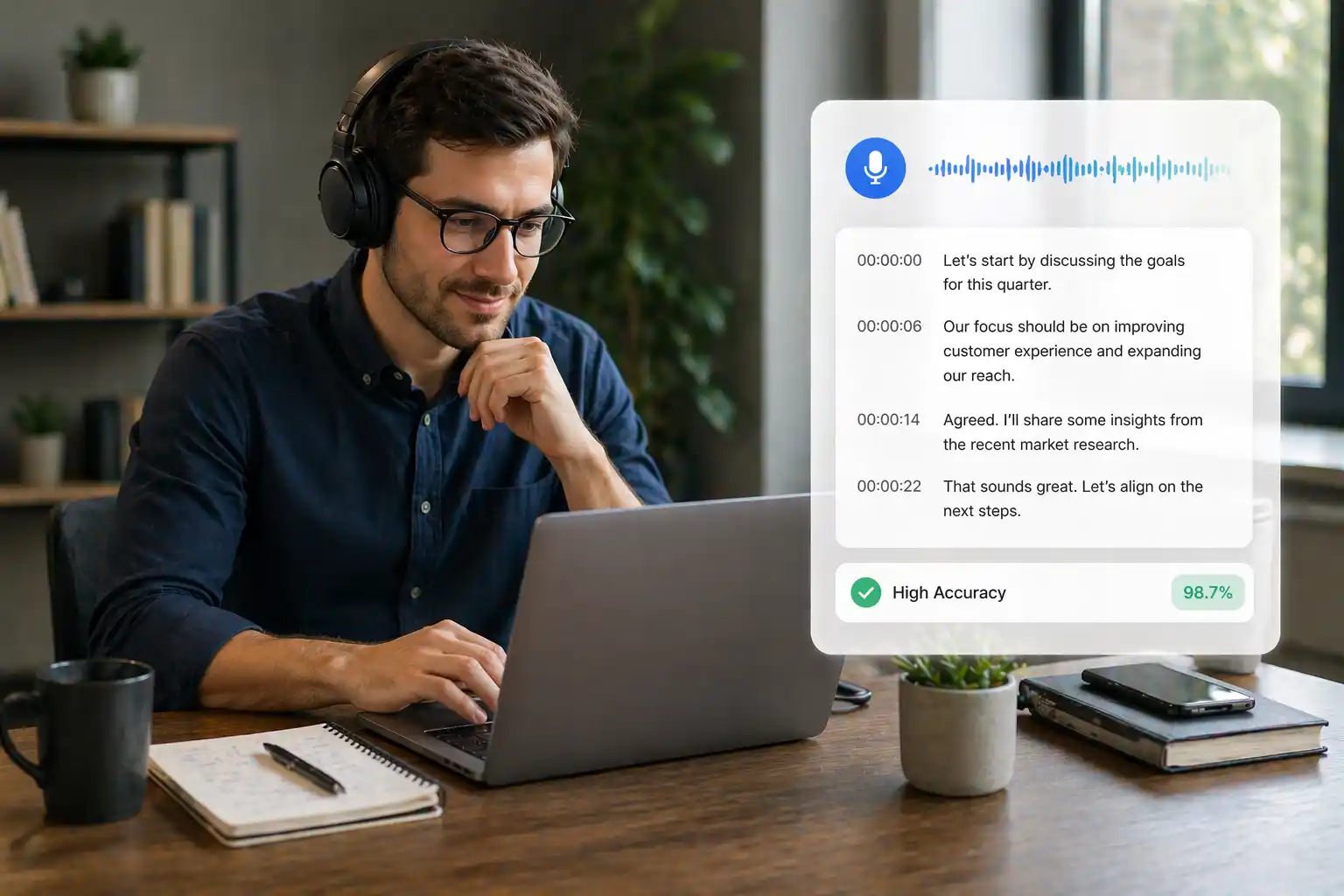
Accurate Speech Recognition for Clear First-Pass Transcripts
The AI Audio to Text Converter captures spoken audio with strong accuracy, helping you turn interviews, meetings, classes, and podcast episodes into readable text without spending hours on manual typing.
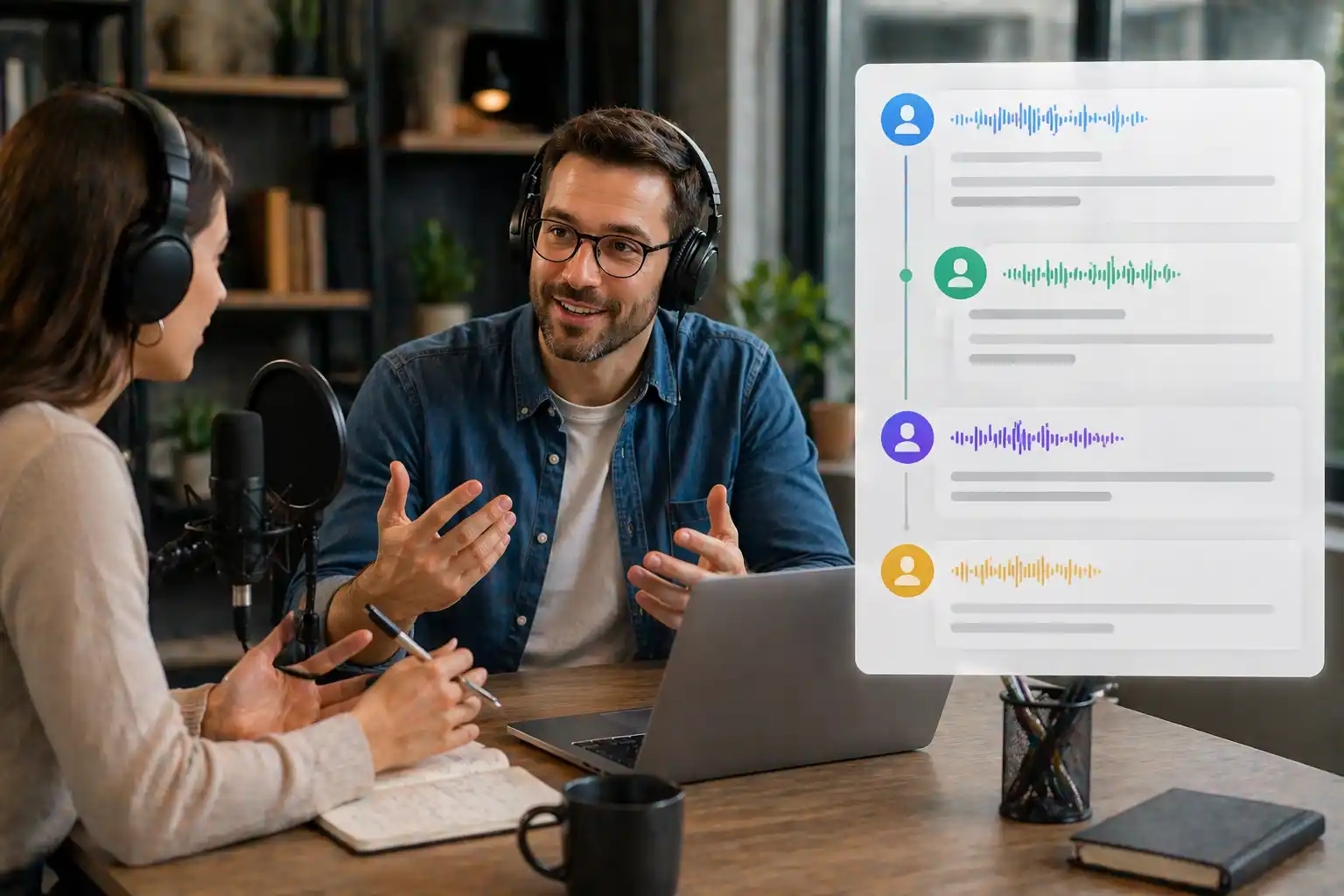
Speaker-Aware Formatting for Multi-Voice Recordings
When a recording includes multiple speakers, optional speaker identification helps keep the transcript organized. This makes handoffs, reviews, and follow-up notes much easier for collaborative audio workflows.
Flexible Export for Notes, Subtitles, and Documentation
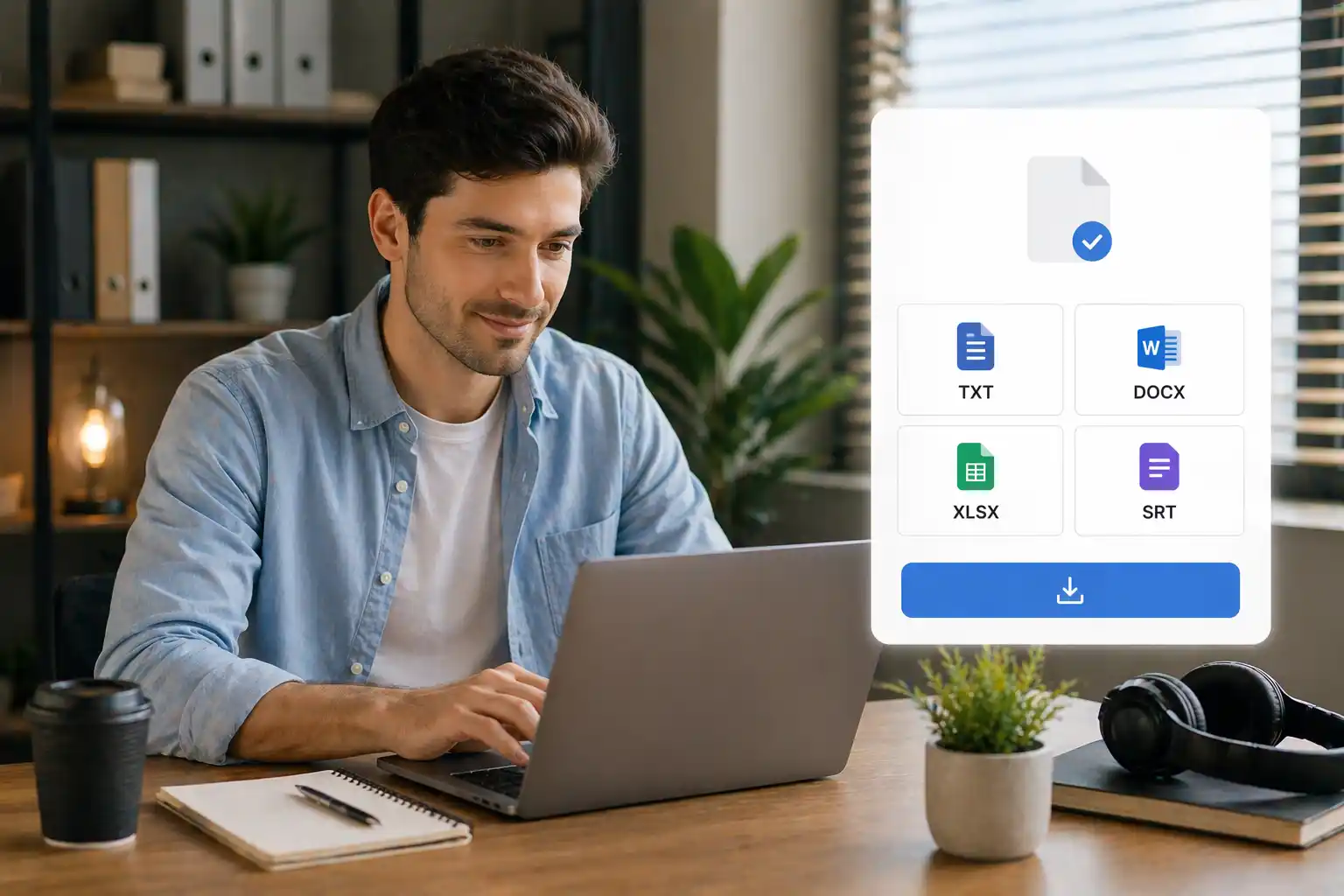
Once the transcript is ready, you can export it in TXT, DOCX, XLSX, or SRT format. That makes the AI Audio to Text Converter useful for content repurposing, searchable archives, captions, and internal records.
How to Use the Audio to Text Converter
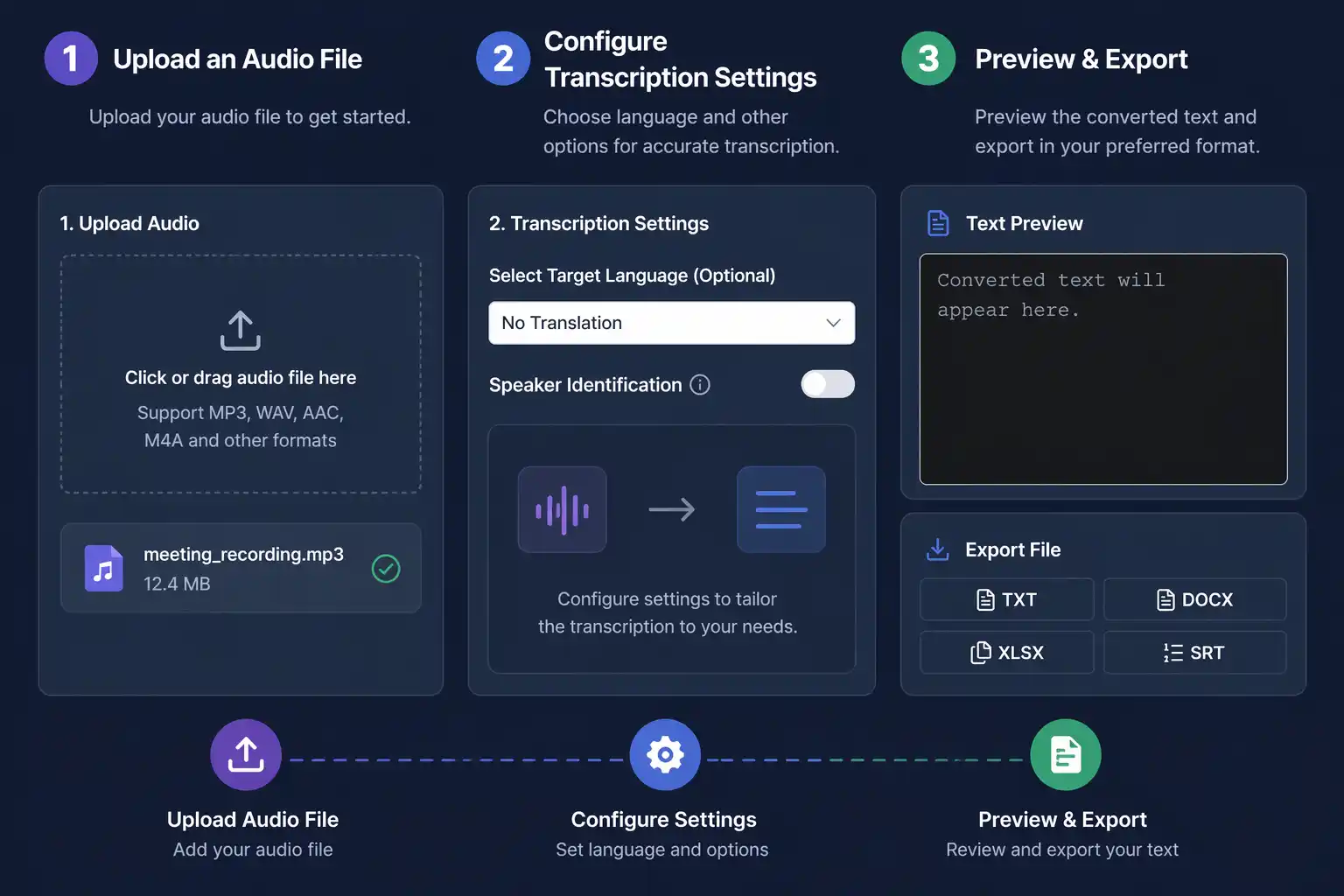
Upload an Audio File
Start by uploading an audio file from your device. Our AI Audio to Text Converter supports MP3, WAV, AAC, M4A, and other common audio formats.
Configure Transcription Settings
Choose a target language if you want translated output, and enable speaker identification when your recording includes multiple voices.
Preview & Export
After processing, review the generated transcript and export your audio to text result in TXT, DOCX, XLSX, or SRT format.
Why Teams Use It for Audio-to-Text Workflows
Creators, educators, and operators use it to turn spoken audio into usable text faster and with less cleanup.

Daniel K.
Podcast Producer
We use it to transcribe interviews and roundtable recordings right after publishing. The speaker labeling makes editing show notes and summaries much faster.

Sophia M.
Independent Creator
I needed a simple way to turn voice recordings into clean text for blog drafts and captions. This workflow cut out a lot of manual cleanup for weekly content.

Ethan W.
Educator
Our team converts lesson audio into transcripts so students can review materials more easily. It is especially useful for long lectures and multilingual classrooms.

Linda P.
Training Manager
We transcribe internal training audio and meeting recordings to make documentation easier to share. Exporting directly to DOCX and XLSX helps with downstream workflows.

Carlos R.
Research Lead
Interview transcription used to slow down our reporting cycle. With this page, we can process recordings quickly and move straight into analysis.

Emily T.
Founder
We rely on it for voice memos, customer calls, and quick meeting recaps. It is now one of the easiest ways for our team to capture spoken information reliably.
Frequently Asked Questions about AI Audio to Text Converter
What is AI Audio to Text Converter? How does it work?
+The AI Audio to Text Converter is a tool that transcribes spoken audio into text. Upload a recording, choose your settings, and the system generates a readable transcript automatically.
Is AI Audio to Text Converter completely free?
+Yes. You can use the AI Audio to Text Converter for free with no subscription or hidden fees.
What audio formats and languages are supported?
+The AI Audio to Text Converter supports common audio formats such as MP3, WAV, AAC, and M4A, along with multiple transcription and translation languages.
Can I upload audio files directly from my device?
+Yes. You can upload local audio files directly from your device.
How accurate is the AI audio to text conversion?
+The AI Audio to Text Converter is designed for high-accuracy transcription and works best with clear speech and minimal background noise.
How long does it take to convert an audio file?
+Processing time depends on file length and settings, but most short audio files finish within a few minutes.
Can it identify multiple speakers?
+Yes. If you enable speaker identification, the transcript can label different speakers for easier review.
Is my audio data secure?
+Your audio is processed securely with encrypted transmission and privacy-minded handling.
How can I get technical support?
+You can contact support via email at [email protected] or through the online help center.
Can I review and export the transcript?
+Yes. After conversion, you can preview the text and export it in multiple file formats.