Multilingual Video Translation
Translate one uploaded video into 30+ target languages. Change the target language in the editor and create another translated version when needed.

Compare the original video with translated versions and see how the same content can be adapted for viewers in different languages.
Translate one uploaded video into 30+ target languages. Change the target language in the editor and create another translated version when needed.
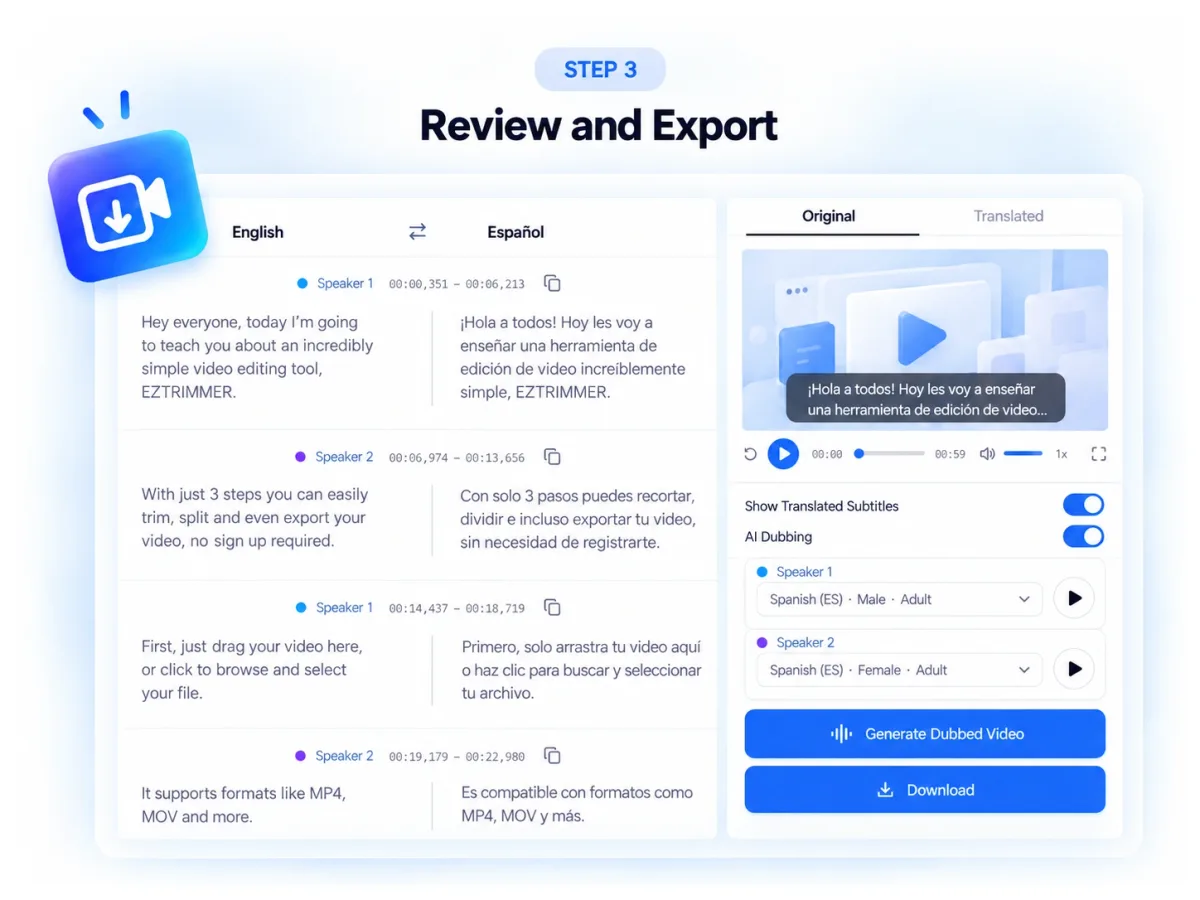
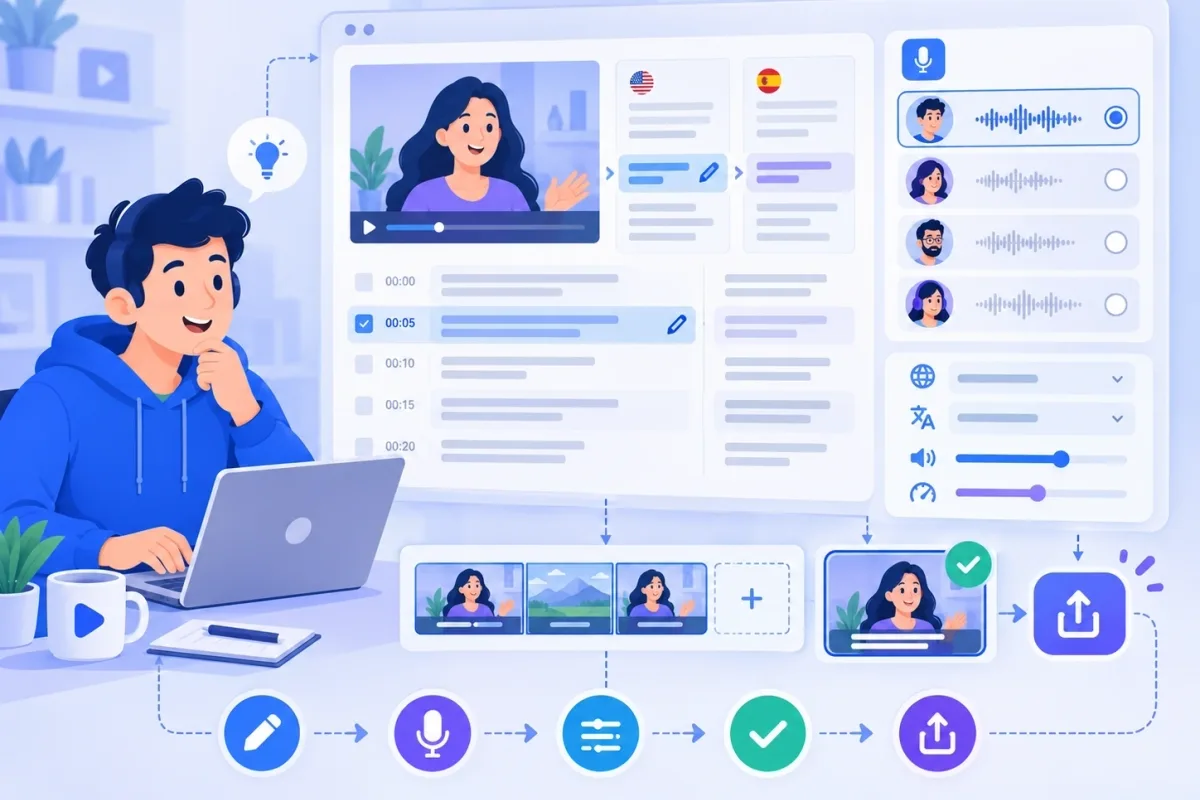
Compare the original transcript and translated text side by side in the editor. Review each segment in context and check translation accuracy, terminology, and meaning before creating the final video.
The AI video translator displays translated subtitles segment by segment in the editor. Edit any line as needed—names, terminology, tone, or context—while keeping it aligned with the source video.
Select from 300+ AI voice options for your translated video. Search or filter voices by language, gender, age, and scene, then choose a voice that fits your content style.
Automatically detect different speakers and organize their dialogue segments in the editor. Keep conversations structured and make multi-speaker videos easier to review and process.
The AI video translator exports a translated MP4, an SRT subtitle file, or a TXT transcript. Use the finished video directly or continue editing with the files your workflow needs.
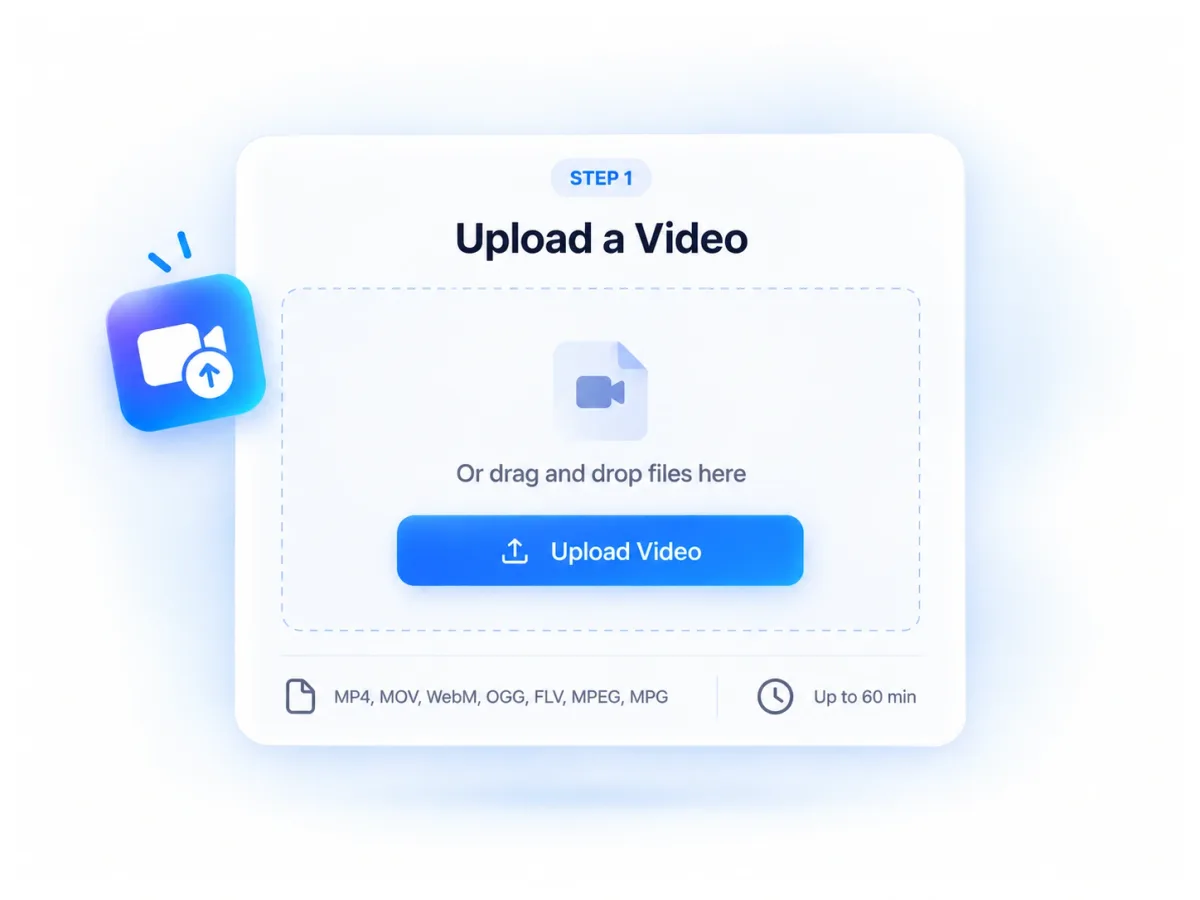
Upload an MP4, MOV, WebM, OGG, FLV, MPEG, or MPG file from your device. Videos can be up to 60 minutes long.
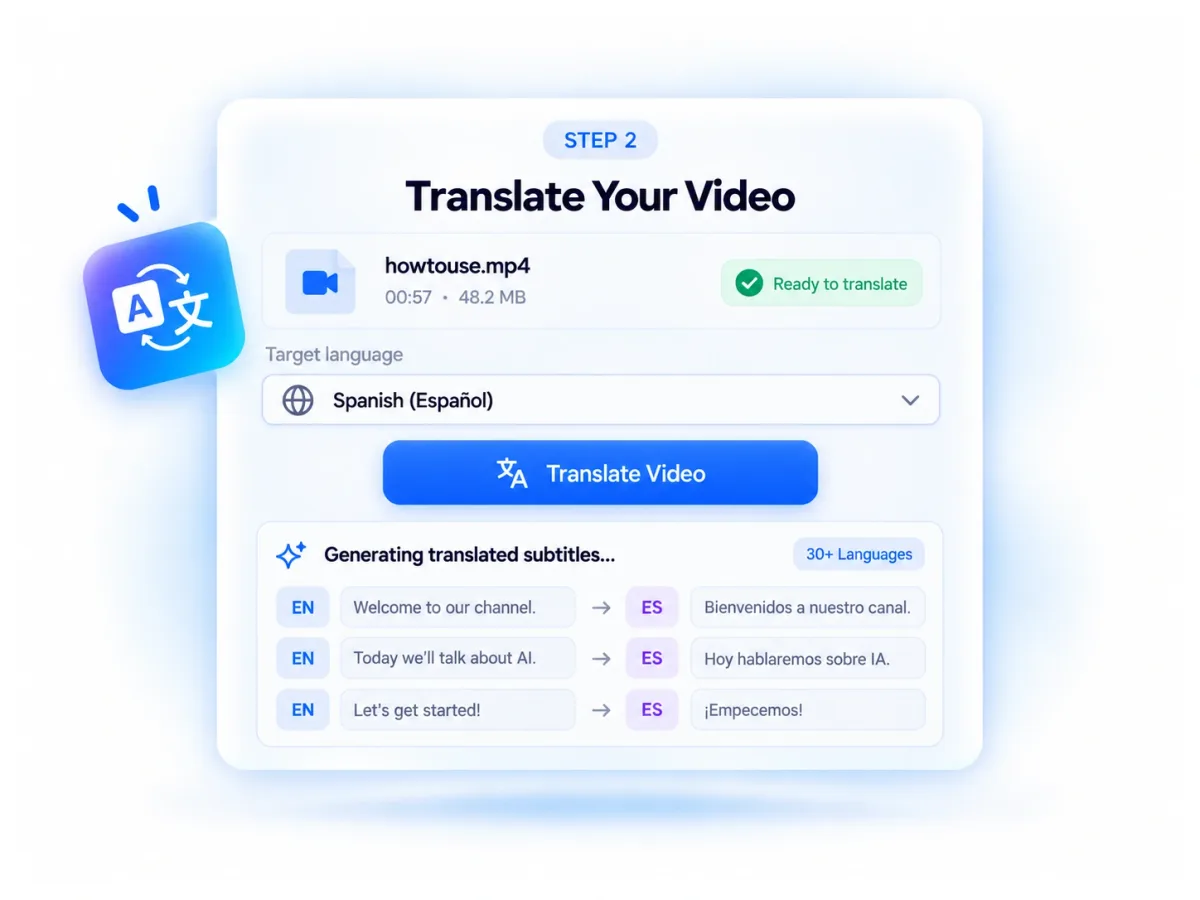
Choose the language you want to translate into, then click Translate Video. The AI video translator prepares your video and translated subtitles for review.
Open the editor to review the translated text and make any needed edits. If needed, choose an AI voice and generate a dubbed version, then export your translated video or other available files.
The AI video translator helps reduce repetitive work when you need another language version of the same video. Keep the original content and spend more time reviewing the result instead of rebuilding the project from the beginning.

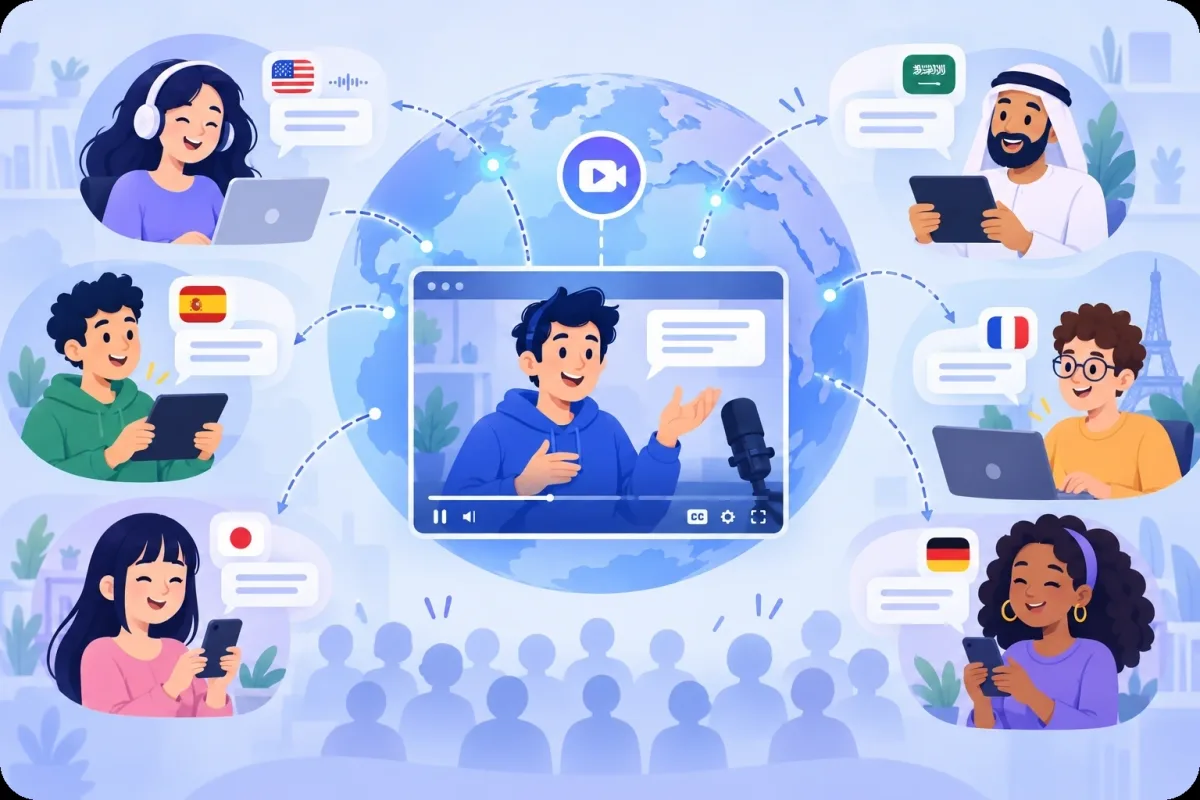
Make existing video content easier to understand for people who do not speak the original language. Use the same source video to communicate with audiences across different regions and language groups.
Review and edit the translated text before publishing. Adjust names, terminology, wording, and tone when needed so the final video better reflects the meaning and style you want to communicate.
Adapt one source video for different markets and audiences instead of producing the same content again for every language. This makes multilingual publishing more practical across campaigns, training, education, and other content workflows.
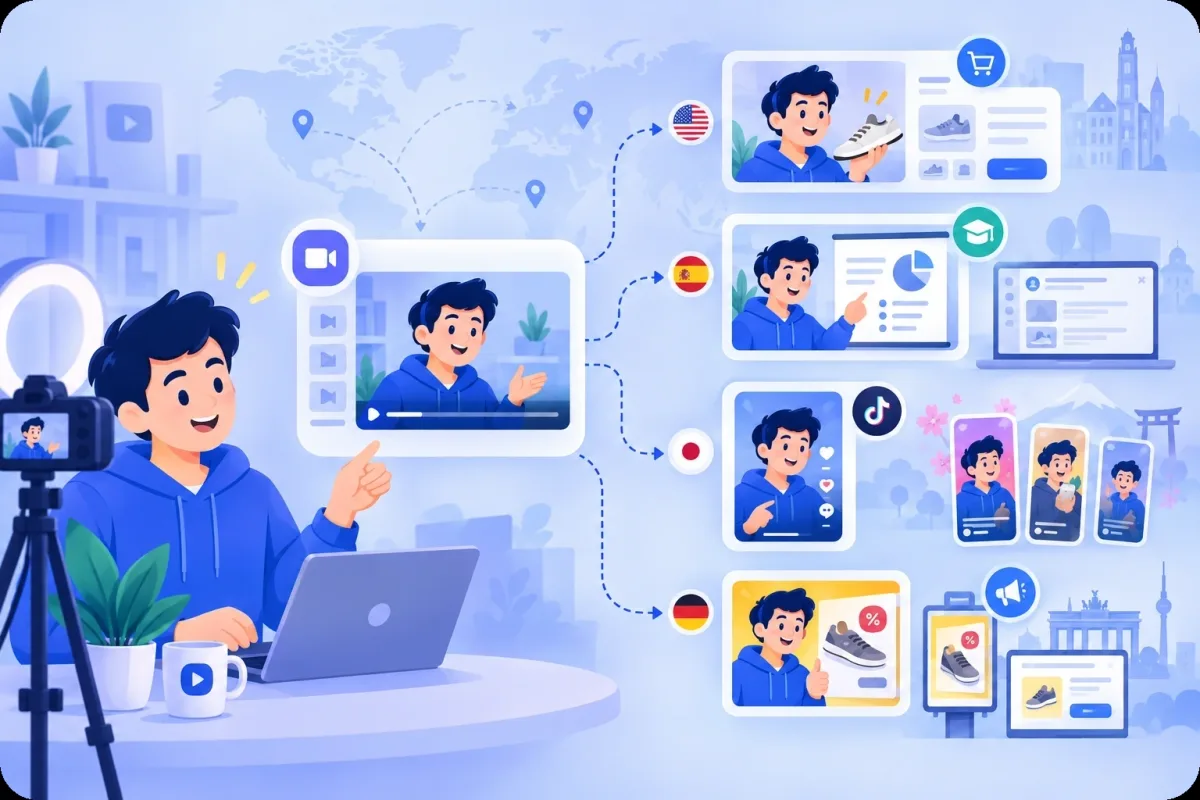
Use the AI video translator to adapt social, marketing, learning, and conversational videos for audiences who speak different languages.

Translate short videos for TikTok, Instagram, YouTube Shorts, and other platforms. Add translated subtitles or AI-generated voices to adapt videos for different language audiences.

Translate product demonstrations, launch videos, and promotional content while keeping the original visuals and brand message consistent across languages.
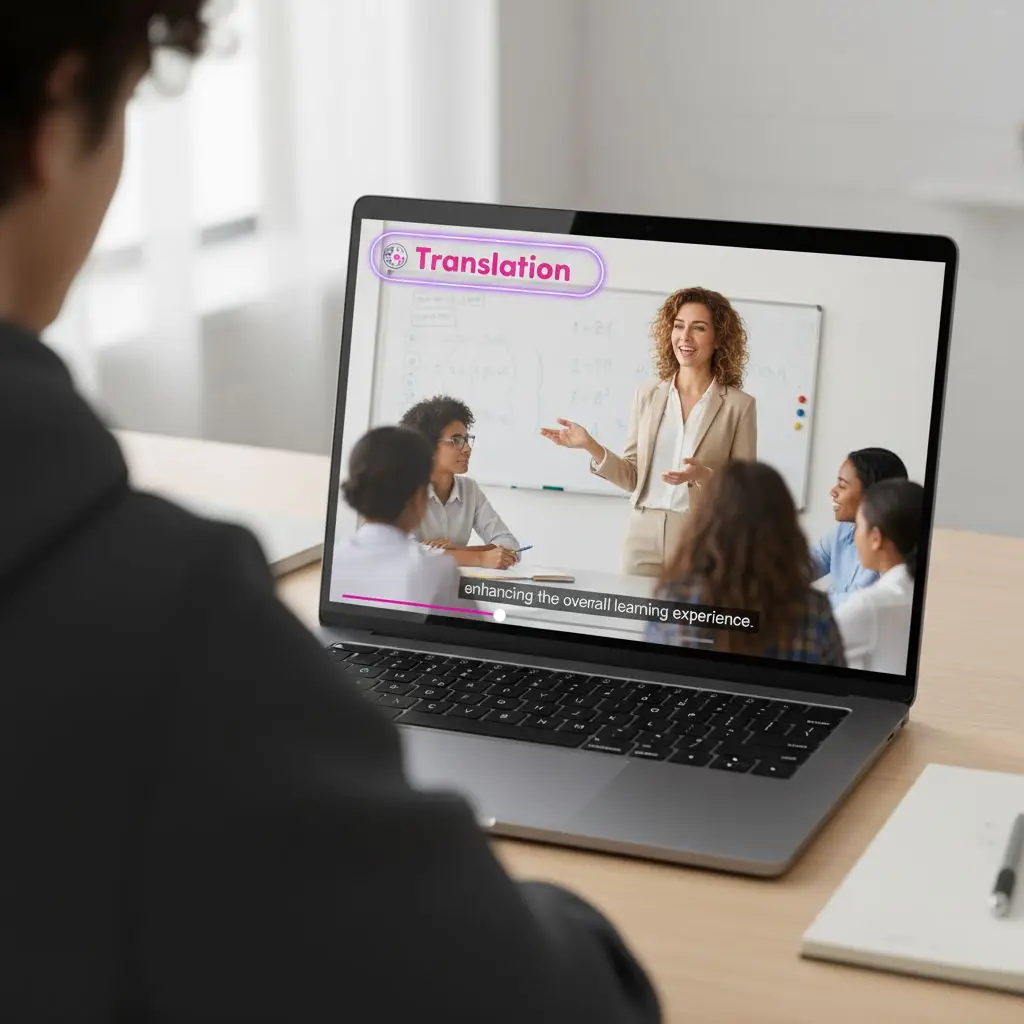
Translate educational videos, software tutorials, onboarding materials, and training clips so learners and teams can access instructional content in different languages.
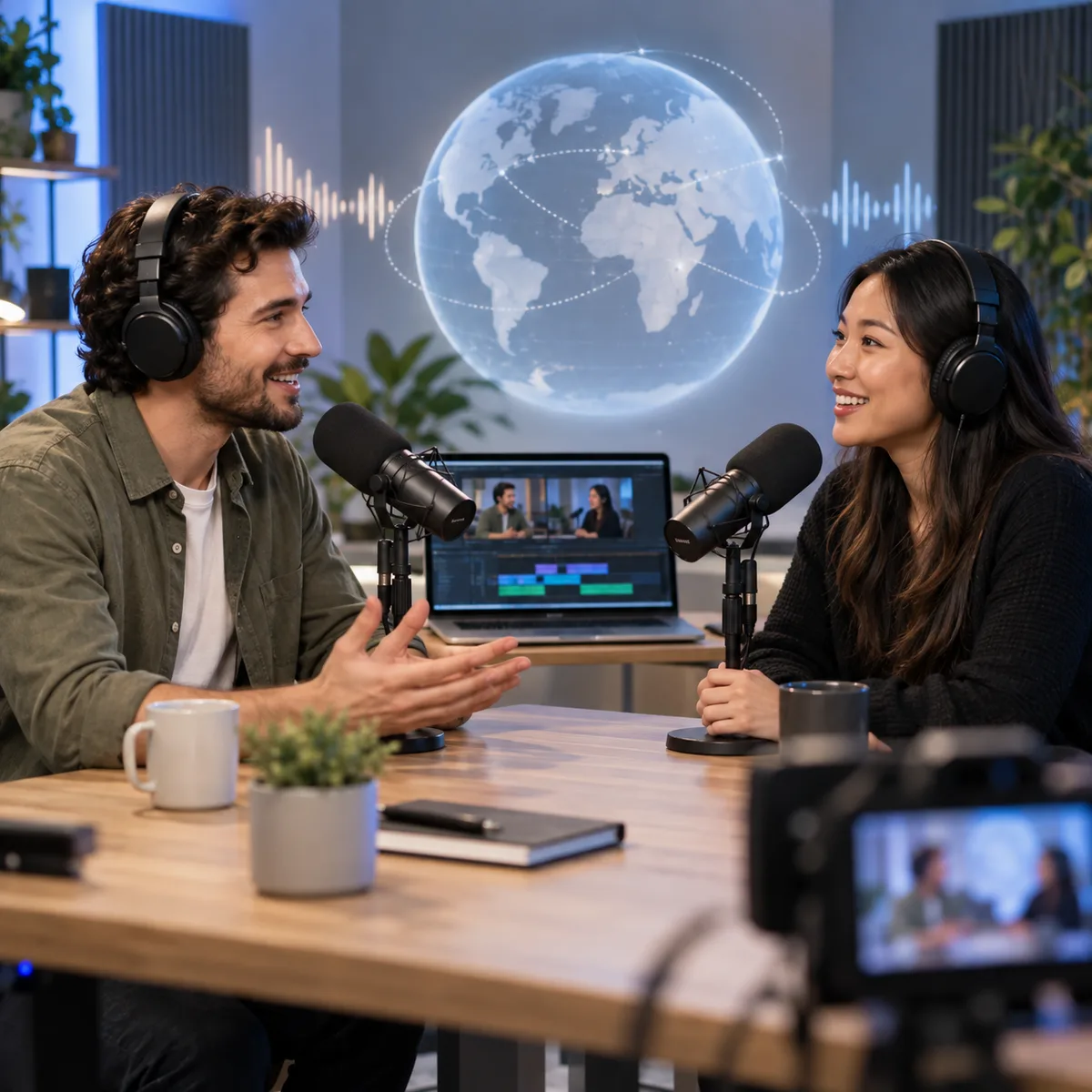
Adapt interviews, podcasts, and webinar highlights for audiences who speak different languages while preserving the original discussion flow.
Editing the translated subtitles before export gives me control over names, tone, and calls to action before I publish.
Social Video
I can adapt product videos for different markets and review brand terms, offers, and campaign wording before exporting each version.
Campaign Localization
The editable subtitles make it easier to check specialist terms, speaker names, and instructions before sharing a translated lesson.
Online Learning
Using the same source video for additional languages gives our training workflow a clear subtitle review step before export.
Employee Training
Having video, SRT, and TXT export options helps me prepare the format a client needs after I review the translated text.
Client Delivery
I like being able to choose an AI voice that fits the tone of each travel video. It helps the translated version feel more natural for viewers in different countries.
International Audiences
Upload a video to AI Video Translator, choose a language, and review the subtitles before export.