Automatic Transcription and Translation
With AI dubbing, speech is converted into a time-coded transcript and translated into your selected target language, with source and translated text aligned for review.

Compare the original video with AI-dubbed versions in Spanish, Arabic, and Hindi.
This AI dubbing tool combines automatic processing with an editable, reviewable workflow, giving you control over the script, speakers, voices, and final files.
With AI dubbing, speech is converted into a time-coded transcript and translated into your selected target language, with source and translated text aligned for review.
Review the source and translated text line by line. Edit wording before generation so the dubbed audio uses your revised script.
Browse more than 300 AI voices and narrow the list by language, gender, age, or scene. Preview a voice before applying it to your project.
The system detects different speakers, and you can preview and choose a different AI voice for each one before generating the dub.
Preview the video inside the workspace, switch between original and translated versions, and show or hide translated subtitles while checking the result.
Download original, translated, or bilingual subtitles; original or translated audio and video; or a video with subtitles. Export formats include MP4, MP3, SRT, TXT, XLSX, and DOCX.
Complete AI video dubbing in three simple steps, from upload and review to final export.
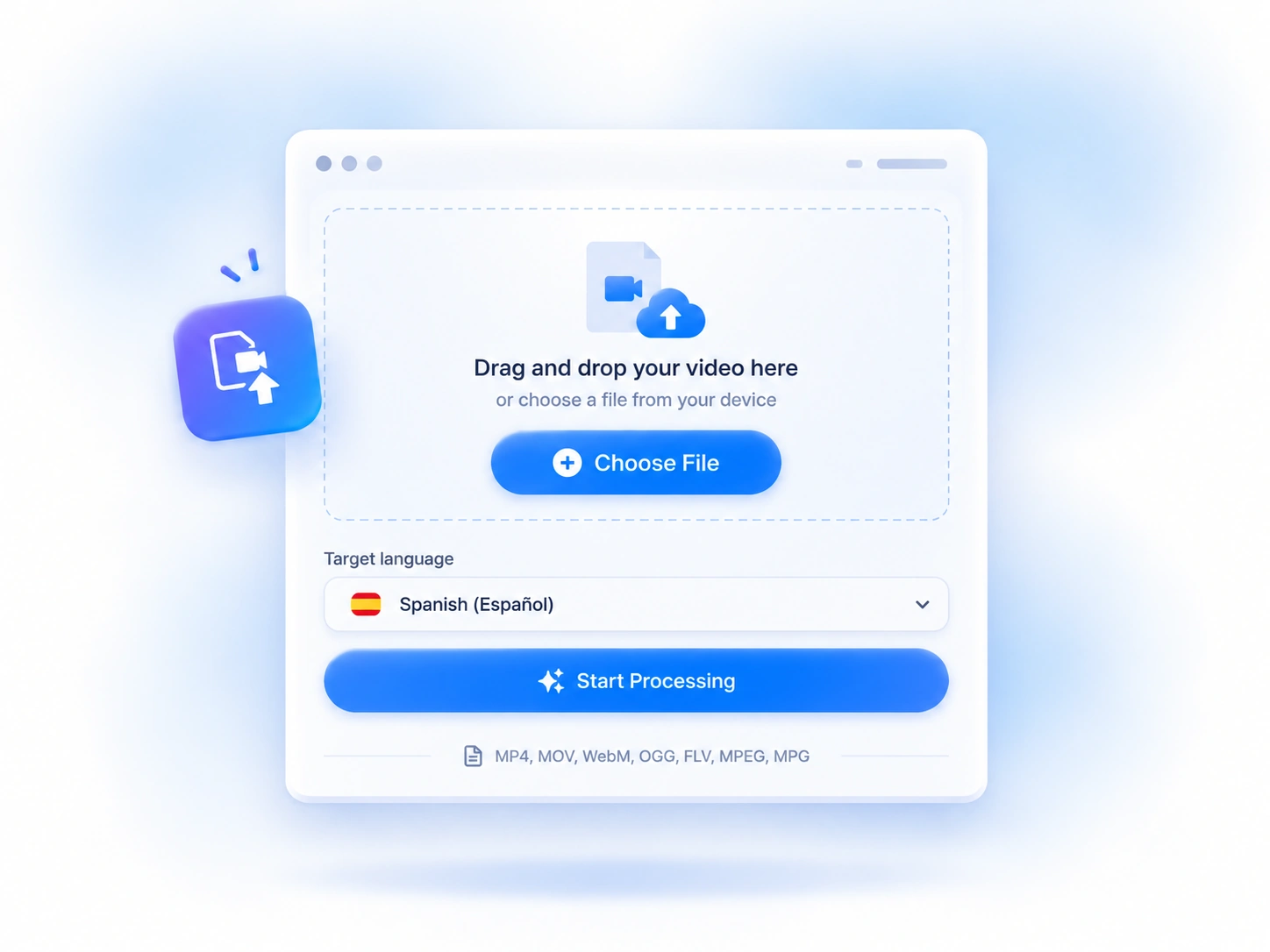
Upload a video from your device, choose one of 30+ target languages, and start processing.
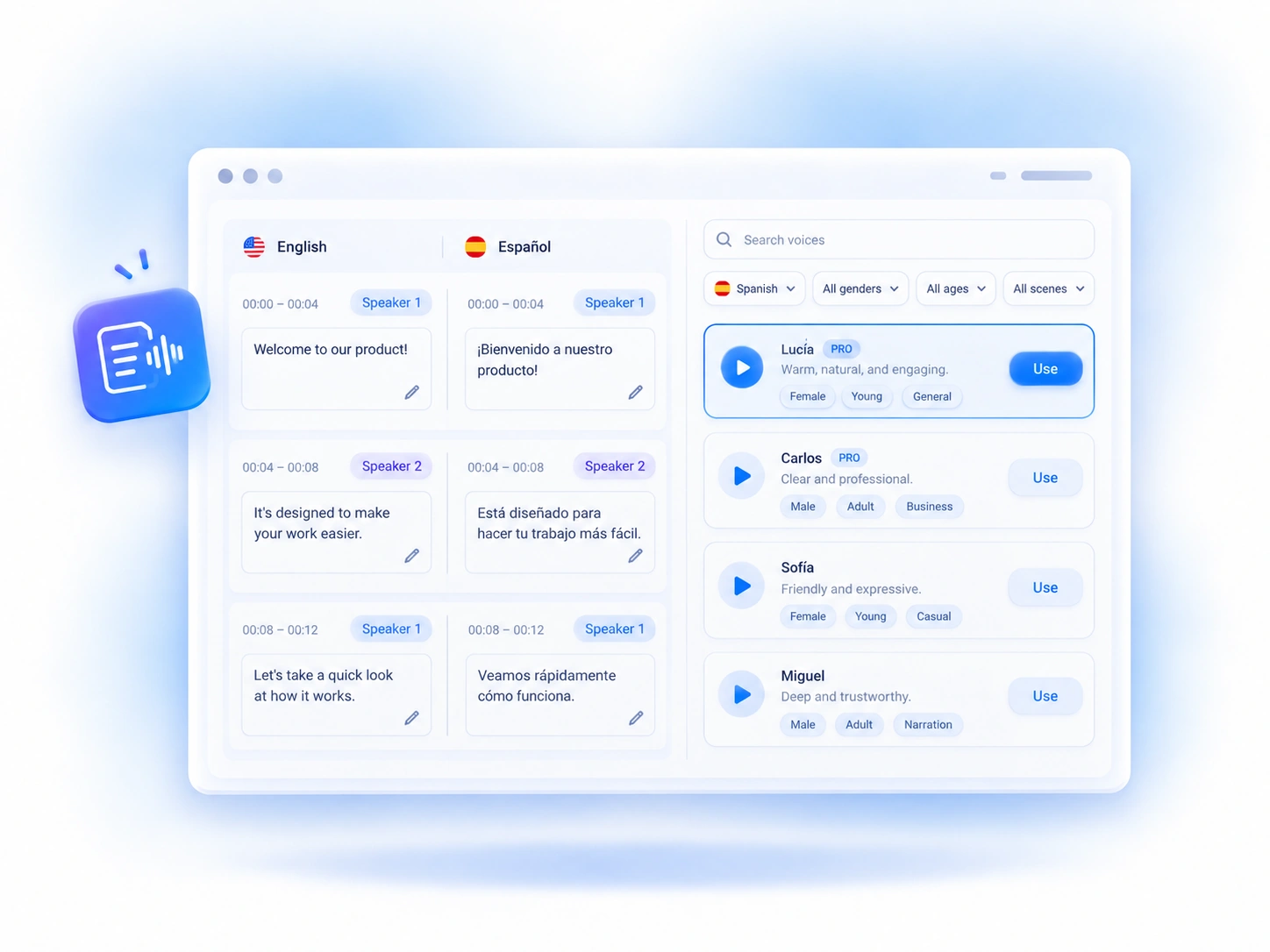
Review the time-coded translation, edit any segment, then search, preview, and choose an AI voice for each detected speaker.
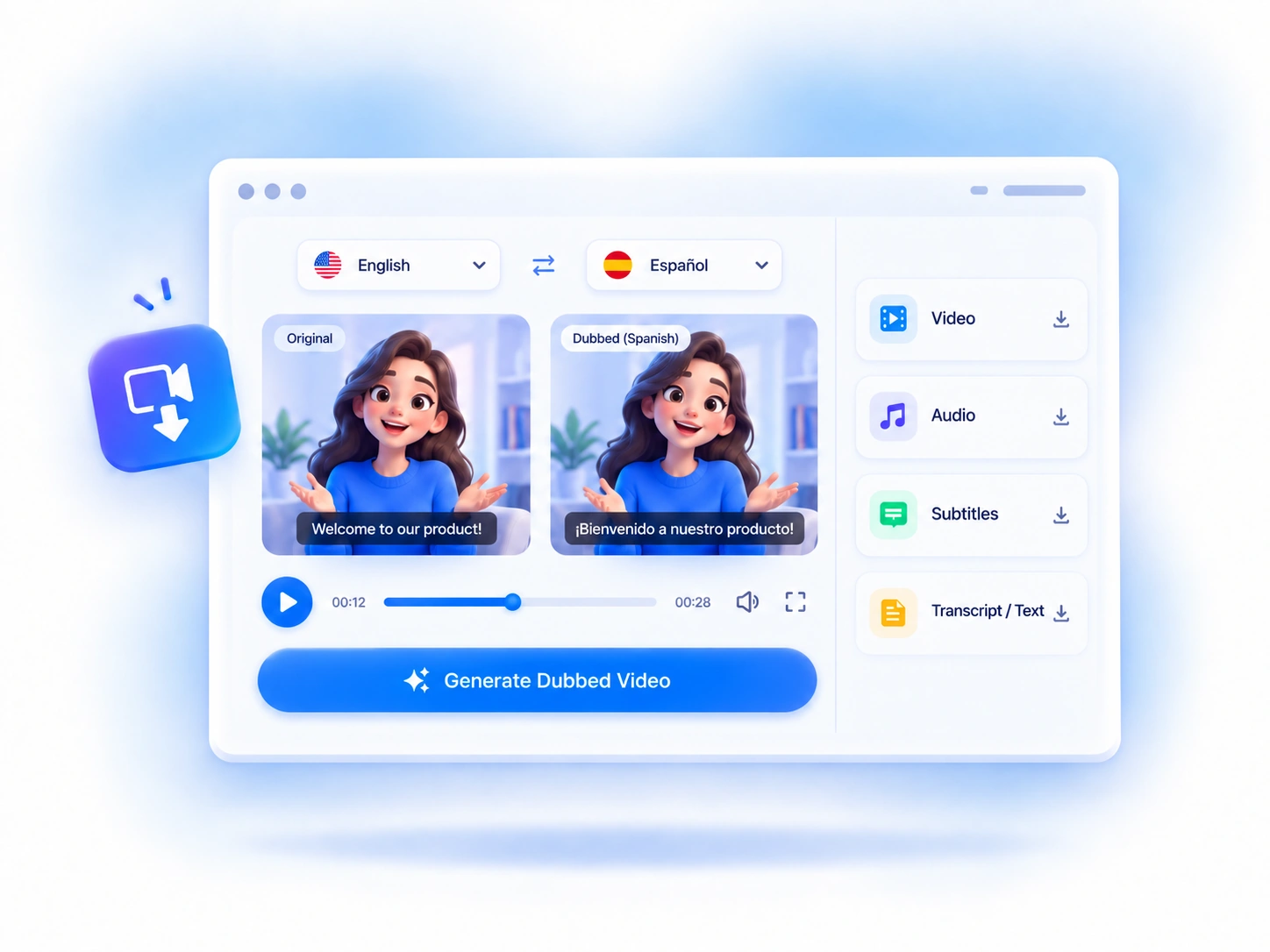
Generate the dubbed version, preview it alongside the original, then download the video, audio, subtitles, or text files you need.
AI dubbing helps you adapt video content for new audiences while reducing the work required to create and manage each language version.
A translated voice lets viewers follow the message without reading every line on screen, making it easier to keep their attention on the visuals.
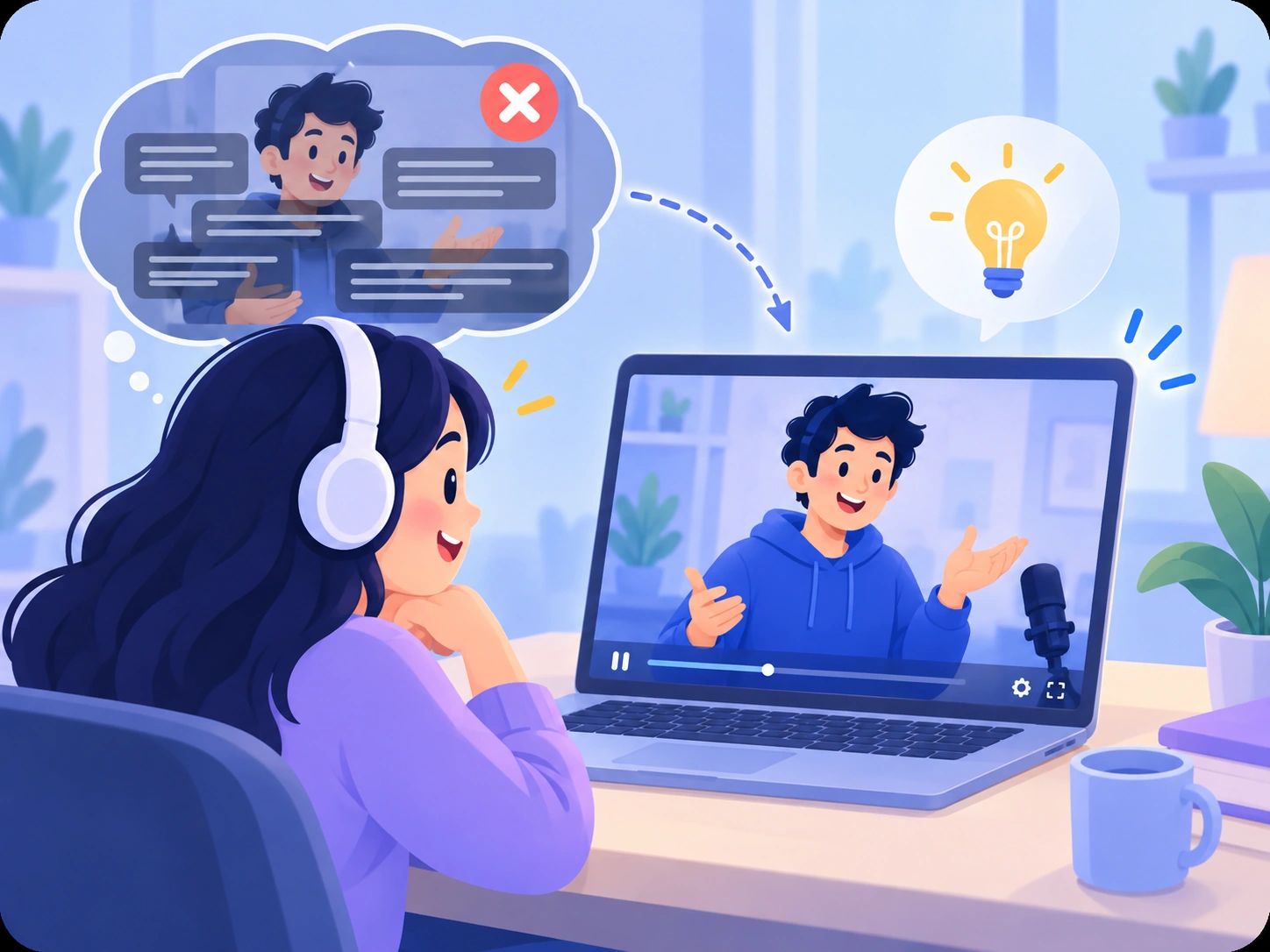
Create another language version without arranging a new recording session for every market, reducing the repeated production work behind multilingual video content.
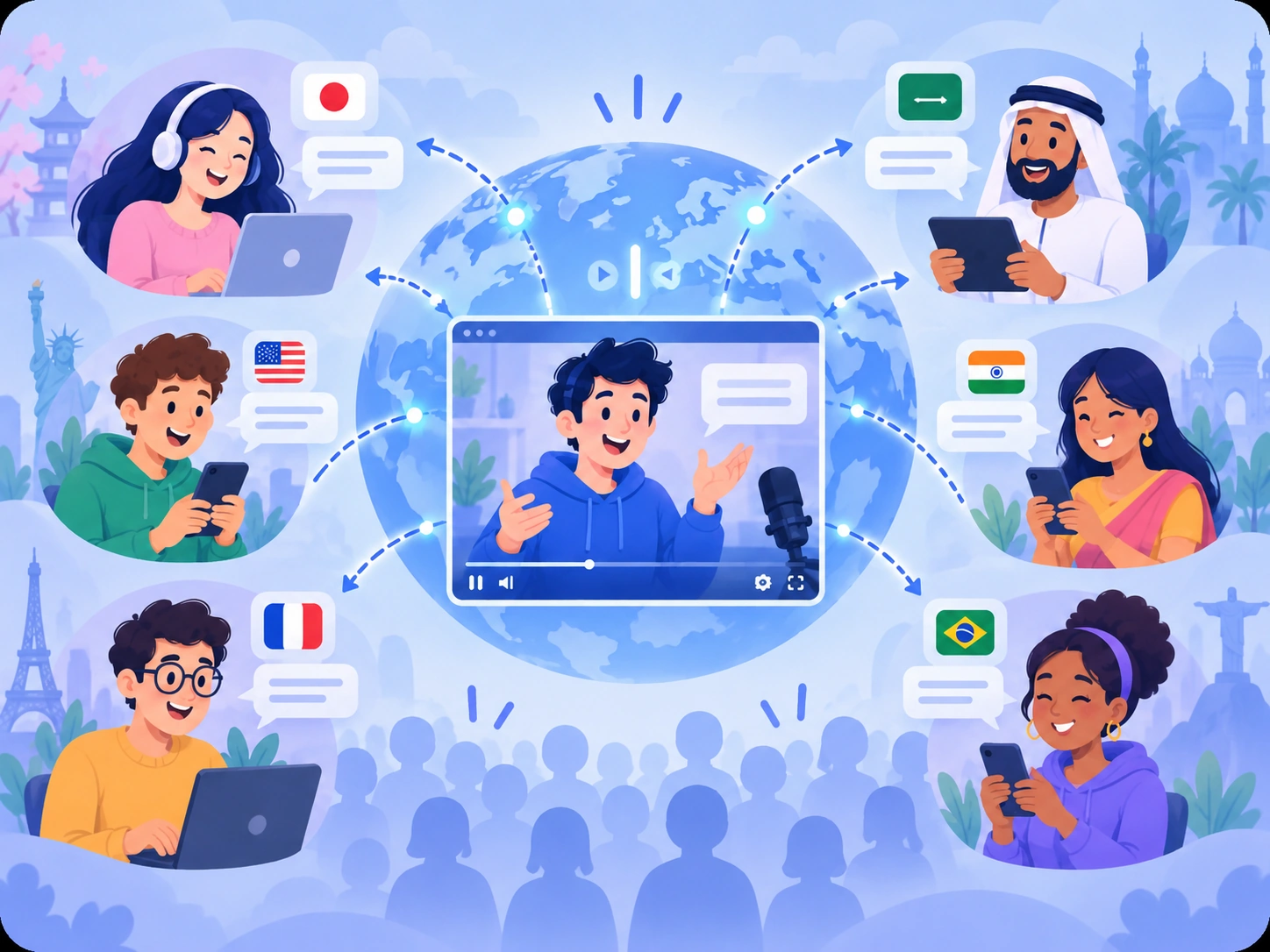
Review names, terminology, instructions, and calls to action before publishing to keep important wording consistent across language versions.
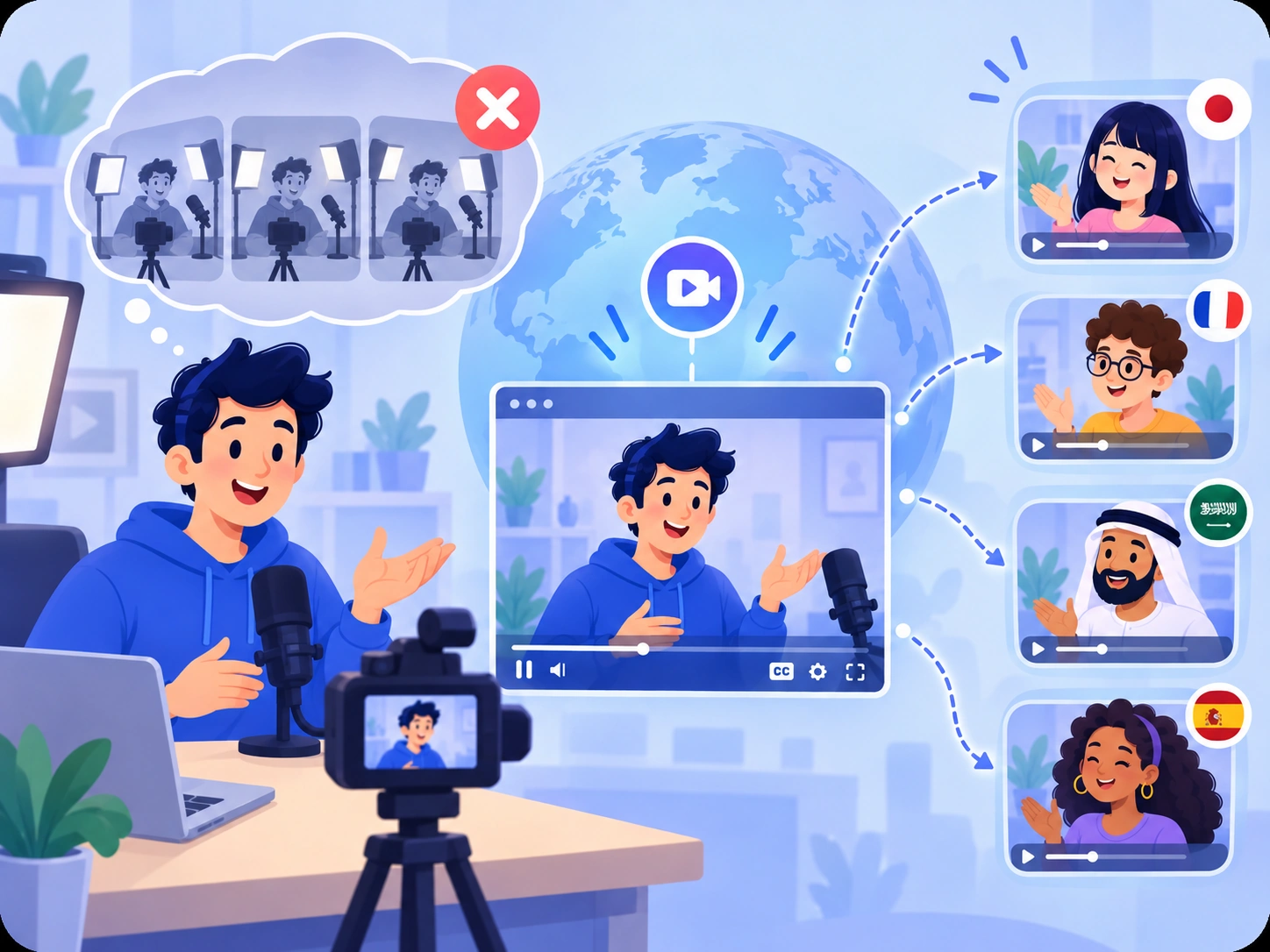
Use the same video for different language audiences without rebuilding the visual content for each market.
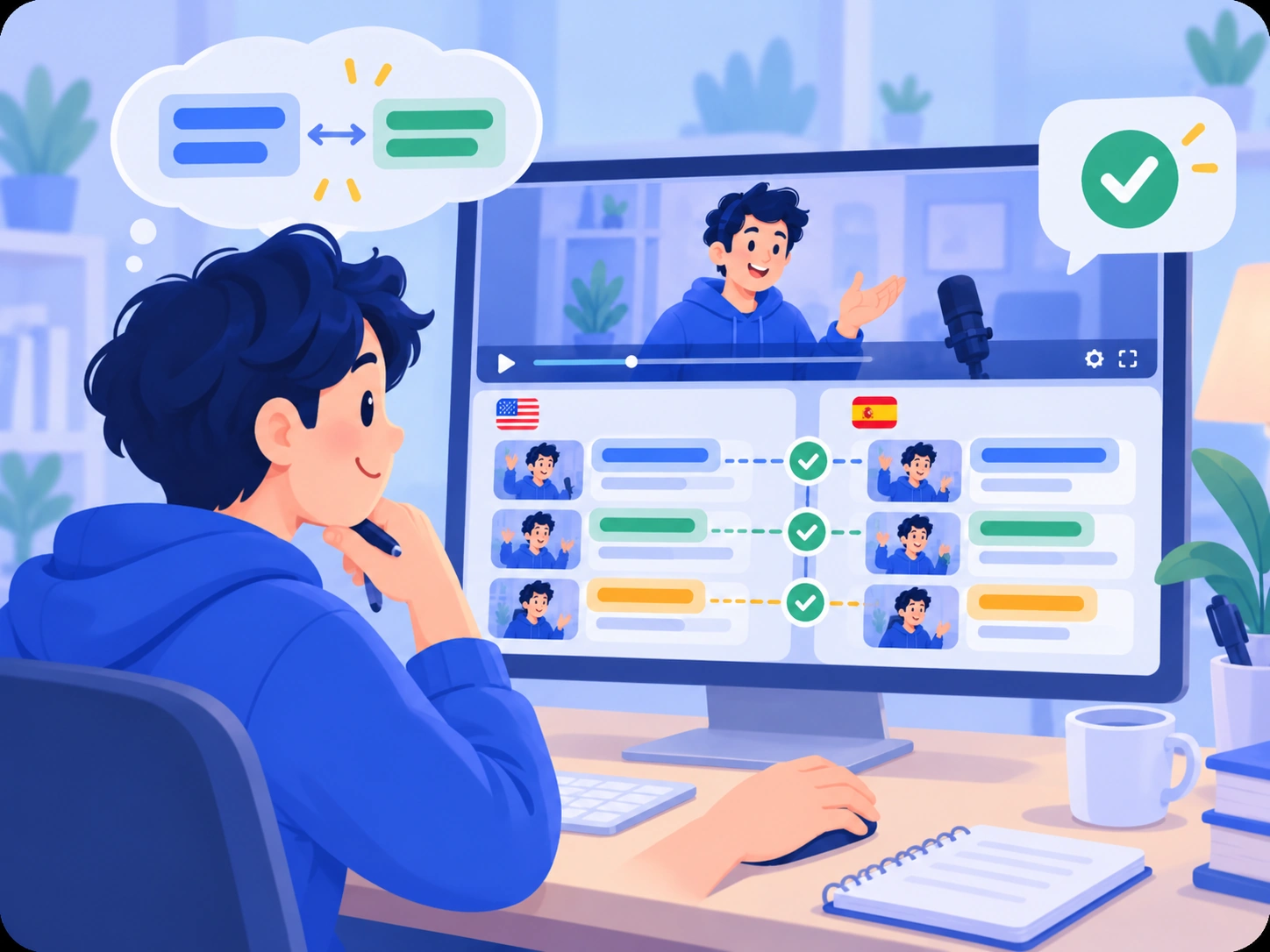
Use AI dubbing for marketing videos, tutorials, training content, interviews, and other videos that need another language version.

Dub short ads, product demos, promotional clips, and creator content into other languages while keeping the original video structure and visuals.
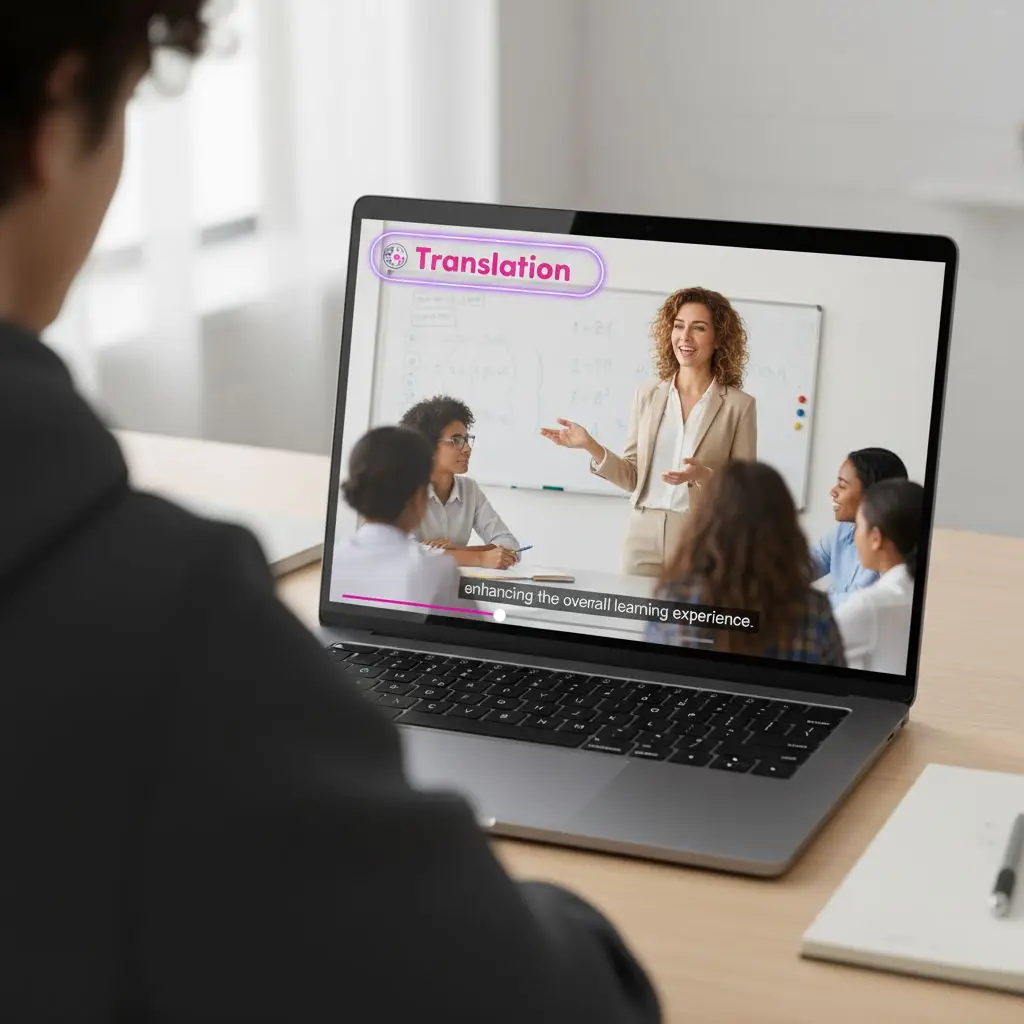
Create dubbed versions of software walkthroughs, onboarding videos, short lessons, and instructional content where spoken guidance supports the on-screen steps.
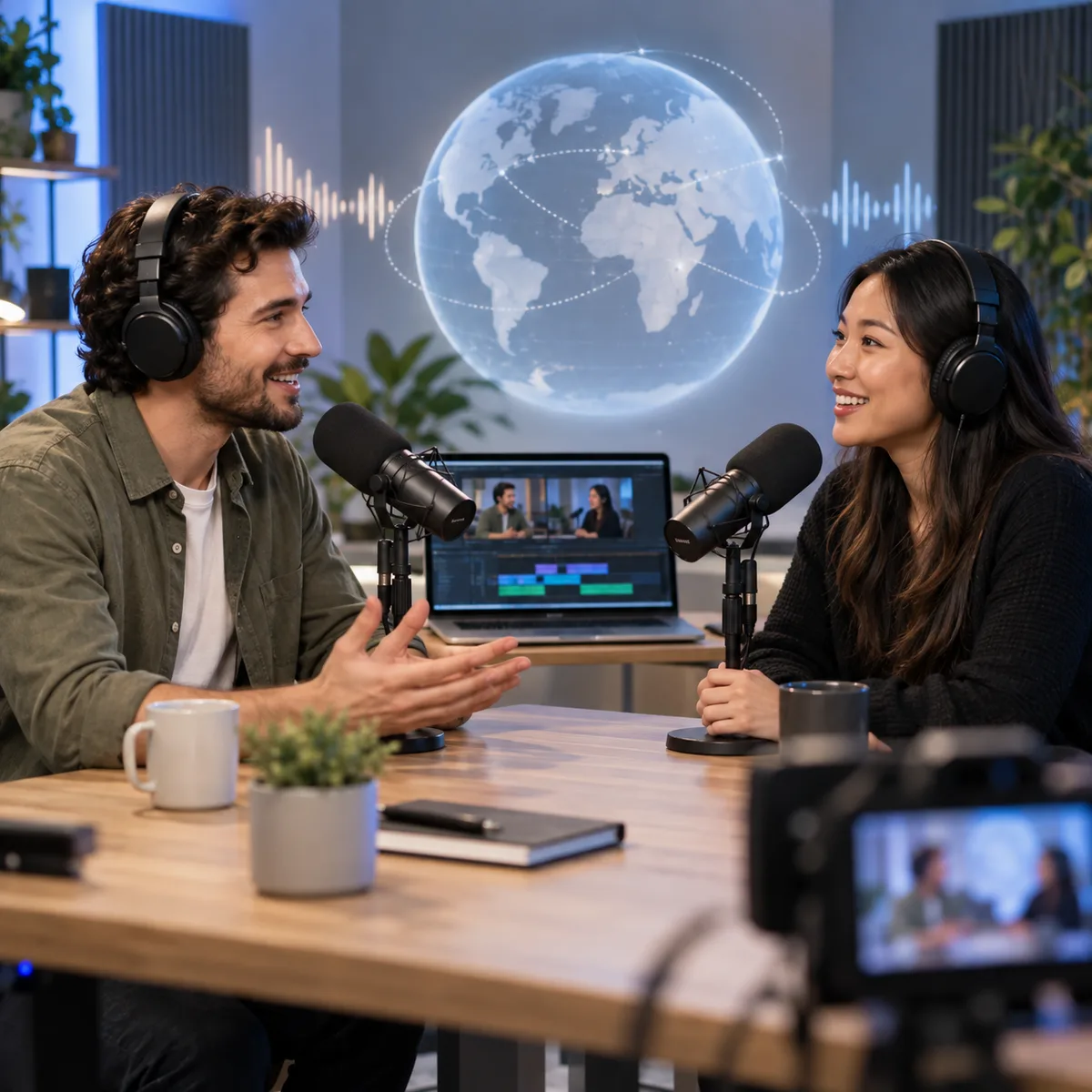
Dub interviews, podcast clips, panel discussions, and webinar highlights with different AI voices for different speakers identified in the video.
See how creators, marketers, educators, and teams use AI dubbing in their video workflows.
I can preview different voices before generating the dub, which makes it much easier to choose one that fits the tone of each video.

Sofia Martinez
Content Creator
Being able to review and edit the translated script helps me keep product names, campaign wording, and key messages consistent before generating the audio.

Hiroshi Tanaka
Product Marketing Manager
The export options are useful when I need different deliverables. I can prepare the dubbed video, audio, subtitles, or text from the same project.

Lena Hoffmann
Online Educator
For videos with several speakers, I can assign different AI voices to each person instead of using one voice for the entire conversation.

Camille Dubois
Training Content Producer
Create a dubbed version in another language, review the result, and export it when you’re ready.
Find answers about AI dubbing, supported languages and formats, multi-speaker videos, script editing, exports, and common questions about using the dubbing workflow online.